
For students · Smrt Study
English lessons and practice for students, on any device
Students read, listen, speak and write through lessons built around readings, conversations and audio. Practice is marked automatically as soon as they submit it, and they can follow their own progress on the web or in the Smrt app.

Lessons
Lessons that develop all four skills
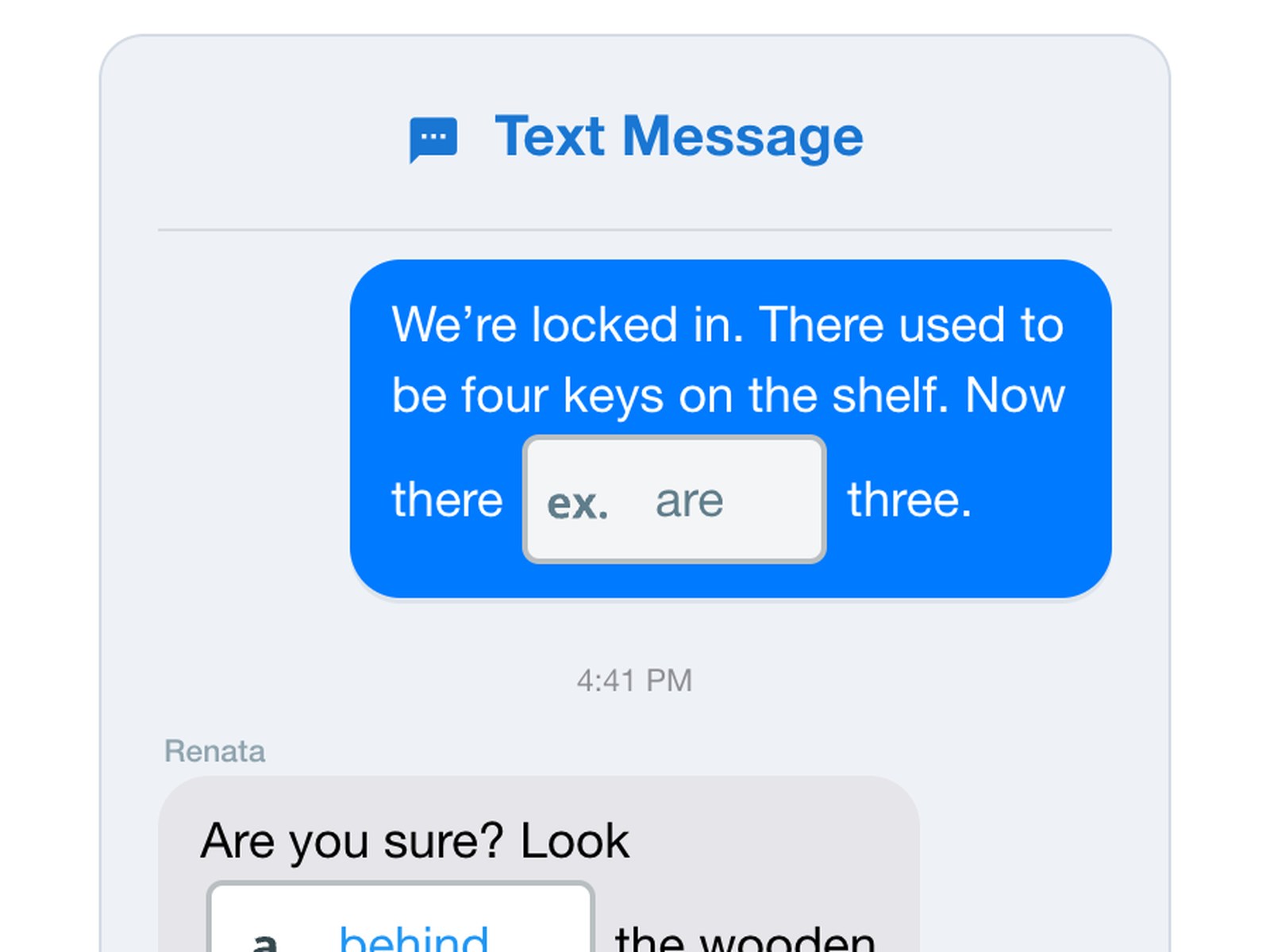
Each unit combines reading, listening, speaking and writing around people and places students recognise. New vocabulary comes with photos and audio, and conversations are recorded so students can replay them as often as they need.
- checkReading, listening, speaking and writing
- checkVocabulary with photos and audio
- checkConversations students can replay

The pathway
Core English by age, then a course for the next goal
Core courses take students from Pre-A1 to C1 on the Common European Framework of Reference (CEFR). From there, students can move on to exam preparation, English for study or English for work.
Core English, by age
- AdultsAdults and older teensBeginner to advanced, level by level
- YouthSecondaryCore English beside school subjects
- KidsPrimaryAll four skills, through projects
Then, by goal
- Exam PrepThe exam score they needIELTS, TOEFL, CELPIP and more
- AcademicsEnglish for studyCommunication for college and university
- ESPEnglish for workThe language of a job or an industry
Inside a course
What students see in a lesson
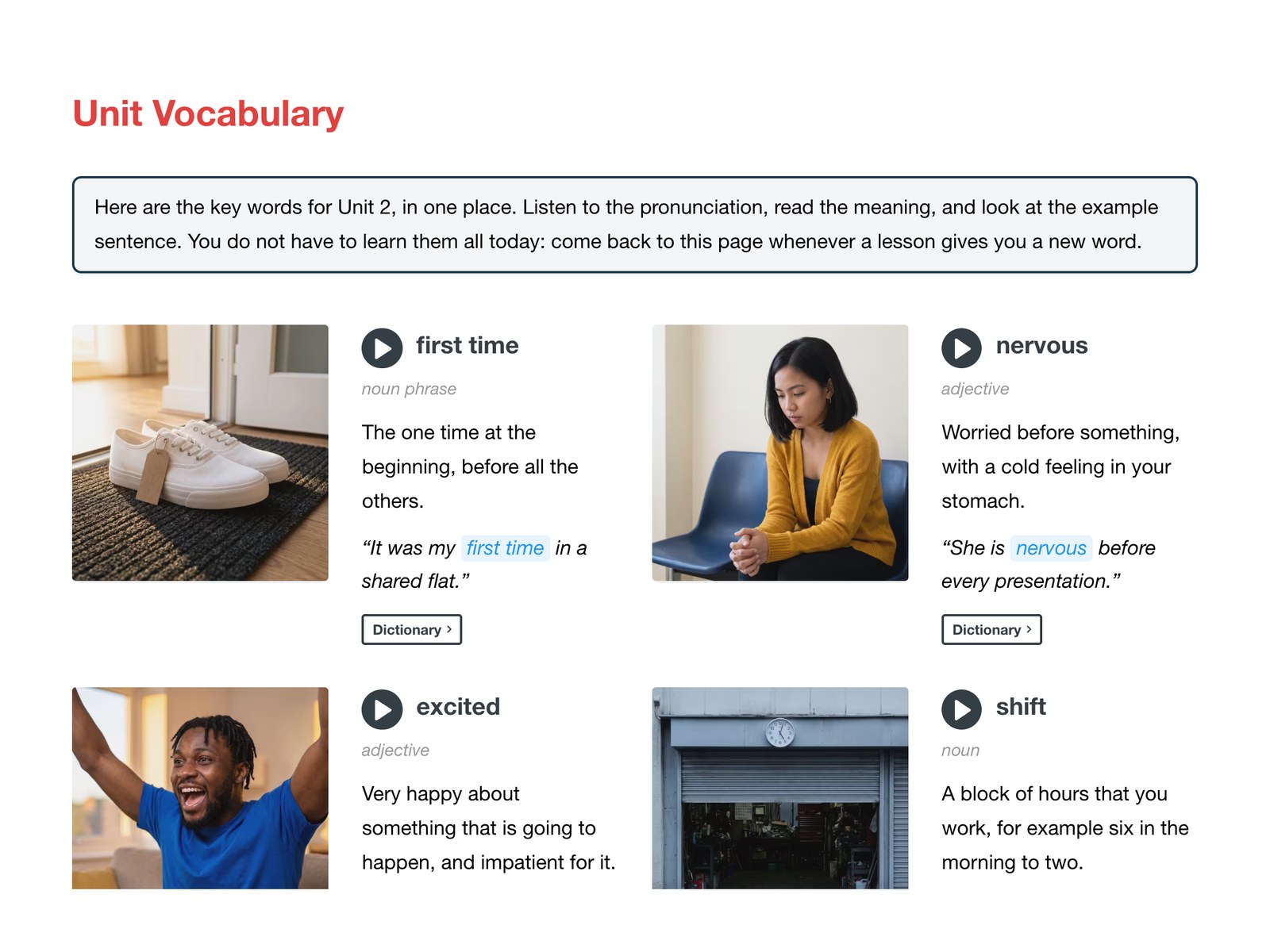
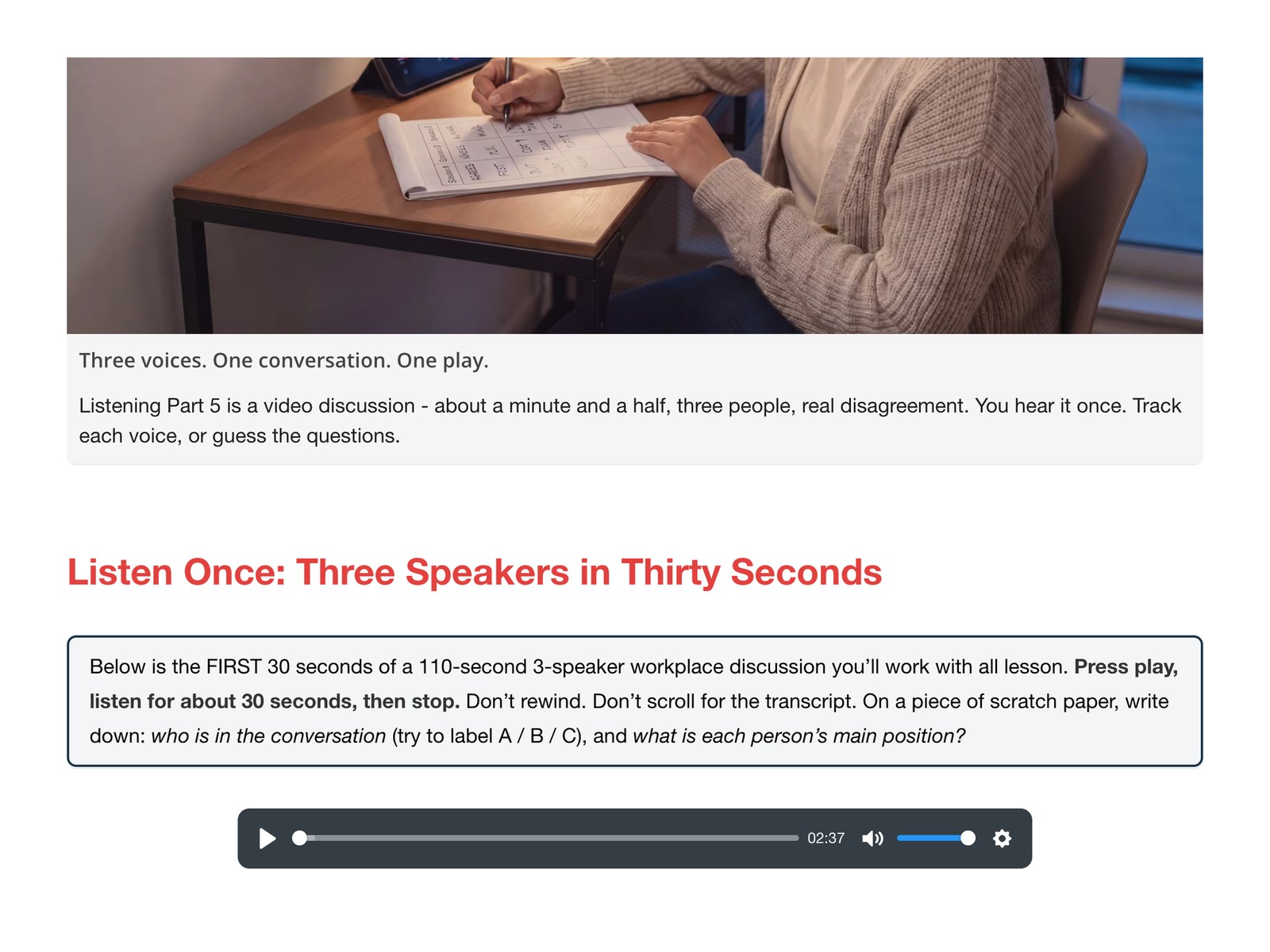
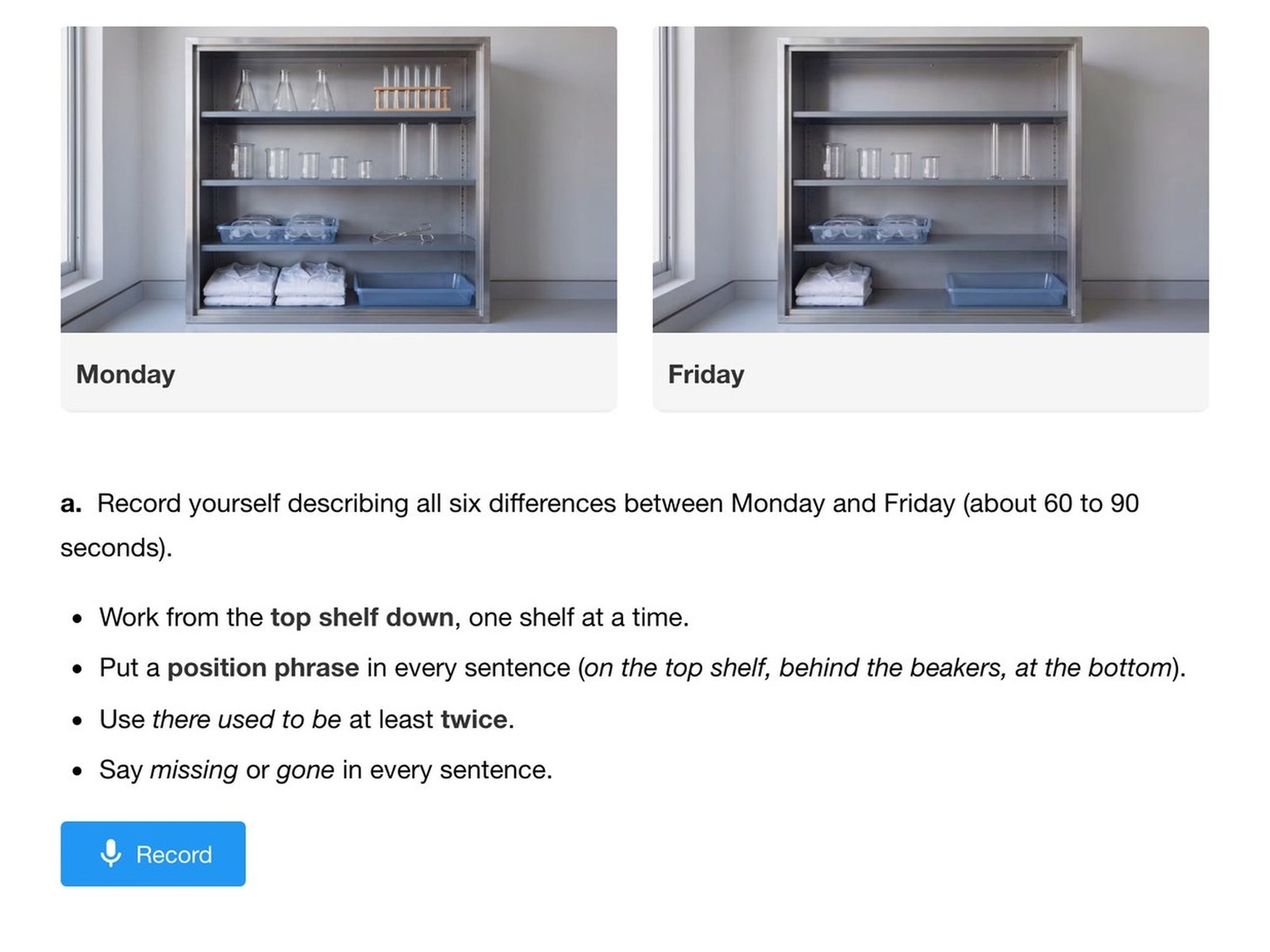
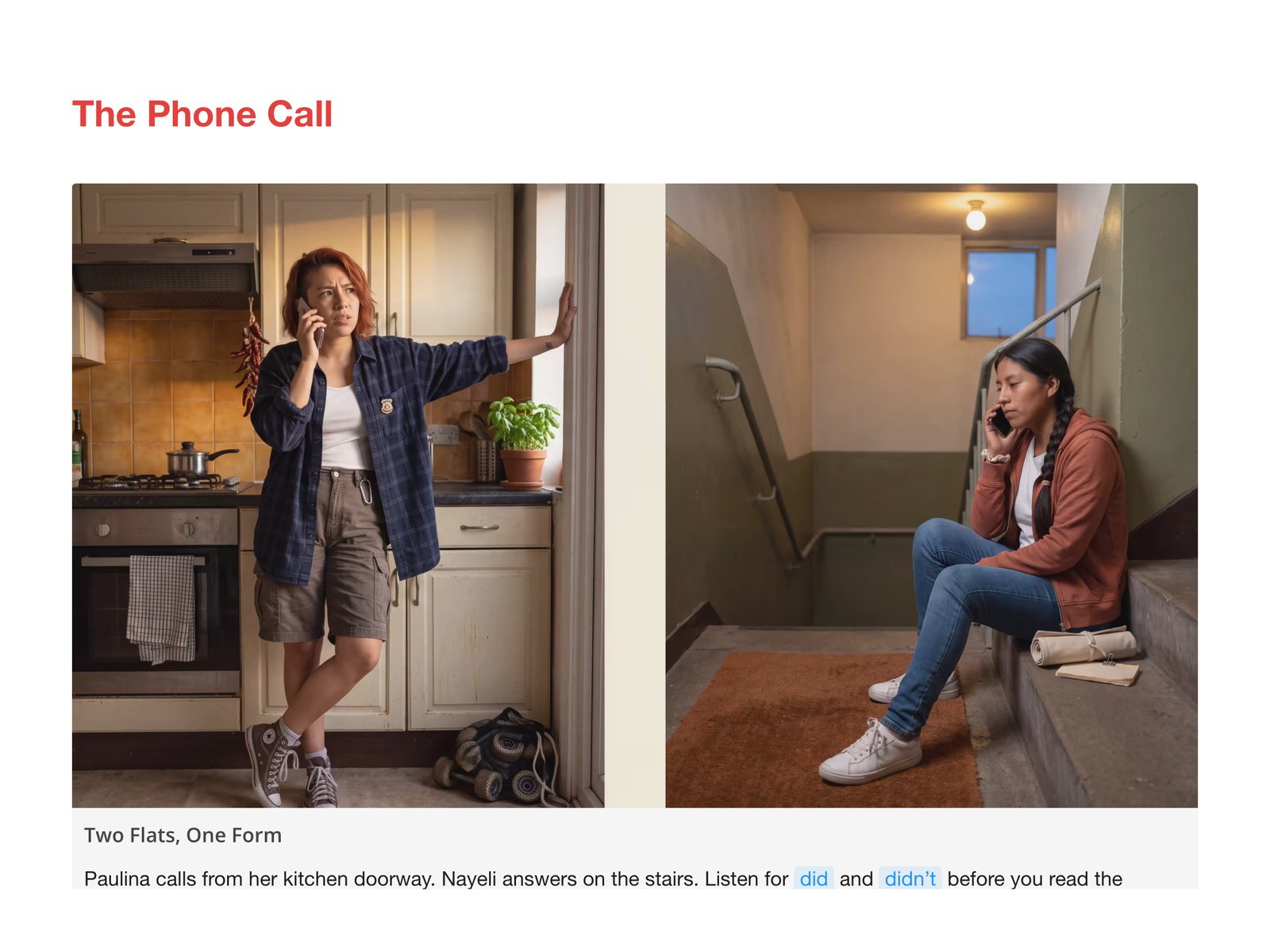
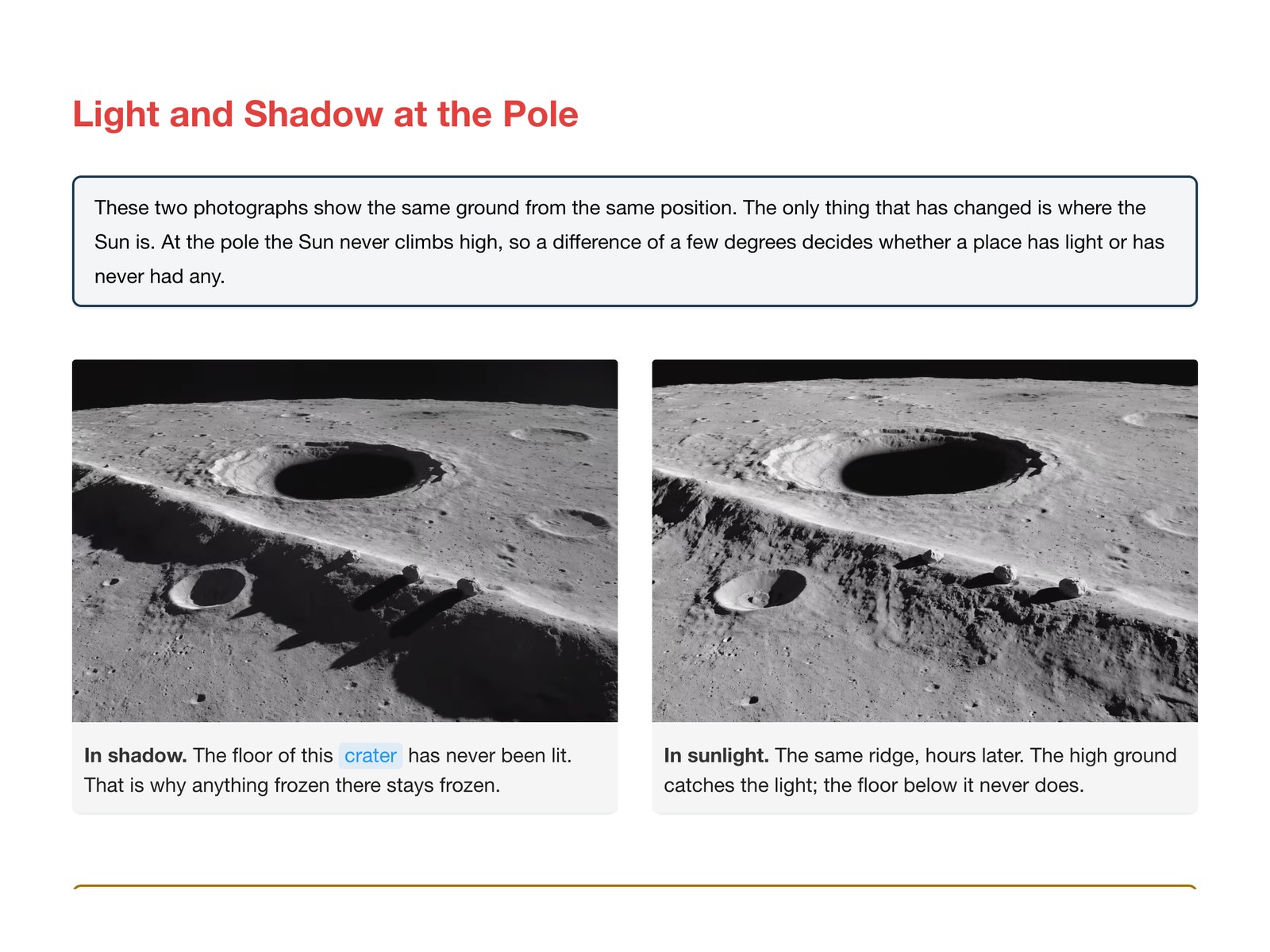
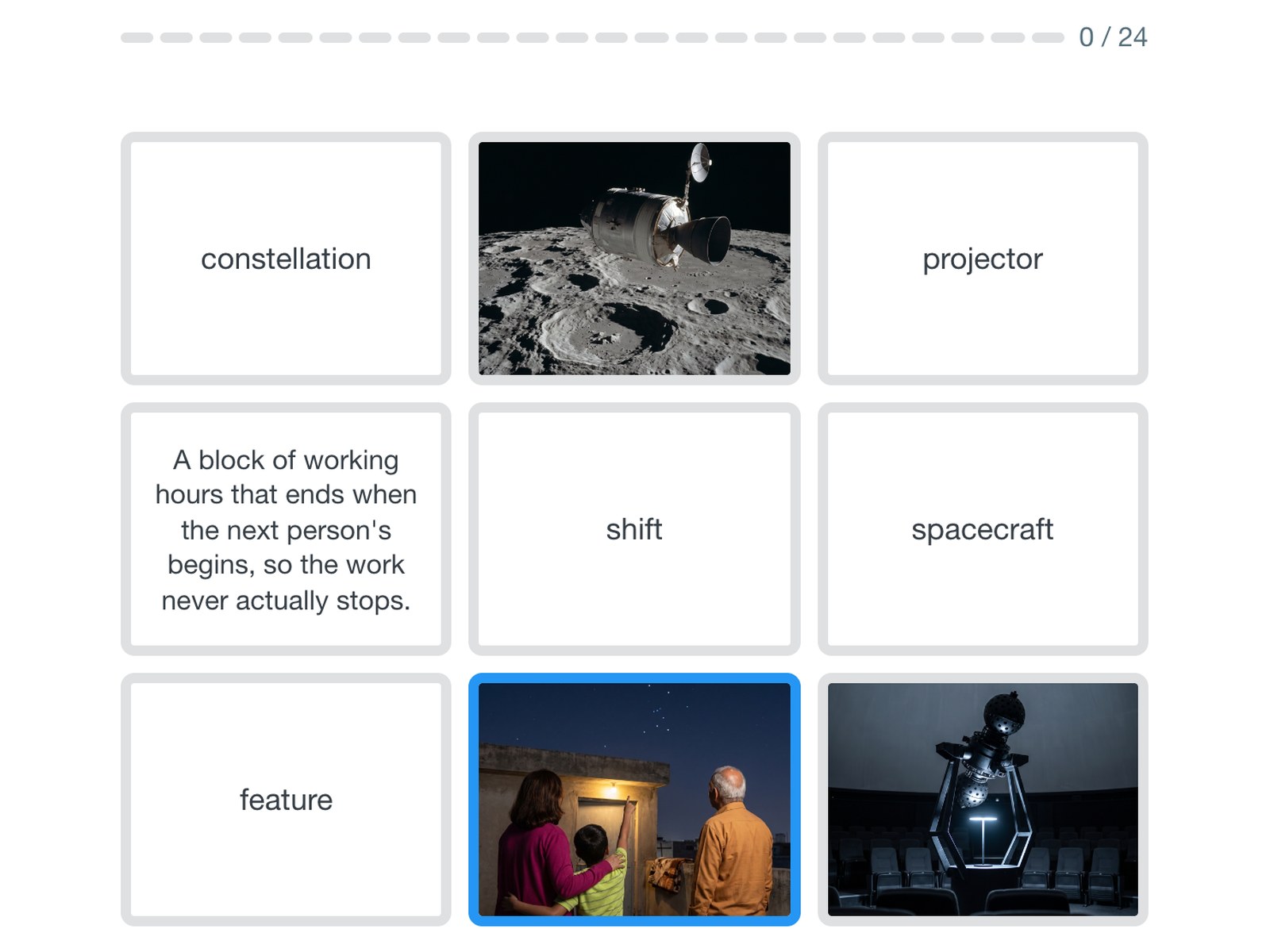
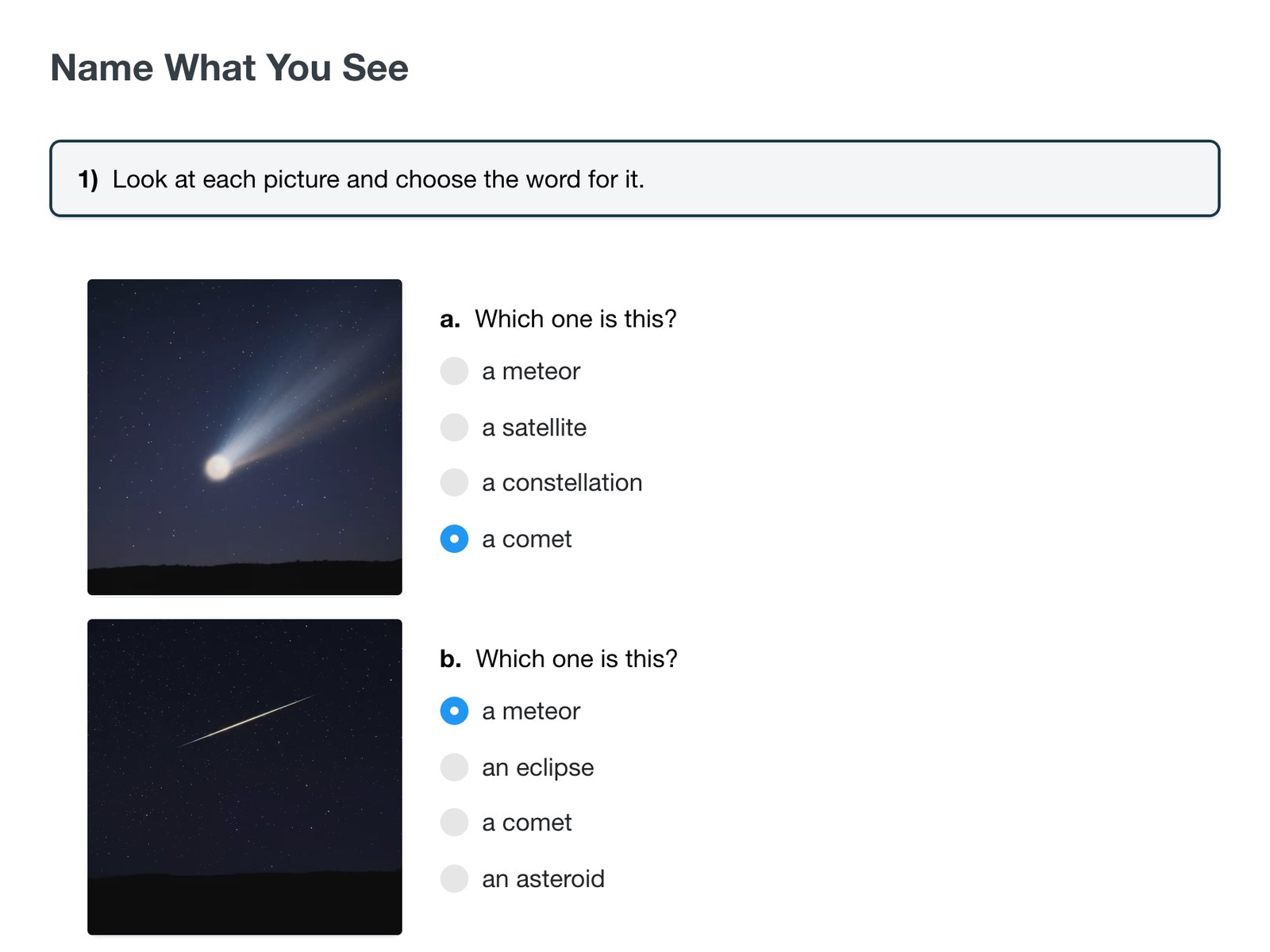
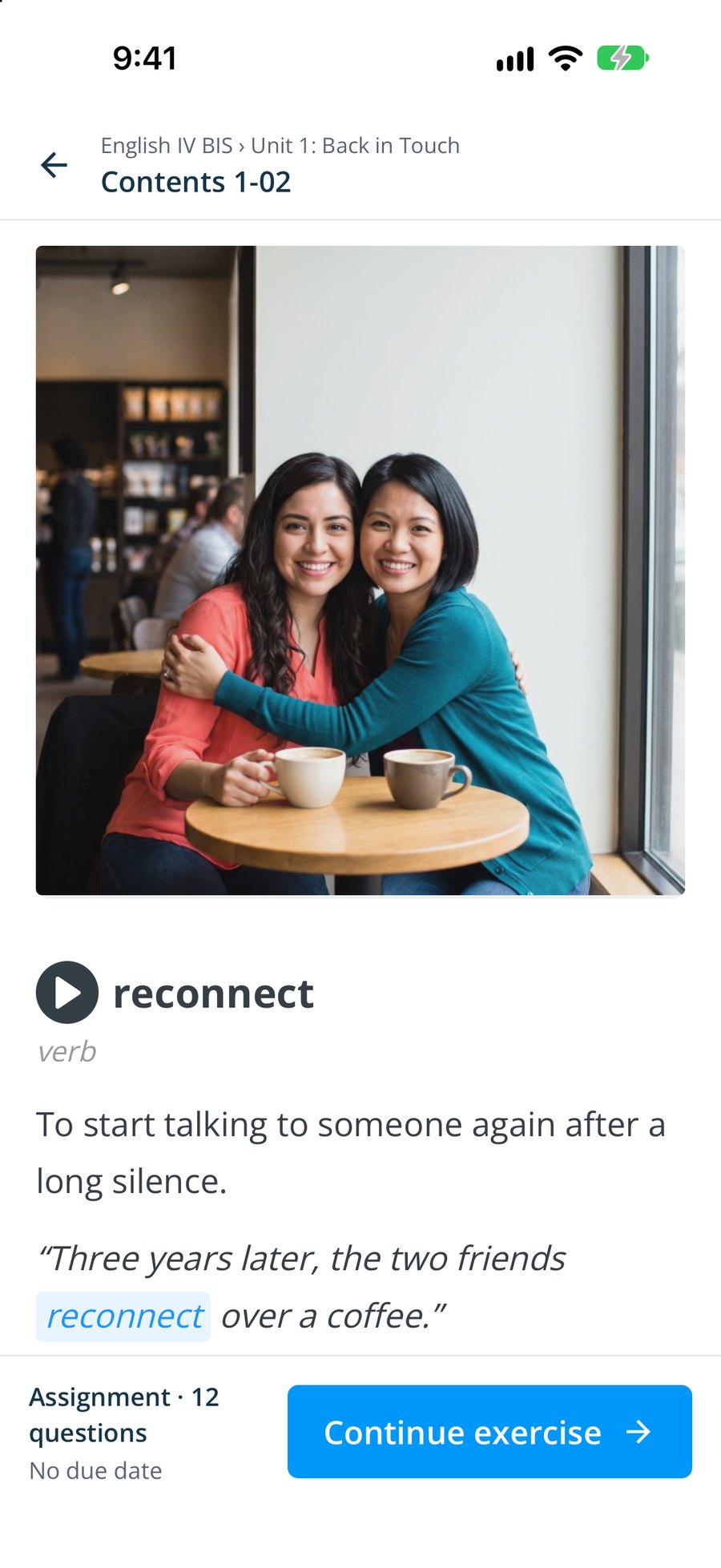
These are real screens from our newest courses: vocabulary with pictures and audio, video and listening inside the lesson, practice exercises and the daily vocabulary game.

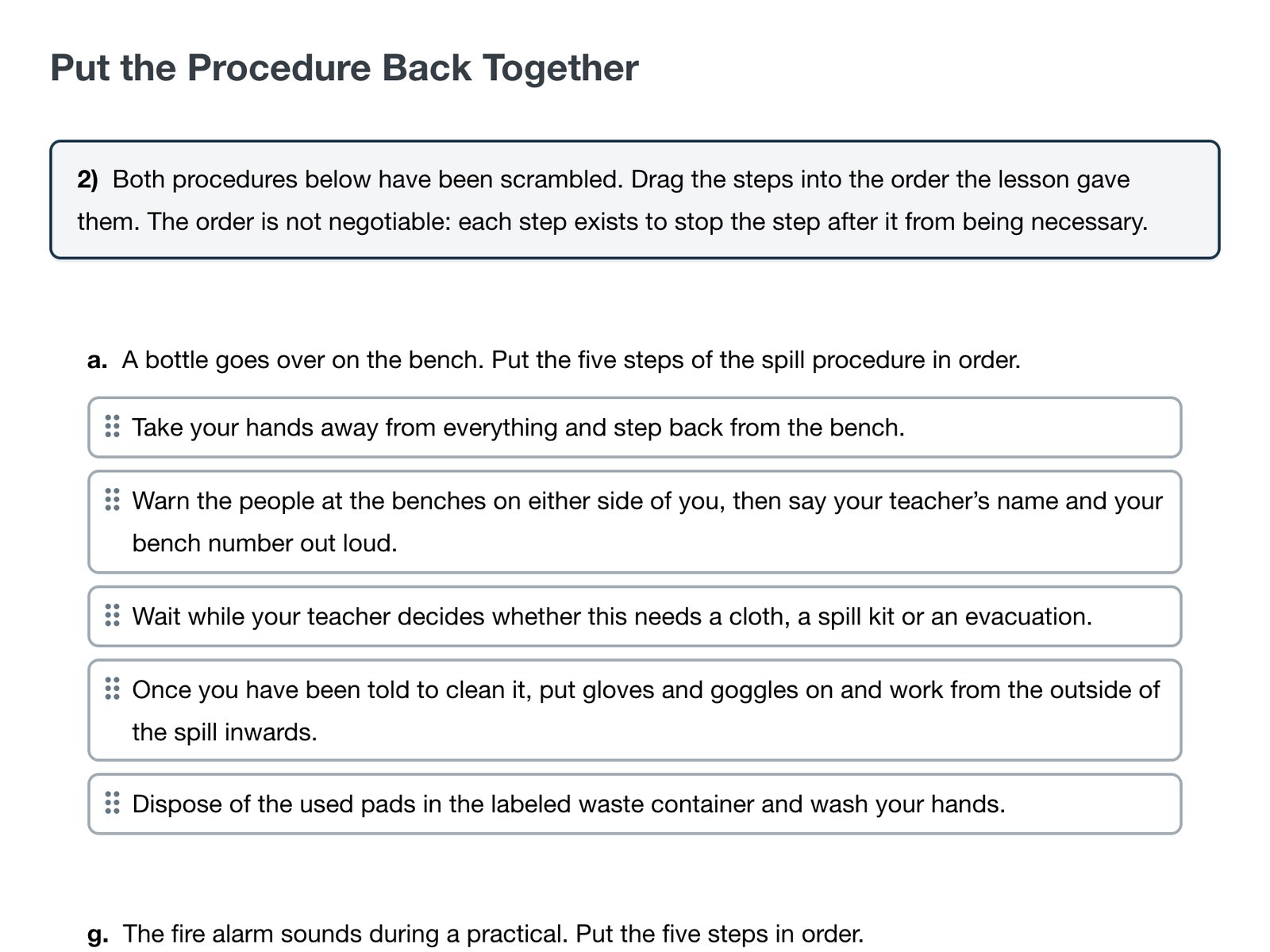
Practice with instant scores
Scores as soon as students submit
Exercises in eight types are marked automatically when a student submits them, so practice turns into feedback straight away. Answers are shown once the teacher releases them, and every score goes to the class gradebook.
- checkScores as soon as they submit
- checkAnswers shown when the teacher releases them
- checkEvery score goes to the gradebook

Tests that save as they go
Quizzes and exams that save each answer
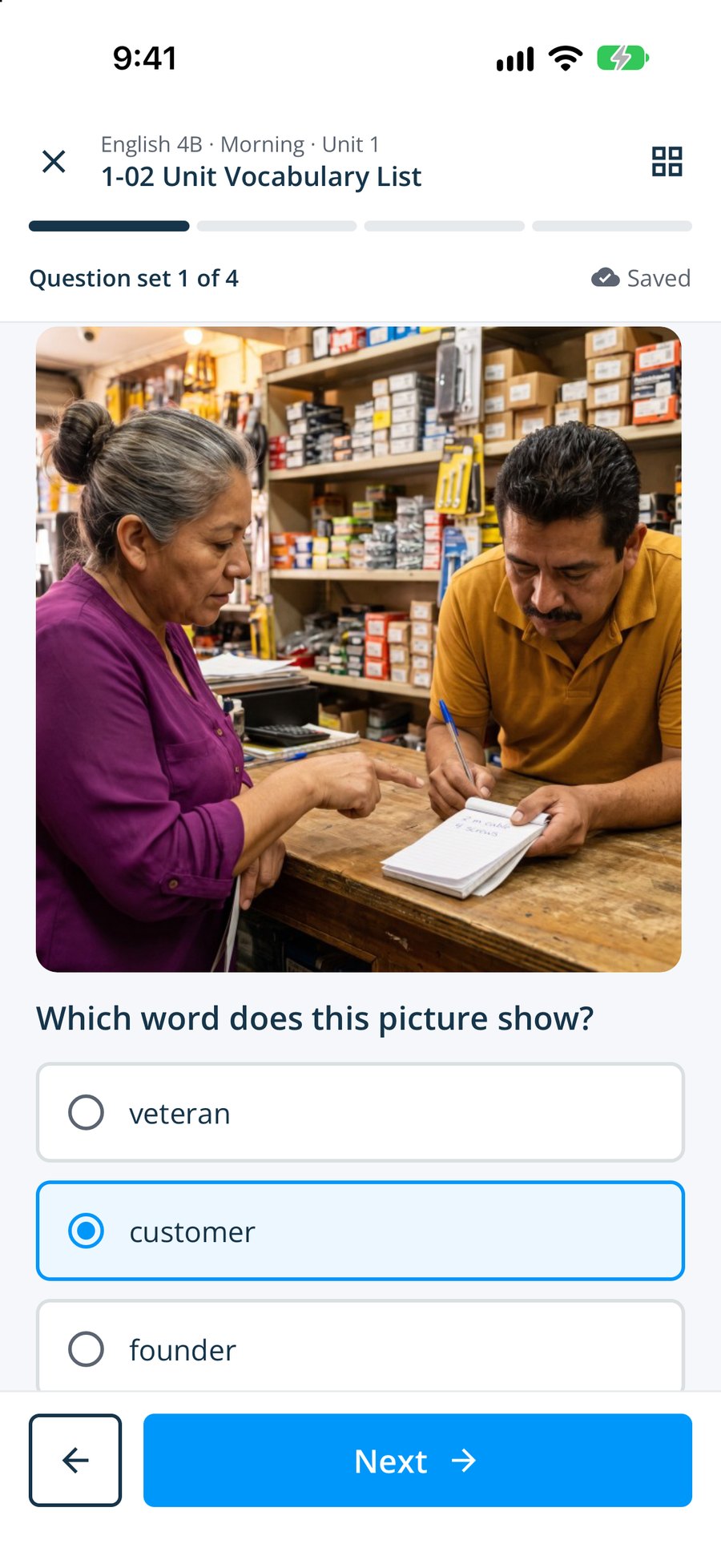
Quizzes and exams save each answer as the student gives it. If a device loses its connection, the student picks up where they left off, and the result goes to the same gradebook as their practice.
- checkAnswers saved as they go
- checkResults in the same gradebook

Progress they can see
Students can follow their own progress
Students see their own grades, completed work, attendance and engagement as the course goes on. Their teacher sees the same results in Smrt Classroom, because both views read from one student record.
- checkGrades and completed work
- checkAttendance and engagement

Café
Extra reading and listening in the Café
The Café has articles and videos chosen for each age group. Students open it with the same login as their courses, for reading and listening outside class.
- checkArticles and videos
- checkChosen for each age group
- checkSame login as their courses

Mobile app
The Smrt app for iOS and Android
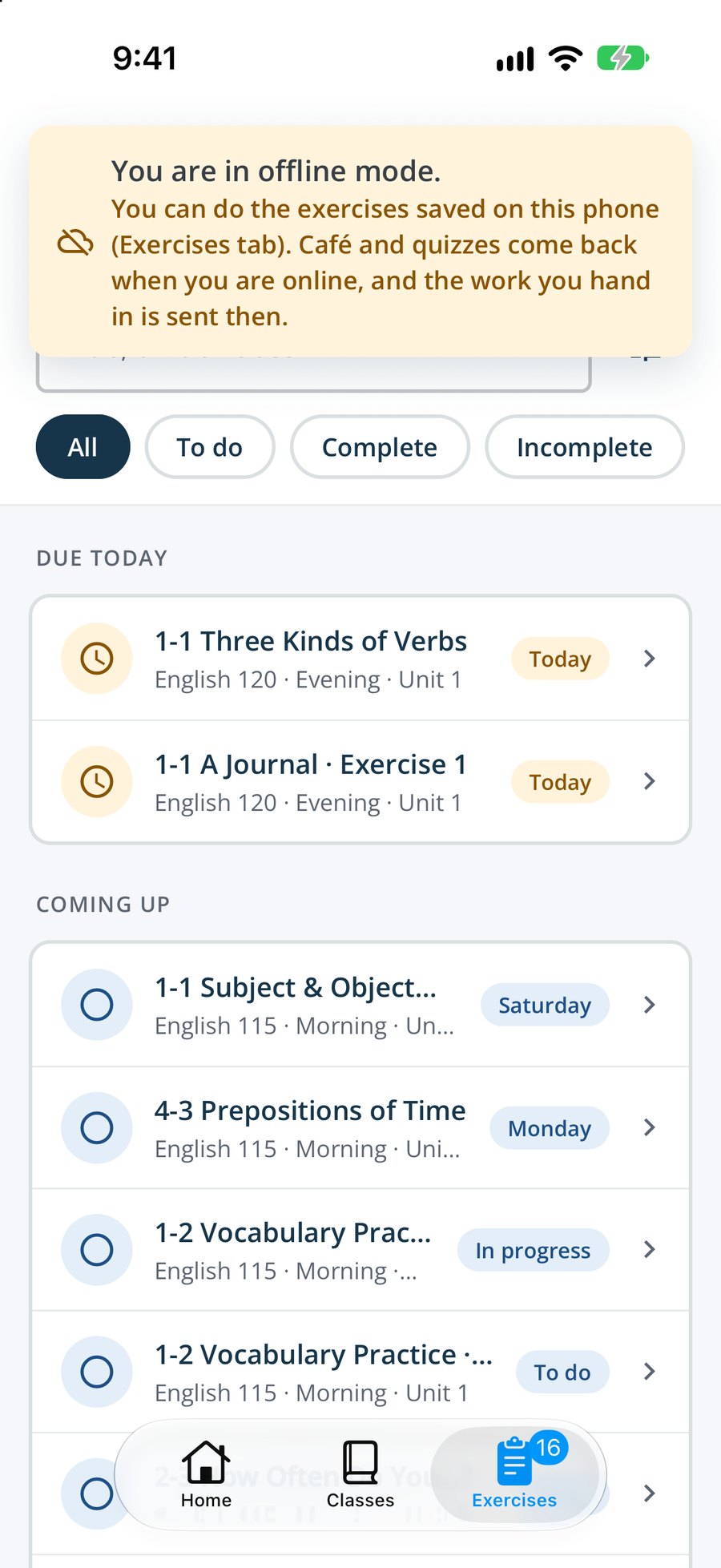
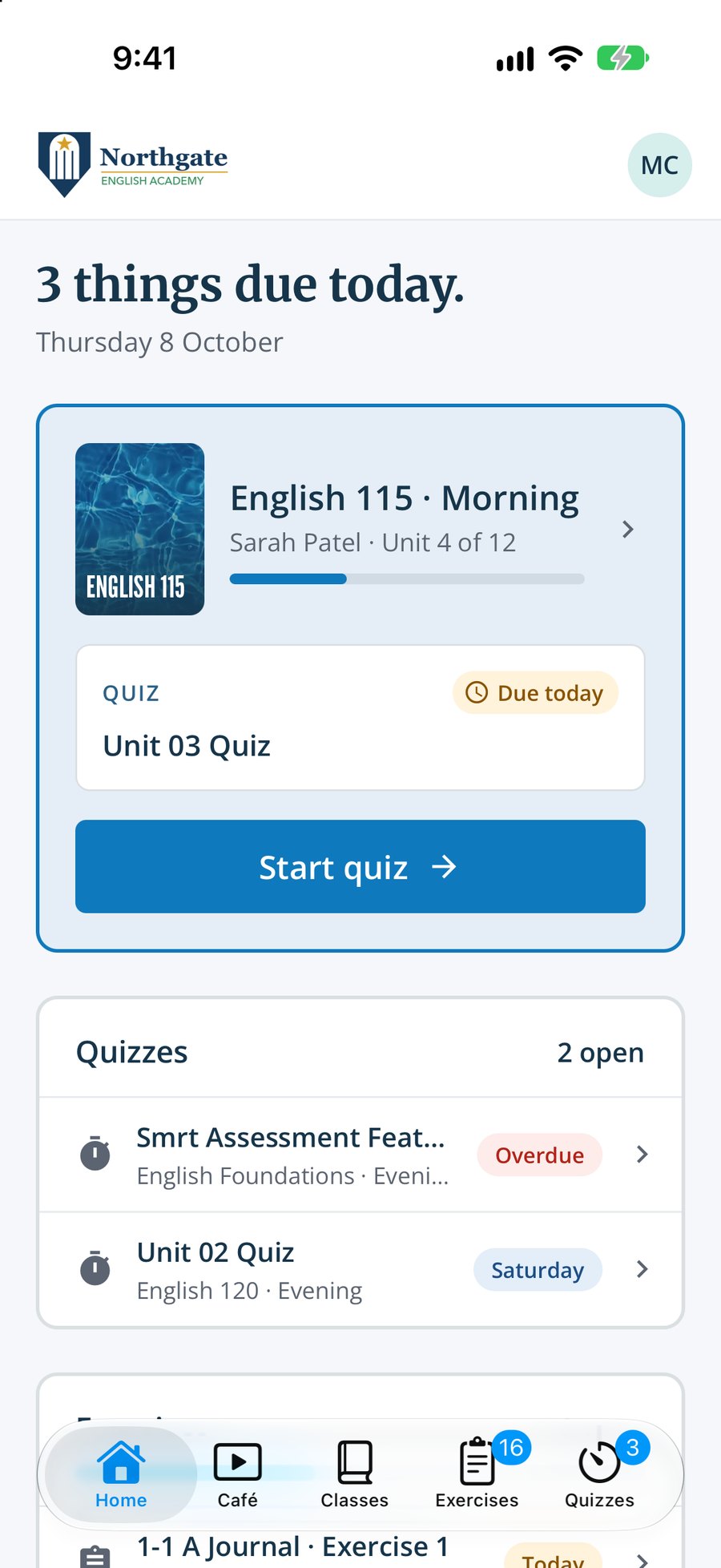
Lessons, exercises and quizzes work in the app on the same account as the website, so students move between a computer in class and a phone at home without a second login. The home screen shows what is due today and any work they started but have not handed in.
- checkiOS and Android
- checkSame account as the web platform
- checkAudio and recording built in
- checkJoin a class by scanning the teacher’s QR code

Works offline
Lessons and exercises without a connection
Some schools teach where the internet comes and goes. The app keeps each class’s lessons and exercises on the phone, so students can keep working offline. Work handed in offline is sent as soon as the phone is back online, with the time it was handed in, so it still counts as on time.
- checkLessons and exercises saved on the phone
- checkPictures and audio download on Wi-Fi, if the student chooses
- checkAnswers save on the phone as students go
- checkQuizzes are timed, so they need a connection
Notifications
Reminders that respect the school day
The app tells students when new work is assigned, reminds them the evening before it is due, and lets them know when their teacher has reviewed their work or released the answers. Nothing is sent between 9 pm and 7 am in the school’s time zone, and students can switch off each kind.
- checkNew work, within minutes of being assigned
- checkA reminder at 6 pm the evening before work is due
- checkReviewed work and released answers
- checkQuiet from 9 pm to 7 am, school time

New assignmentnow
1-1 Subject and Object Pronouns for English 115 · Morning. Due Friday.
Due tomorrow18:00
1-2 Vocabulary Practice for English 115 · Morning is due tomorrow, and you have not started it yet.
Your teacher reviewed your workYesterday
1-1 A Journal. Tap to see the comments.
Student features
The tools students use to practise
Vocabulary, listening and speaking tools are built into the lessons, and students sign in with the accounts they already have.
Vocabulary with pictures and audio
Every word with a photo, a recording, an example sentence and a dictionary link.
A daily vocabulary game
Students match pictures, words and meanings each day to review the vocabulary of the unit.
Video and audio in the lesson
Clips play on the lesson page, and longer recordings get a full player.
Speaking practice
Record an answer in the exercise for the teacher to listen to and mark.
Instant scores
Exercises with set answers are marked as soon as students submit them.
Google or Microsoft sign-in
Sign in with the account they already have, on any device.
Study offline
Lessons and exercises saved in the Smrt app, and hand-ins sent when the phone reconnects.
Reminders before work is due
Notifications for new work, due dates and feedback, quiet at night.
Join with a QR code
Scan the teacher’s code with the Smrt app to join the class.
Questions
What schools ask about Smrt Study
Common questions from schools and teachers about how students use Smrt Study in and between classes.
Anything else? Contact us.
Will students actually practise between classes?
Practice is scored as soon as it is submitted, it works in any browser or the Smrt app, and students can see their own progress, engagement and attendance. Each of these gives students a reason to come back between classes.
Which devices work?
Any current browser, plus the Smrt app on iOS and Android. In the app, lessons and exercises also work without a connection.
Do students need to buy anything?
No textbook to buy. Students get Smrt Study through their school, and the school decides whether it pays or students do.
Can students see their grades?
Yes. Grades, completed work, attendance and engagement are visible to the student.
Is the app the same as the website?
Same account, same course. The app is built for phones; the website for larger screens.
Near you
A Canadian company, with a team in Mexico.
Smrt Idiomas Mexico works with schools and universities from Sonora to Quintana Roo, in Spanish, on your term dates.

Near you
A Canadian company, with a team in Brazil.
Smrt Idiomas Brazil supports schools, universities and city programs across the country, in Portuguese.

Talk to us
A Canadian company, based in Vancouver
Our head office is in Vancouver: the curriculum team, teacher training and support all work from here.
