Skip to content

expand_more
- Help Centre
- Lessons and courses
- Open a lesson from your class
Lessons and courses
Open a lesson from your class
Go from your class to the unit and lesson you are teaching today.
personFor teachersformat_list_numbered4 stepsupdateUpdated 15 September 2026
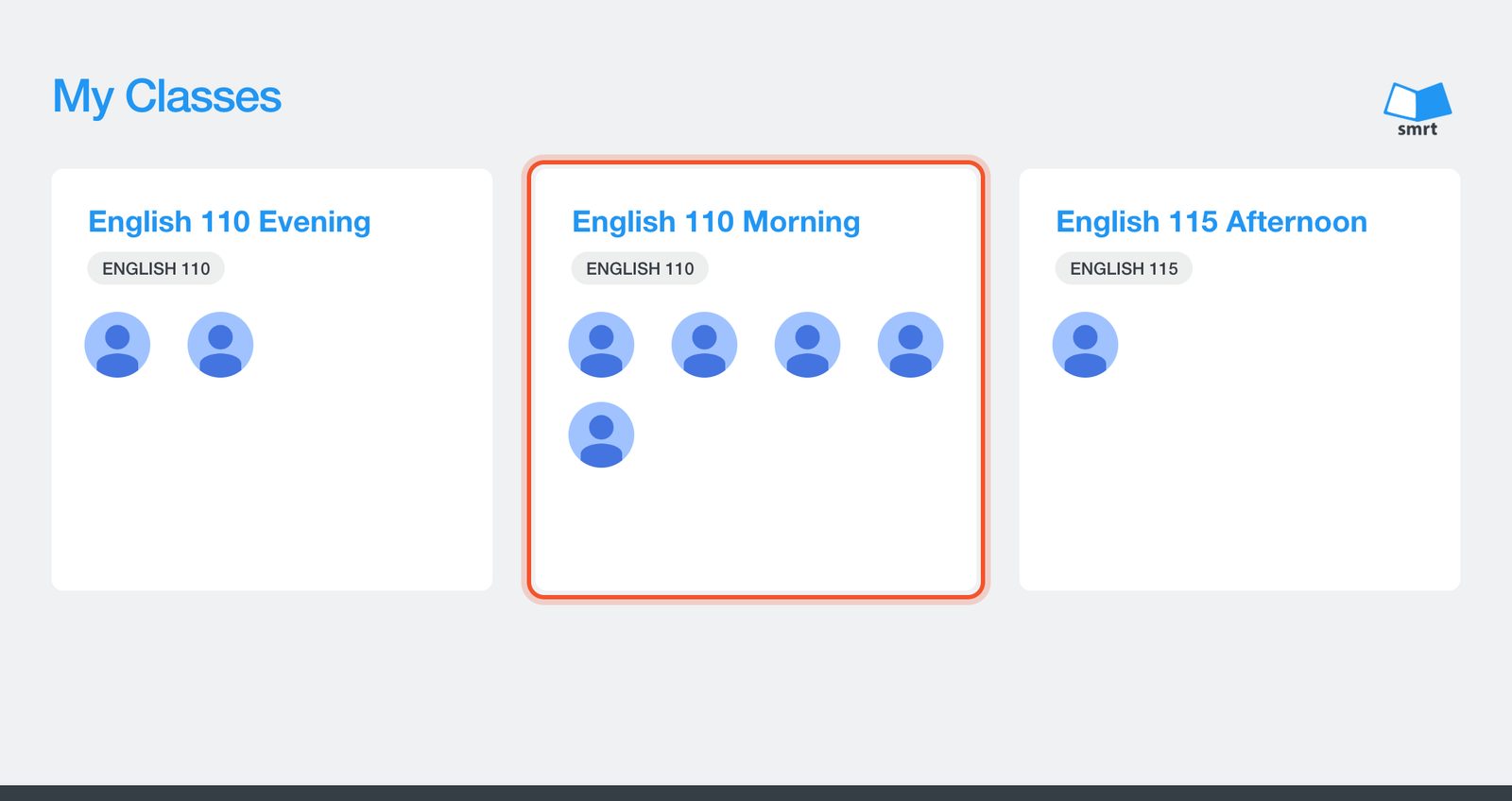
Click Classes at the top of the page and choose your class.
The Course page lists every unit. Each unit groups its lessons by skill: grammar, listening, speaking, vocabulary, reading and writing.
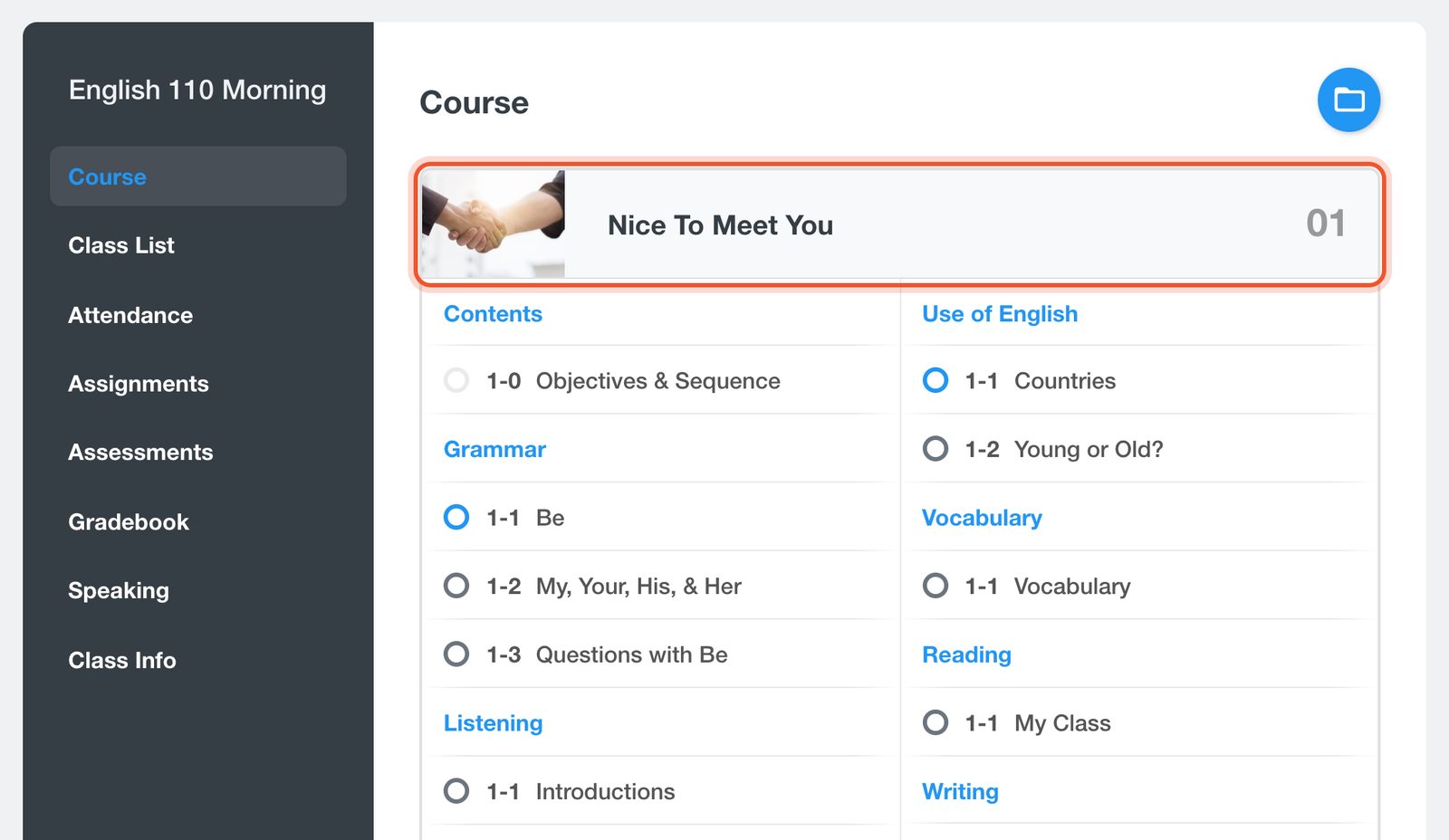
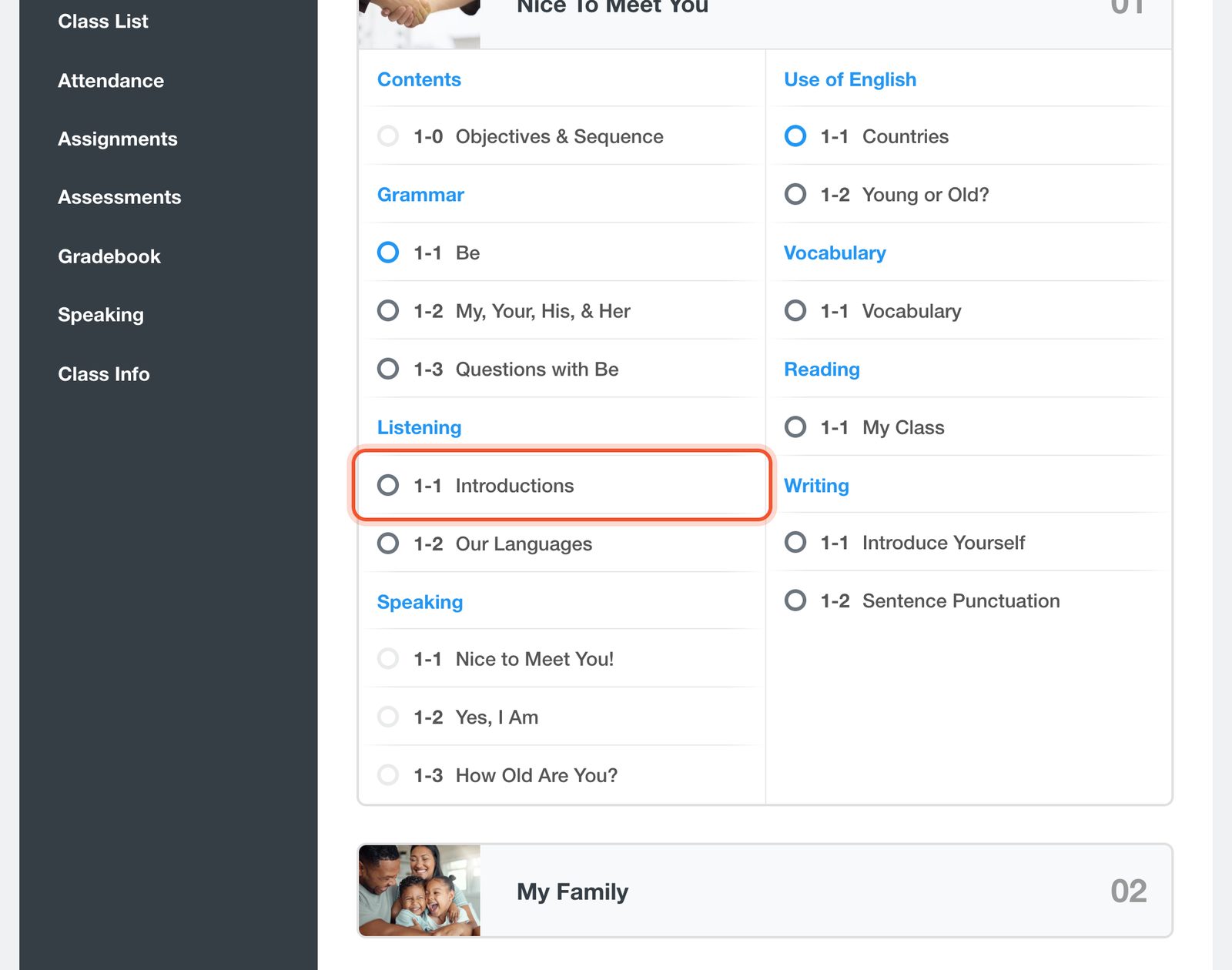
Click a lesson to open it.
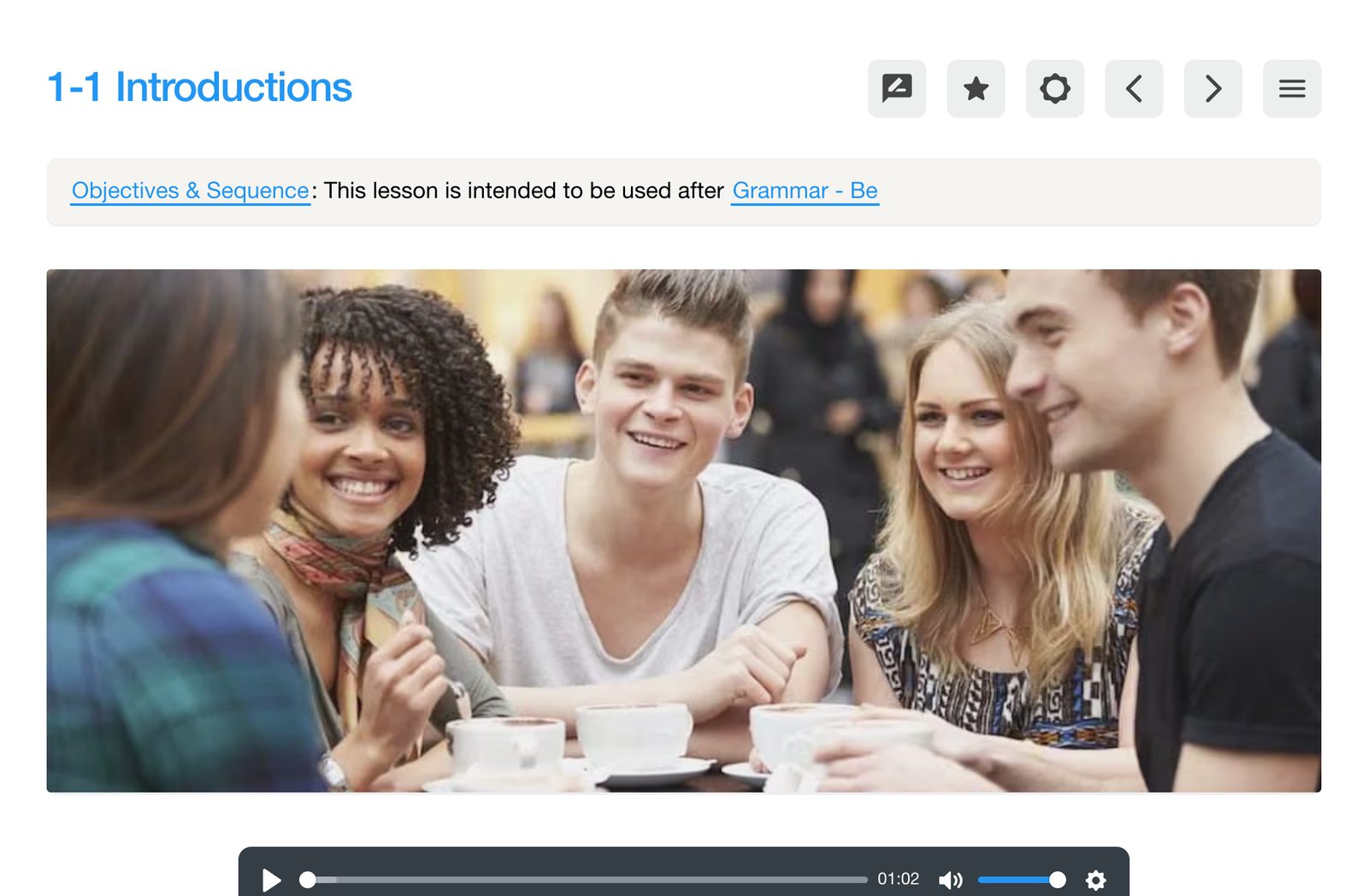
The lesson opens, ready to show on your classroom screen.
Near you
A Canadian company, with a team in Mexico.
Smrt Idiomas Mexico works with schools and universities from Sonora to Quintana Roo, in Spanish, on your term dates.
 Hermosillo
Near you
A Canadian company, with a team in Brazil.
Smrt Idiomas Brazil supports schools, universities and city programs across the country, in Portuguese.
 Recife
Talk to us
A Canadian company, based in Vancouver
Our head office is in Vancouver: the curriculum team, teacher training and support all work from here.
 Vancouver
Sign in
Use the Google account you use with Smrt English.
No Google account yet? Create one.
New to Smrt English?
Book a demo
Tell us about your program and our team will show you the platform.
bookmarkAbout:
check_circleWe will be in touch by email to arrange your demo.
Thanks, we have your request.