
Lessons and courses
Report a mistake or send feedback on a lesson
Tell our curriculum team about an error in a lesson or exercise, or rate the lesson.
Every report goes to our curriculum team. The more detail you give, the faster we can fix it.
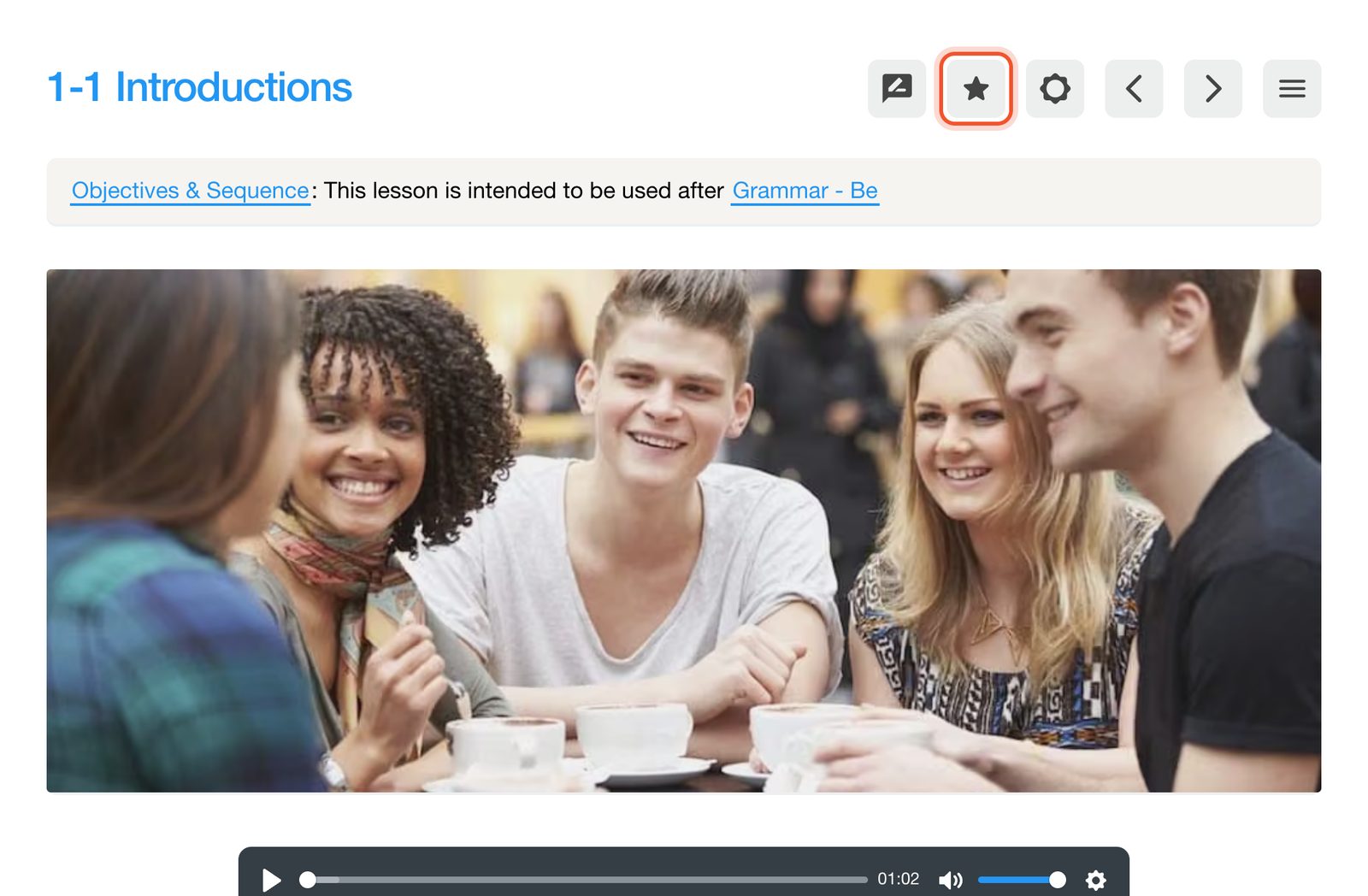
In the lesson, click the Submit Feedback button (the star) at the top right.
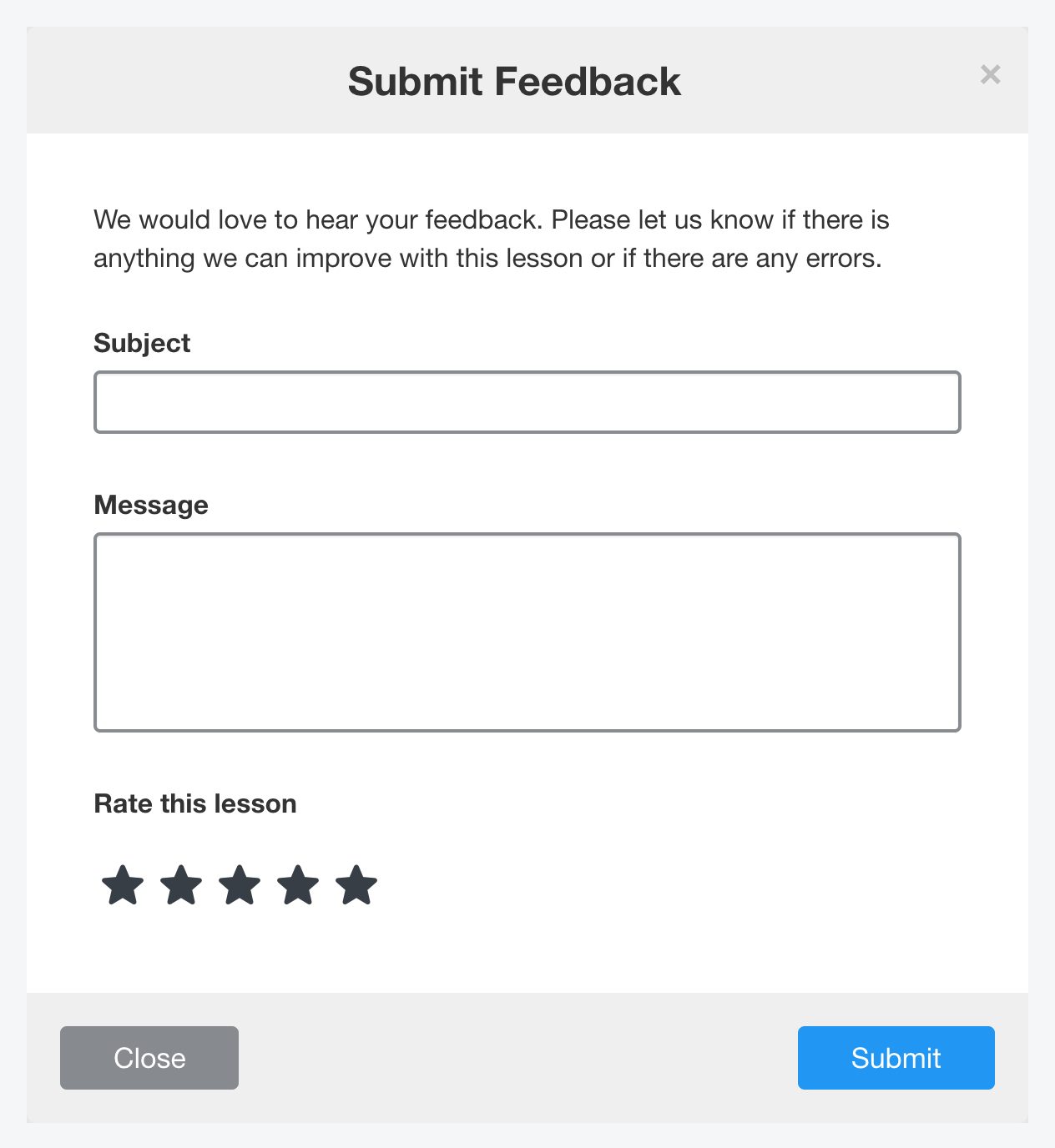
Add a Subject and describe the problem in Message. You can also rate the lesson. Click Submit.
What to include
- The exercise or question number, and the item letter if there is one.
- What is wrong and, if you know it, what it should say.
- For audio or video, roughly where in the recording the problem is.
If your school created the lesson itself, contact your school instead. Only your school can edit its own content.


