
School administration
Add a co-teacher to a class
Give a second teacher full use of a class, from its attendance to its gradebook.
A class can have one co-teacher as well as its class teacher. The co-teacher sees the class on their Classes page and can use every class page the class teacher can, such as attendance, assignments, assessments and the gradebook.
A school administrator adds the co-teacher. If you are a teacher, ask your school administrator.
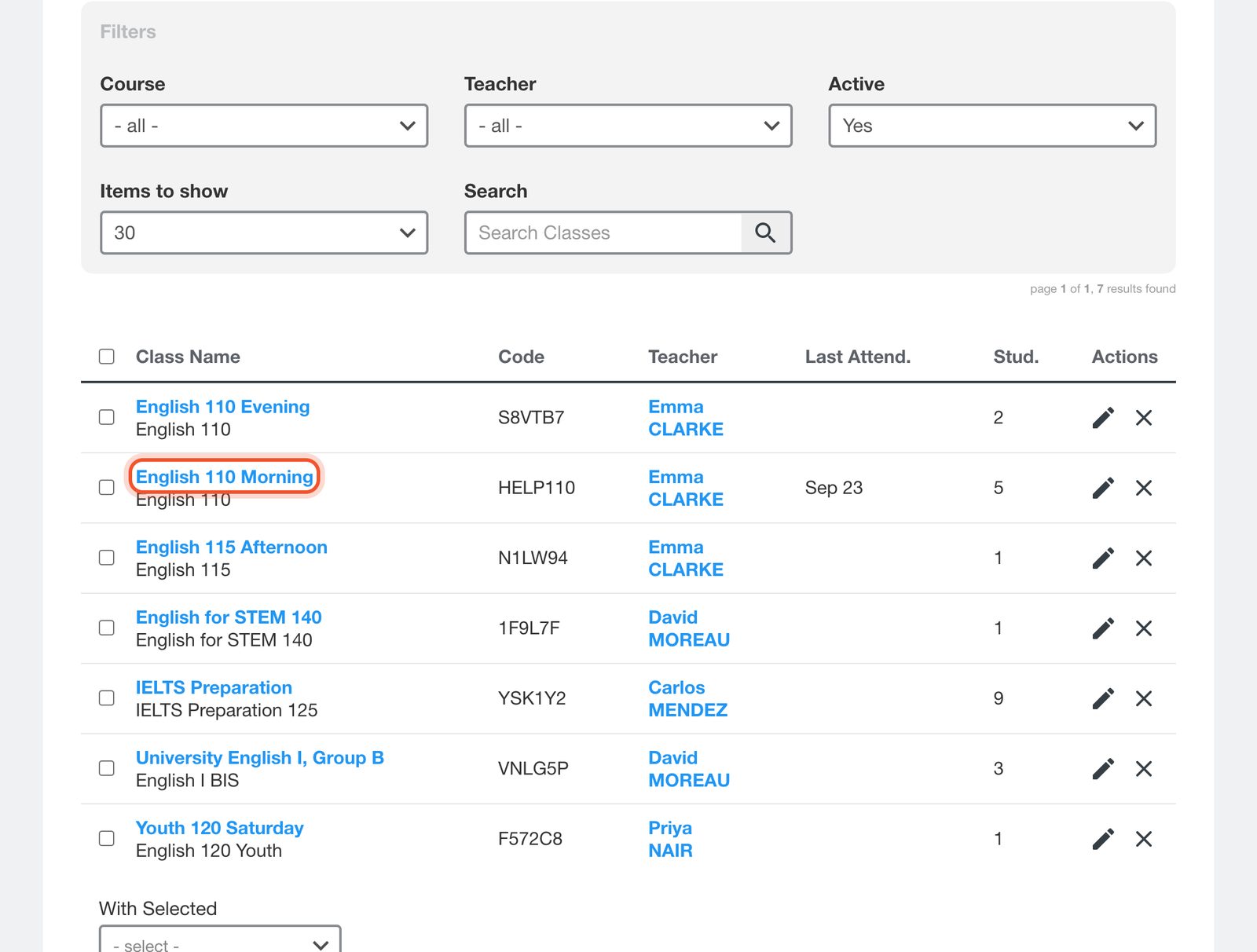
Open the Dashboard, click Classes, then click the class name to open it on the Info page.
Choose the teacher from the Co-Teacher menu.
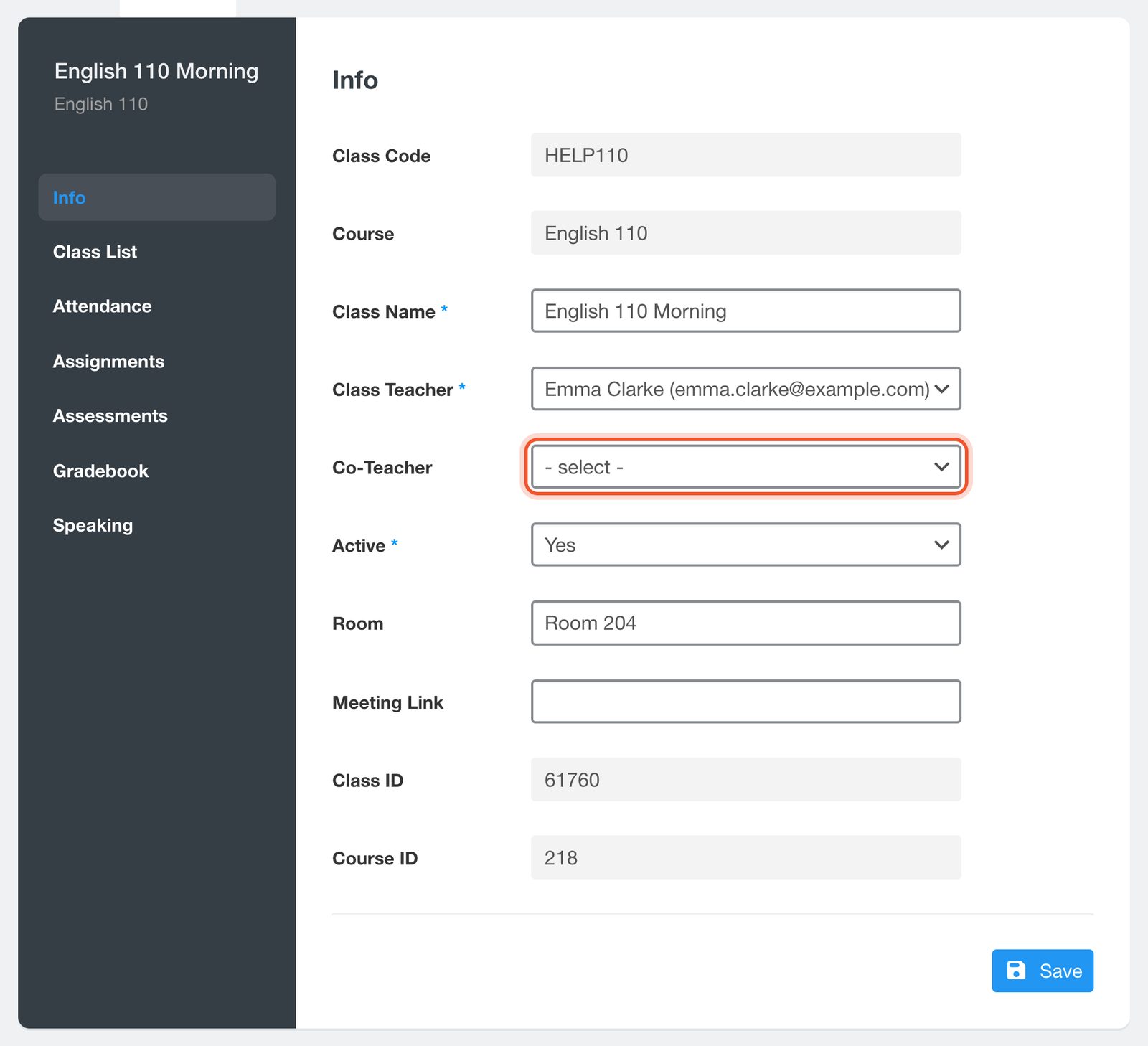
Click Save.
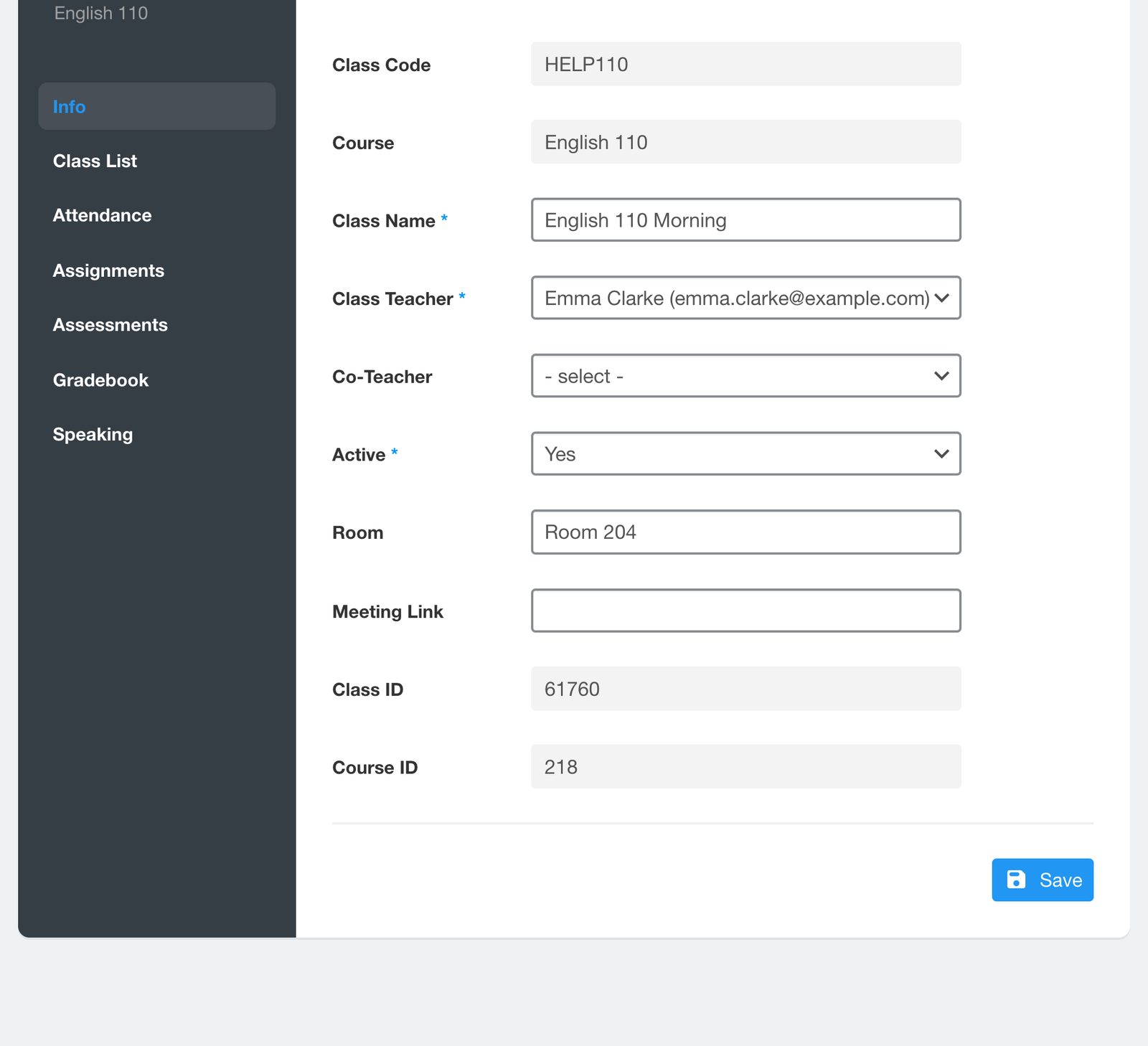
The menu lists the teachers at your school. If the teacher you need is missing, add them first. See Add teachers to your school.


