Skip to content
  1. Help Centre
  2. School administration
  3. Add students to your school

School administration

Add students to your school

Add students to a class by email from the Students page.

For school leaders3 stepsUpdated 15 September 2026

  1. Open the Dashboard, click Students, then click the Add Student(s) button.
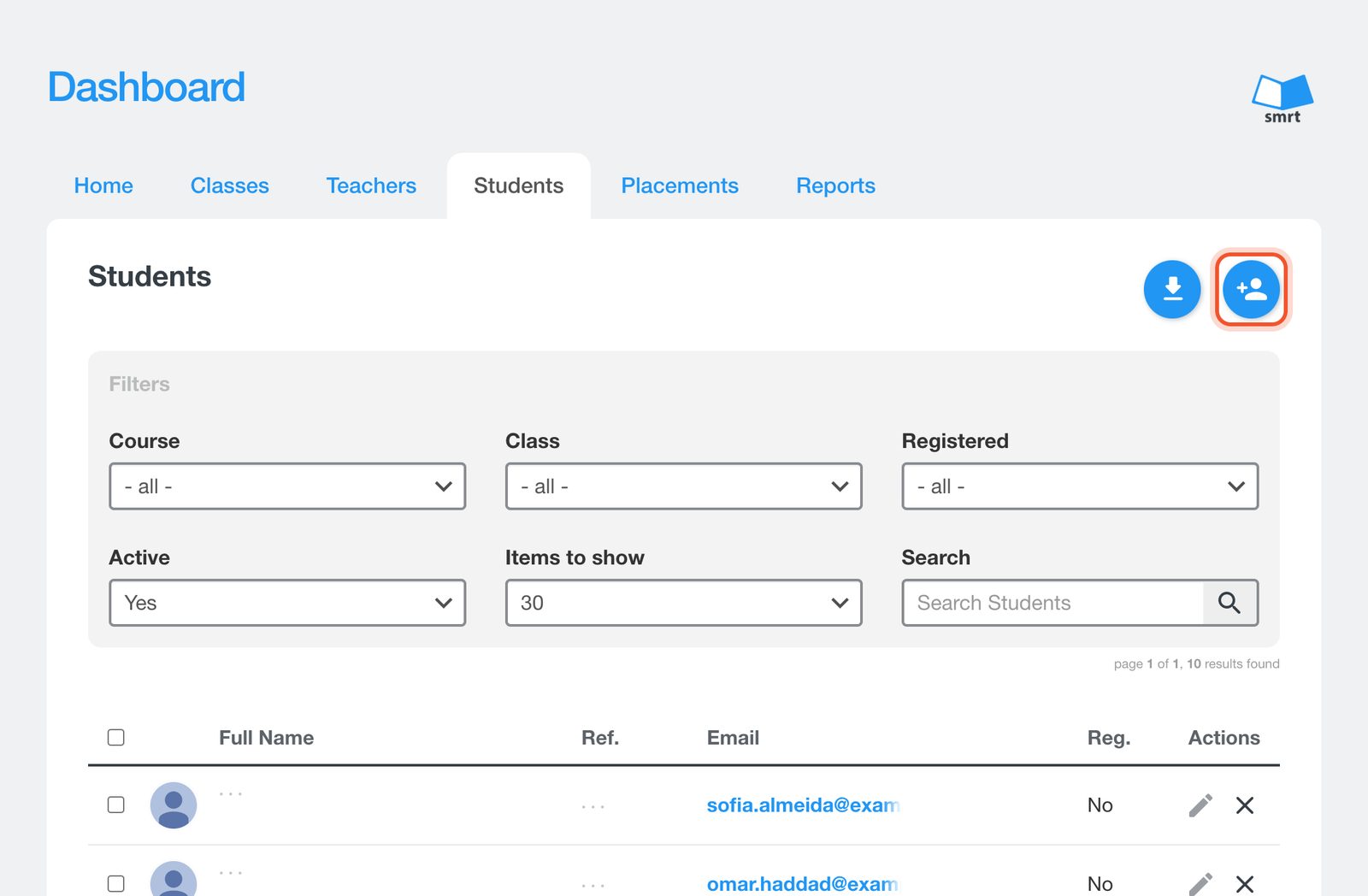
    The Students page with the Add Student(s) button
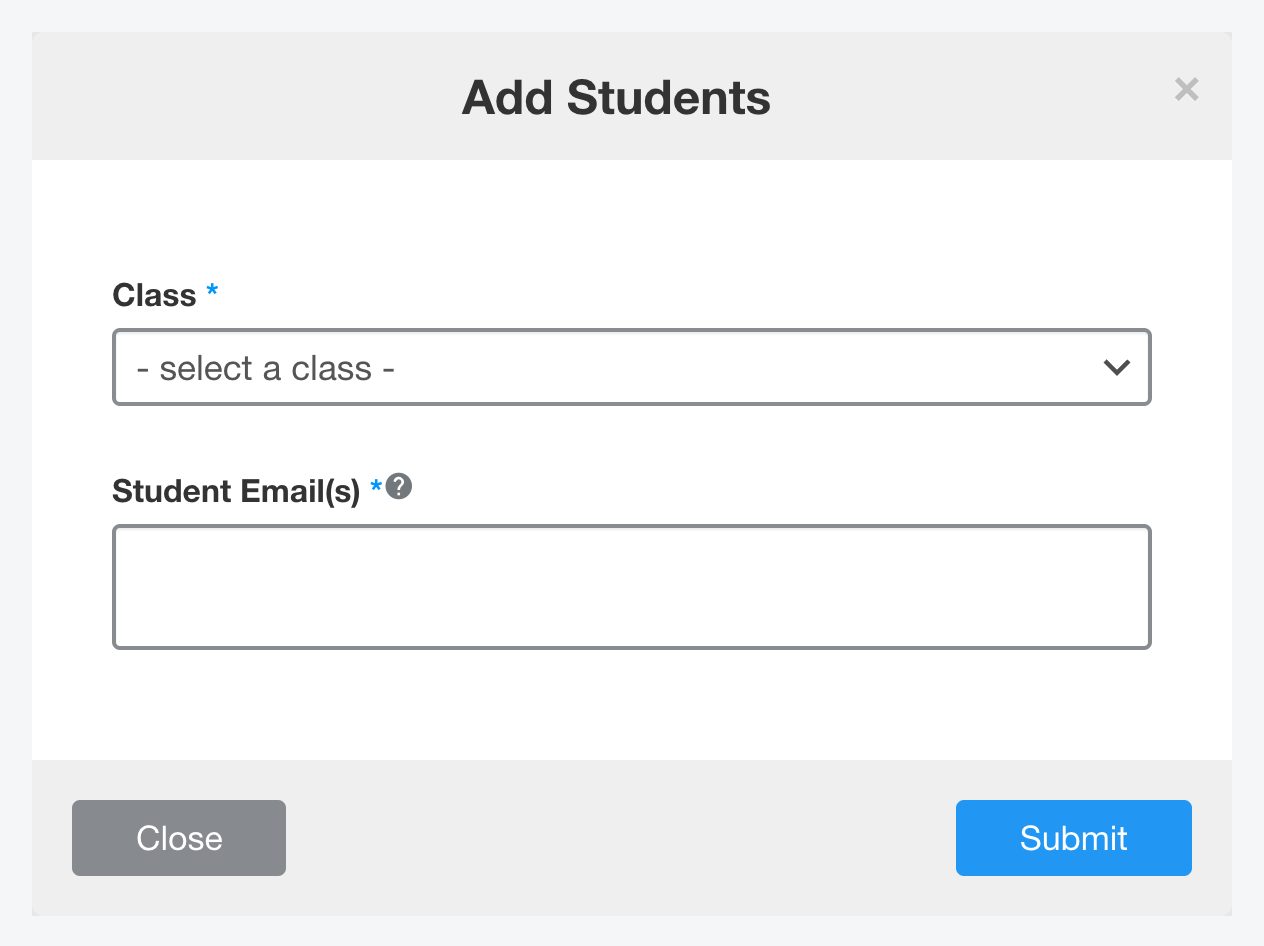
  2. Choose the Class and enter the student email addresses, separated by commas.
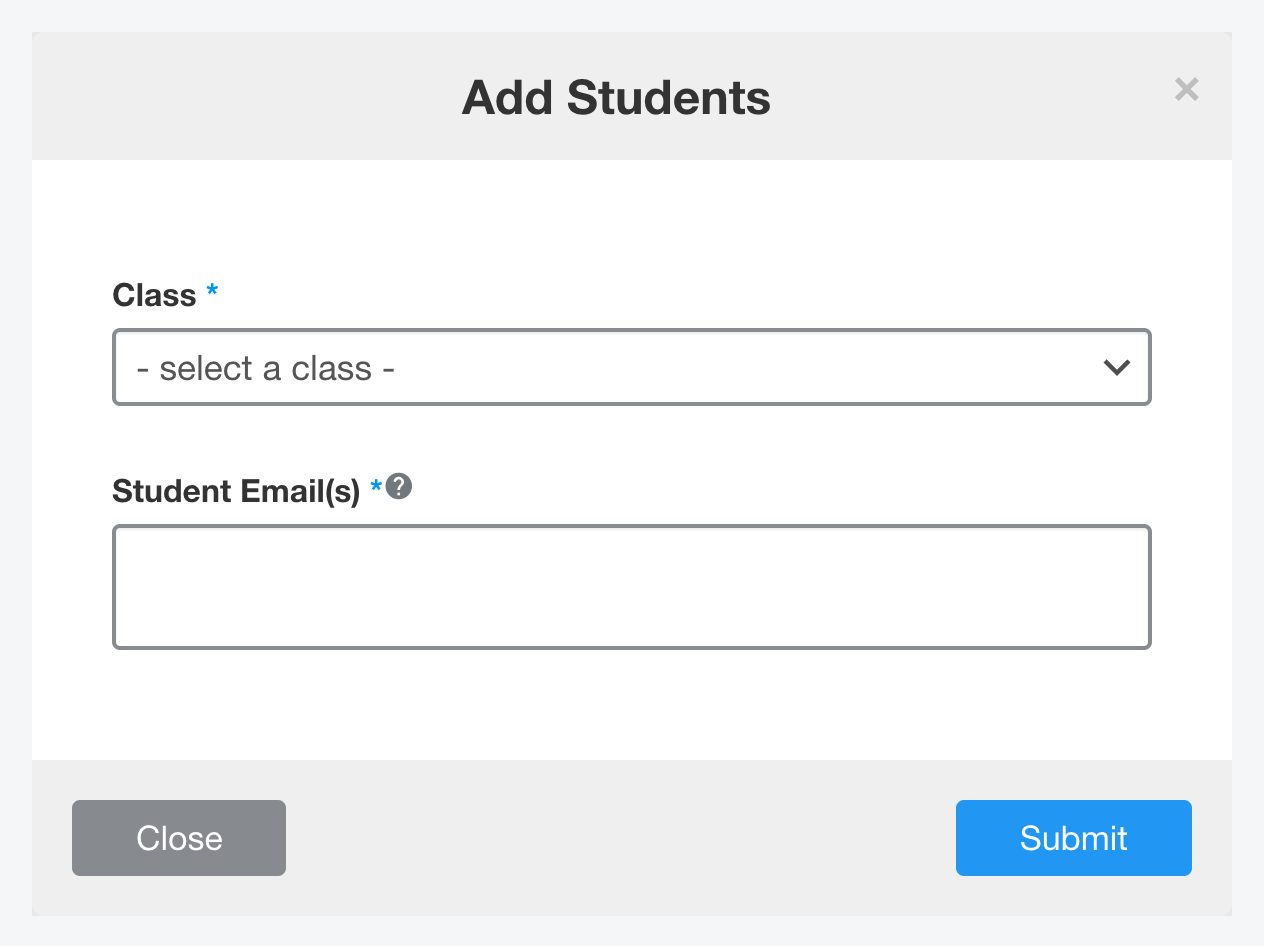
    The Add Students window with the Class menu
  3. Click Submit.

    The Submit button in the Add Students window

Students can also join a class themselves with the class code. See Add students to a class.

Talk to us

A Canadian company, based in Vancouver

Our head office is in Vancouver: the curriculum team, teacher training and support all work from here.