
School administration
Add a missing attendance record
Create an attendance record for a day the teacher did not submit.
If a teacher forgets to take attendance, a school administrator can add the record for that day.
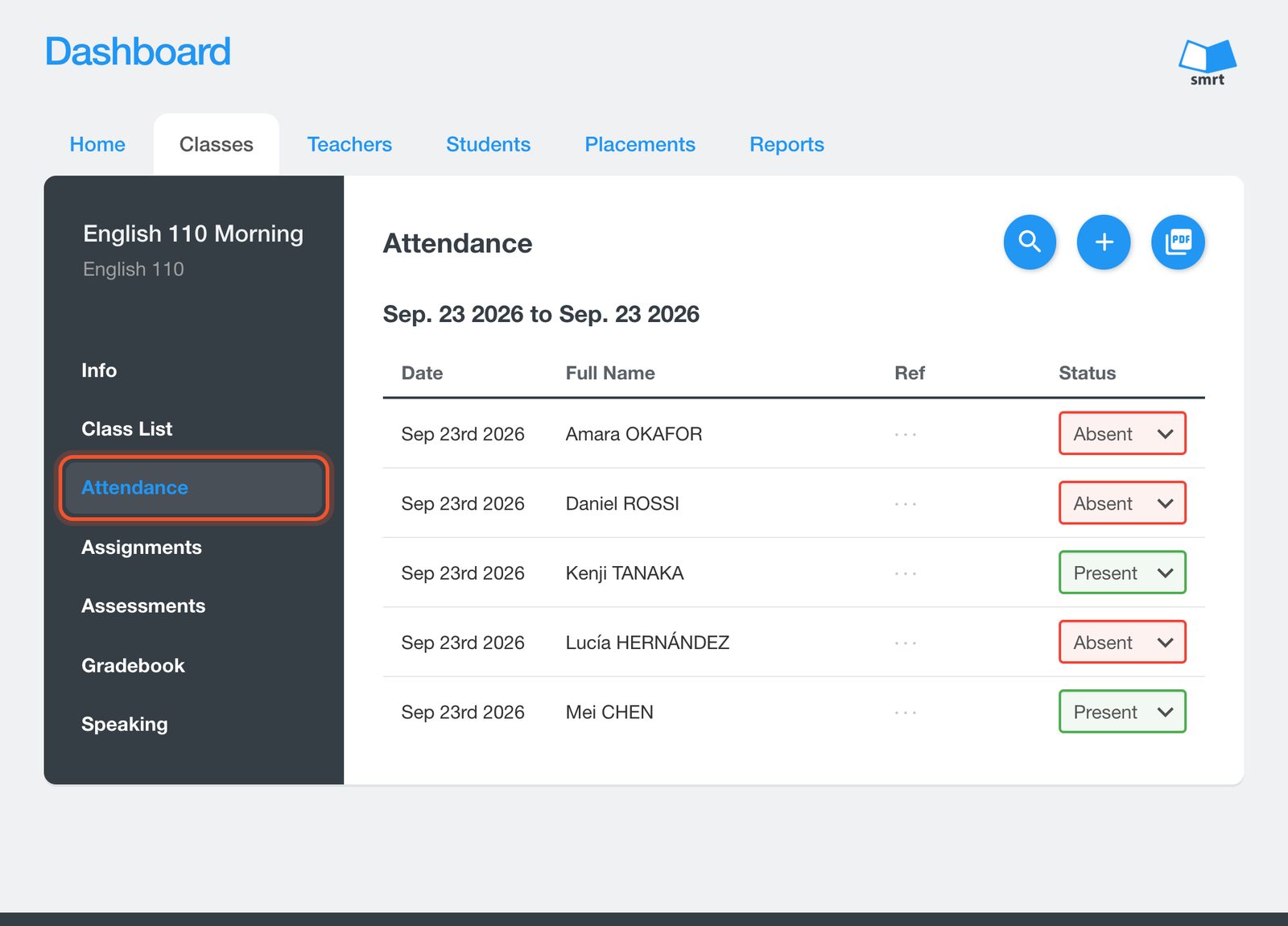
Open the Dashboard, click Classes, open the class, then click Attendance. Each student's status can be changed from this list.
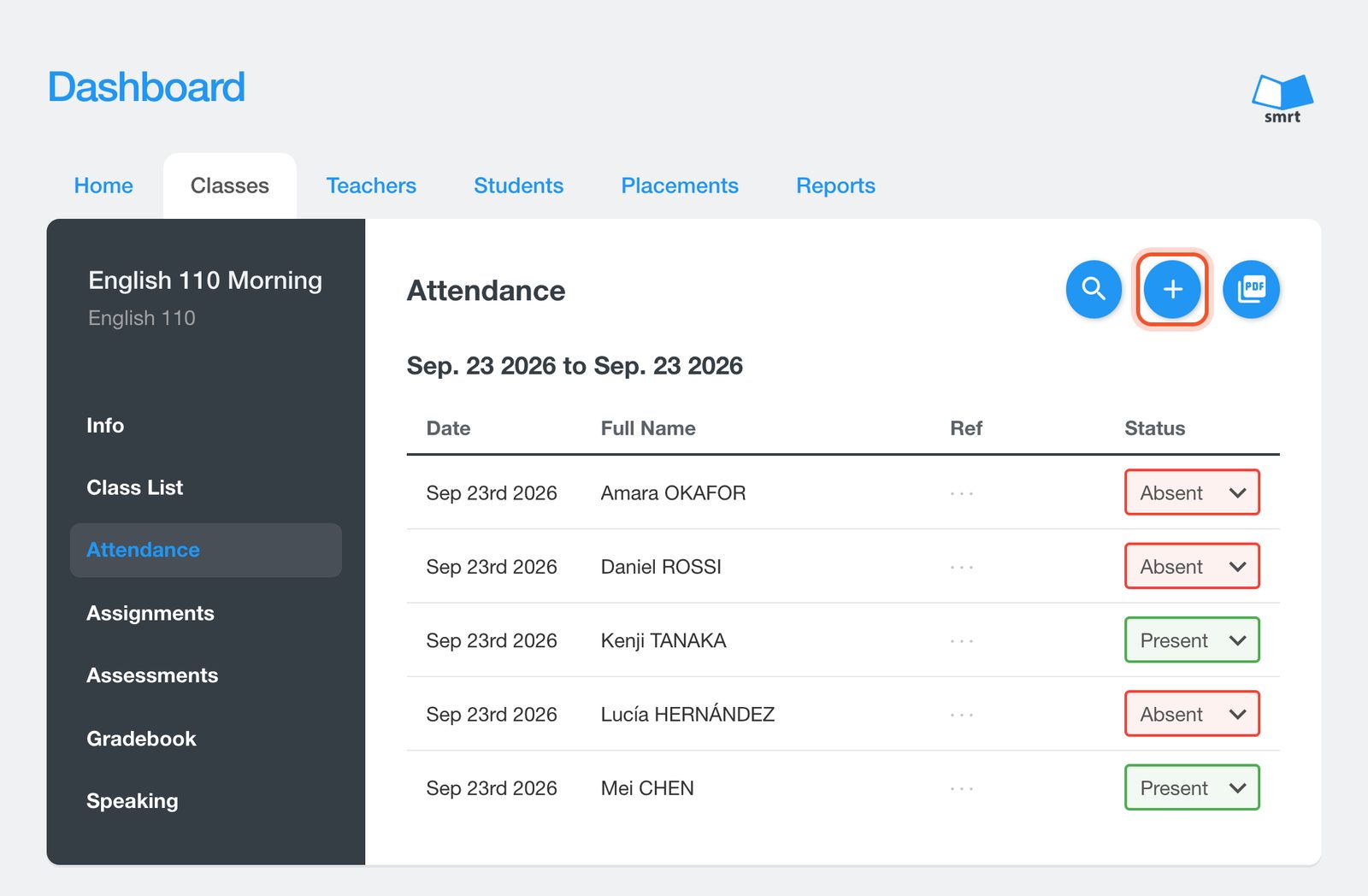
Click the + button to add a record.
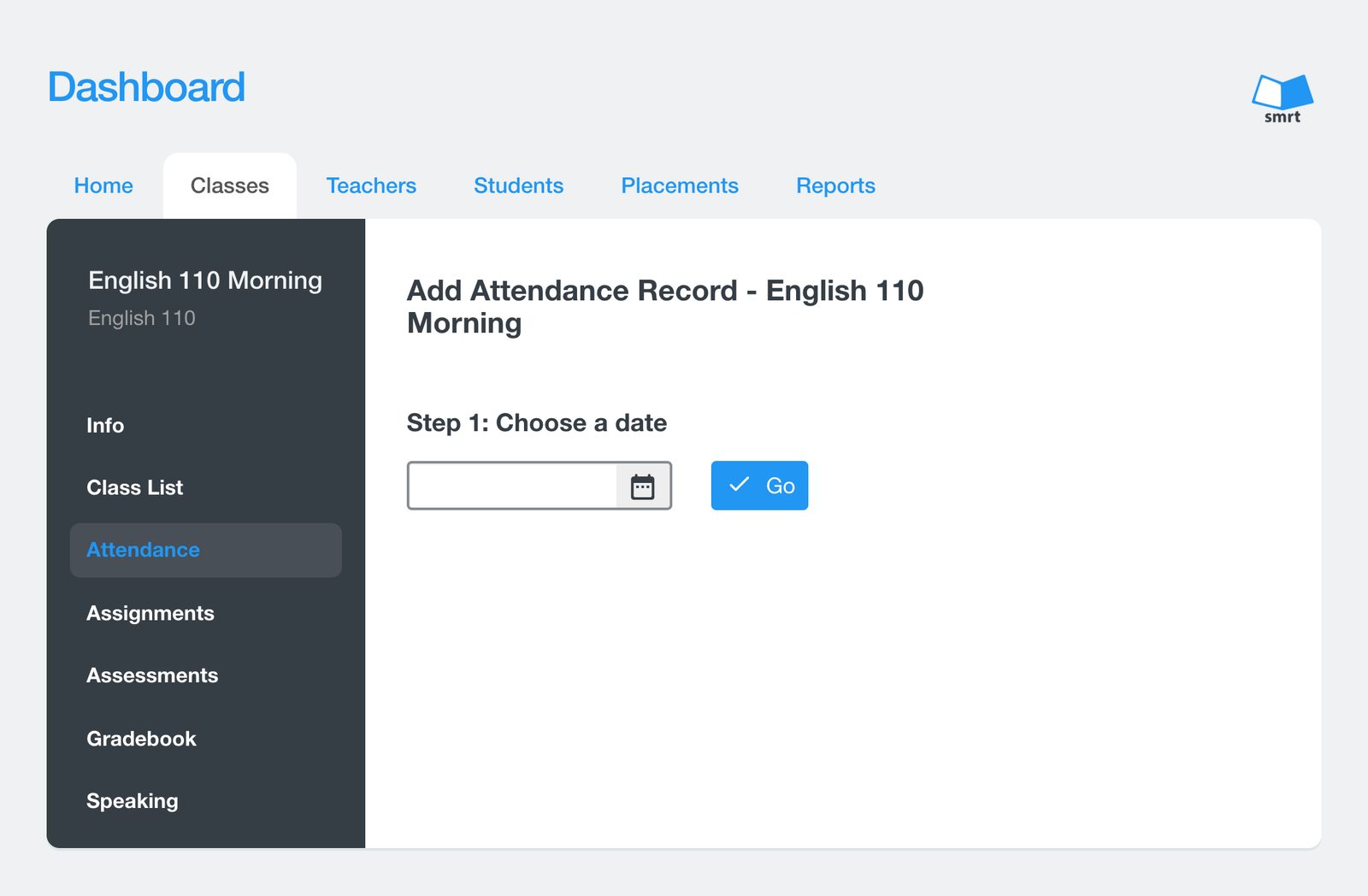
Choose the date and click Go. The record is created and you can set each student's status.
The magnifying glass searches attendance between two dates, and the PDF button exports what you see.


