
School administration
Add students to a class
Open a class from the Dashboard and add or remove its students.
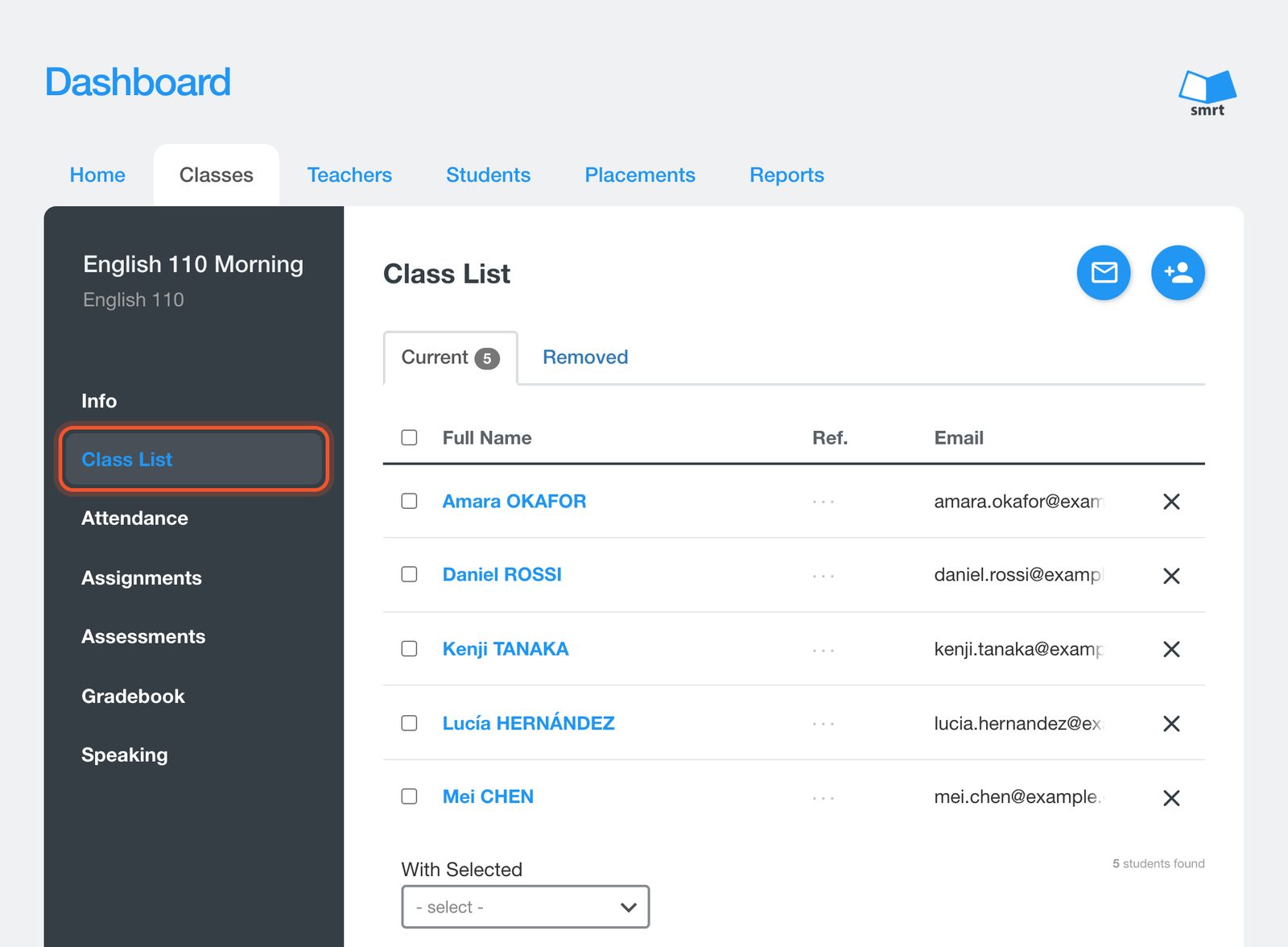
Open the Dashboard, click Classes, open the class, then click Class List.
Click the Add Student(s) button. You can share the class code for students to enter themselves, or type their email addresses separated by commas.
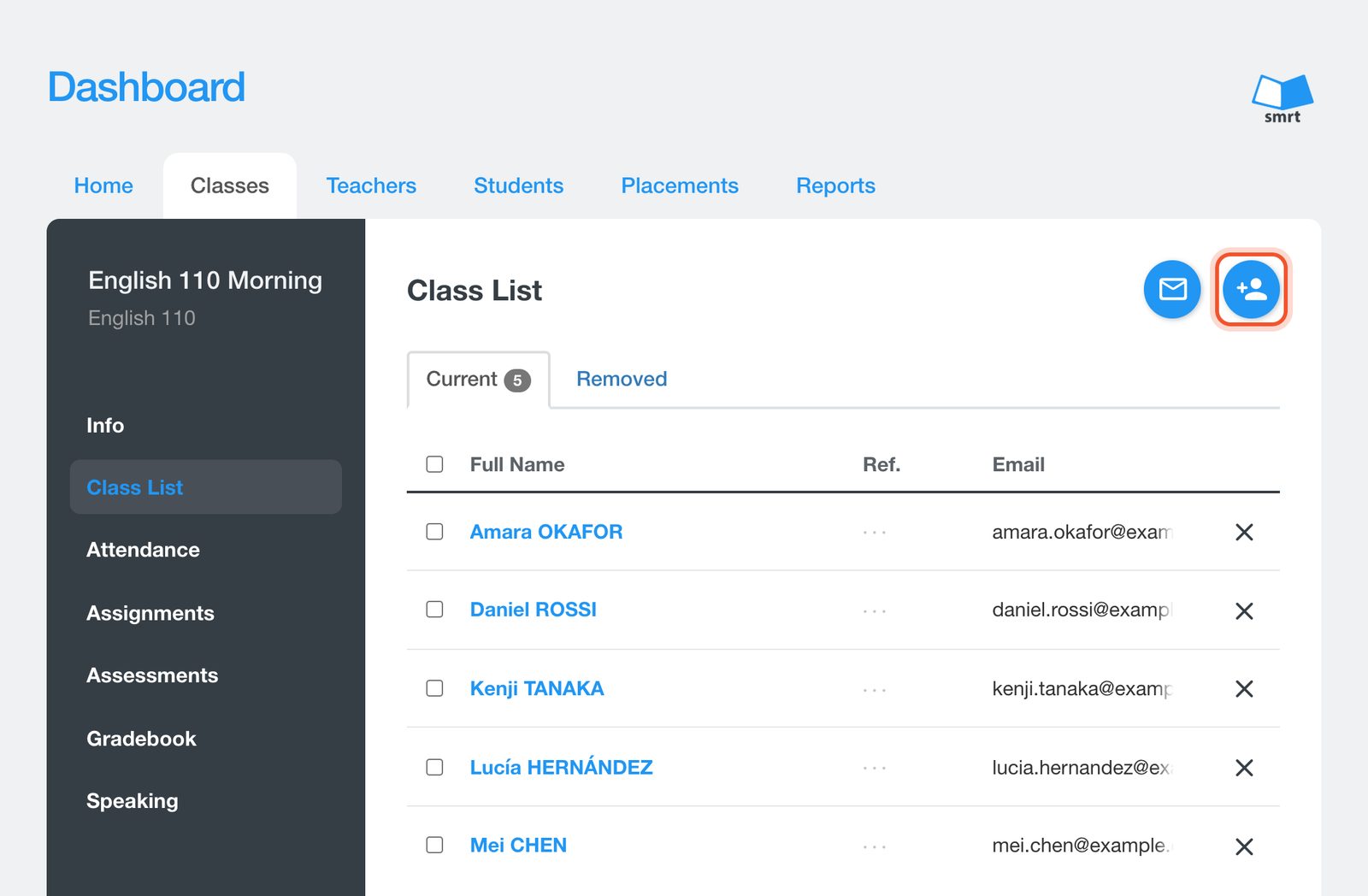
The envelope button copies every student email address in the class, so you can paste them into the BCC field of your own email.


