Set up a class with its teacher, course and type, then edit it later from the class list.
personFor school leadersformat_list_numbered4 stepsupdateUpdated 15 September 2026
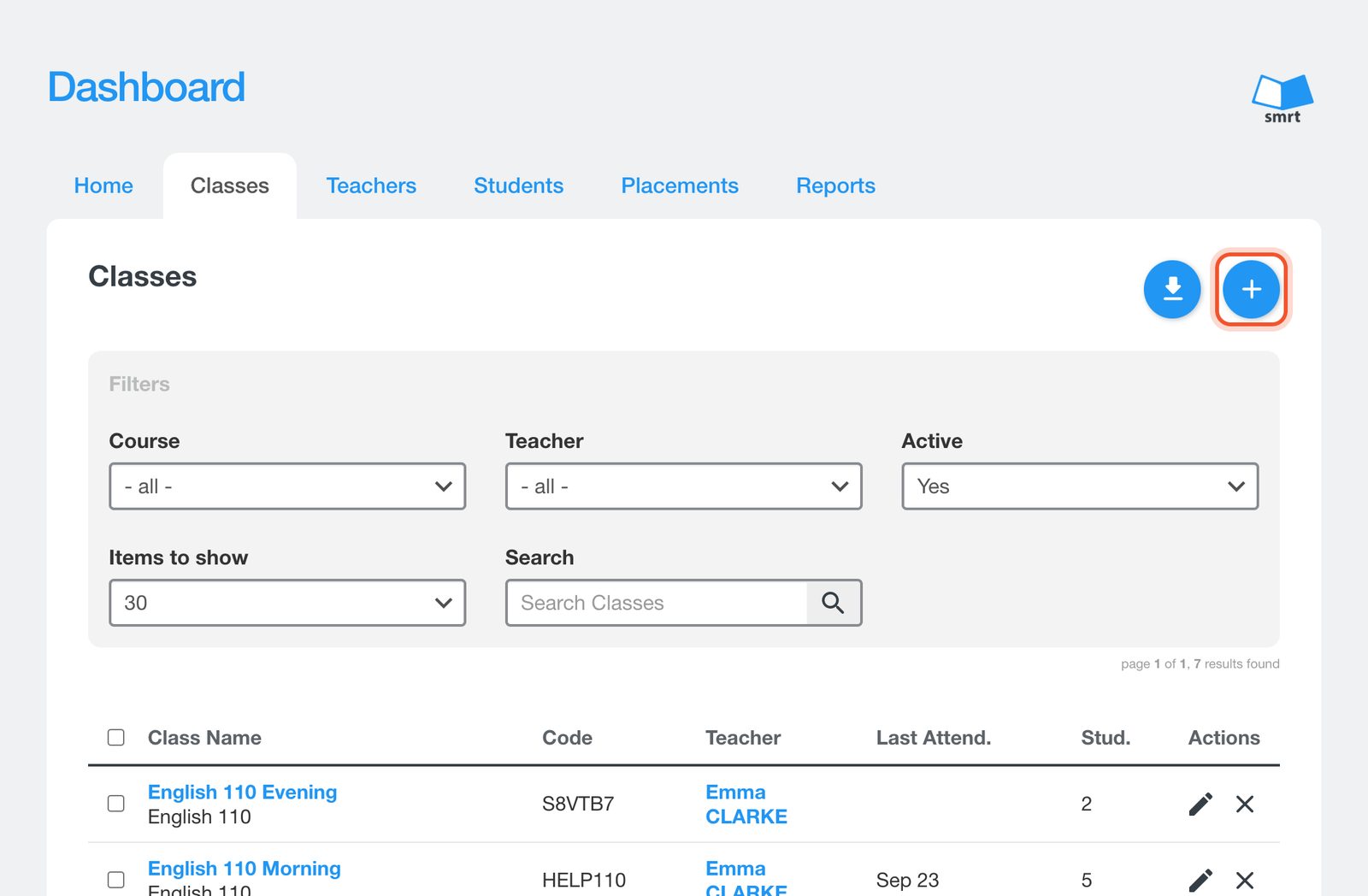
Open the Dashboard, click Classes, then click the + button.
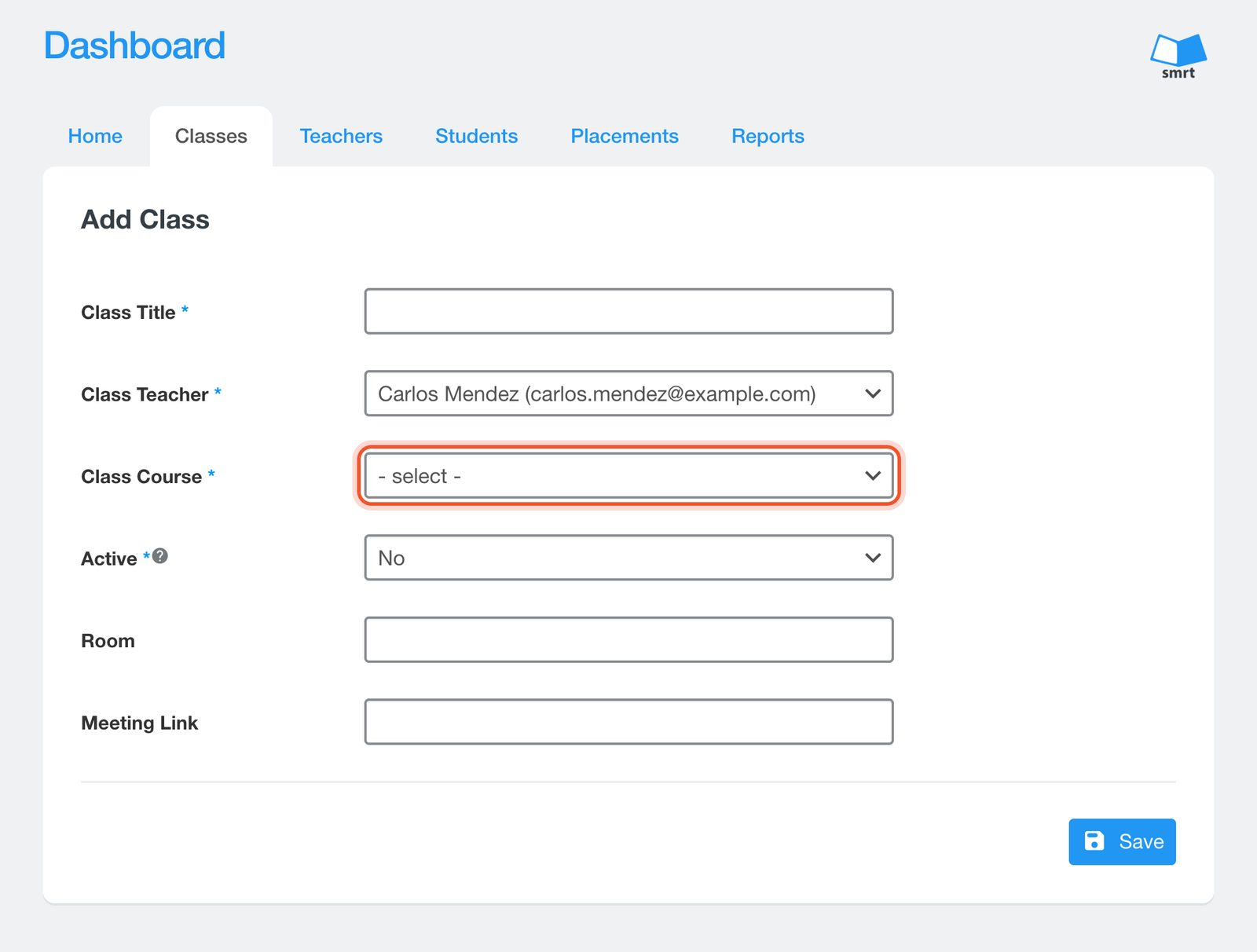
Fill in the Class Title, choose the Class Teacher and the Class Course.
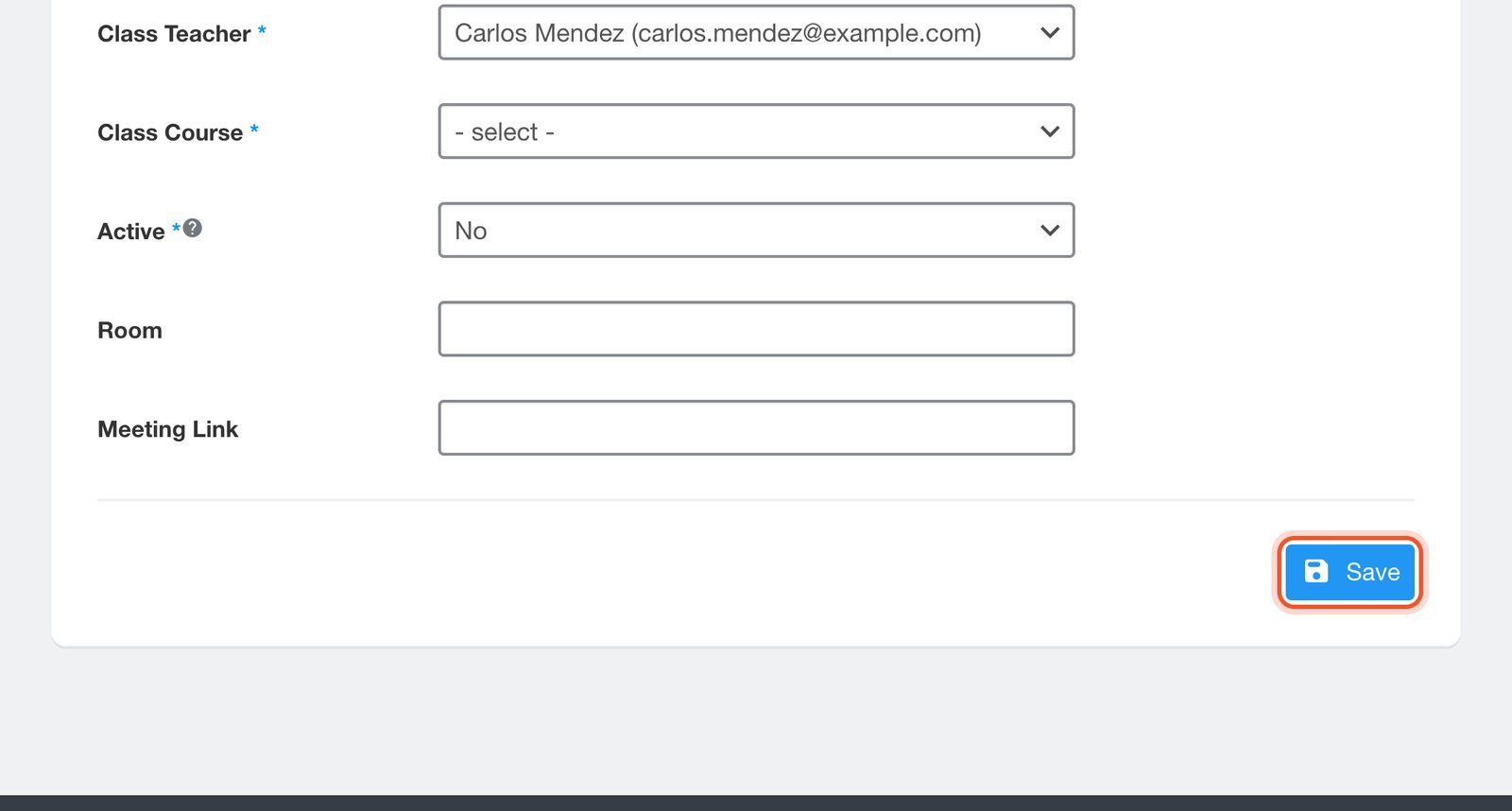
Choose the Class Type: Traditional for a teacher-led class, or Self-Paced for students working on their own. Set Active to Yes, add a Room and a Meeting Link if you use them, then click Save.
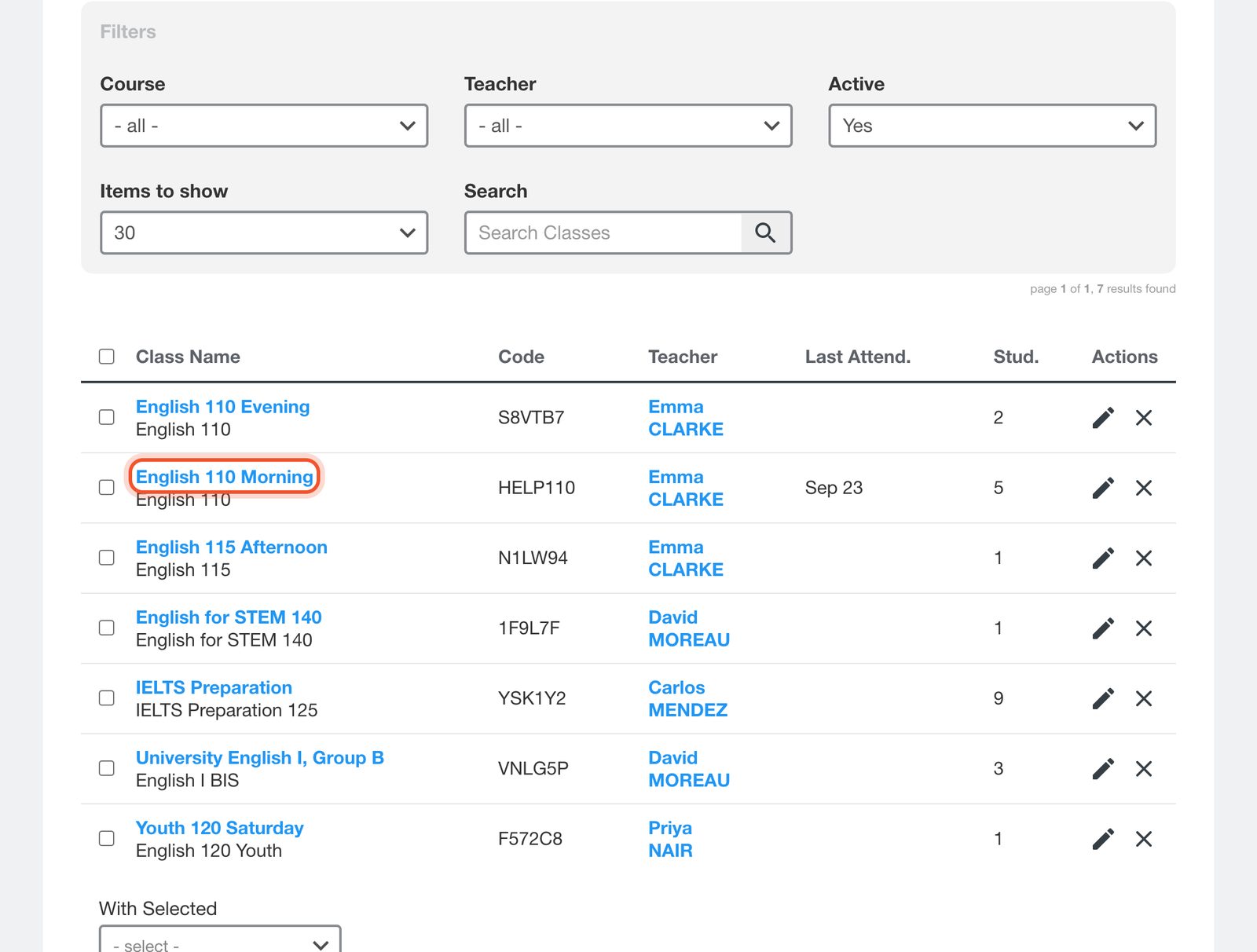
The class joins the list. Click the class name or the pencil to open it, where you can change its details and see its class list, attendance, assignments, assessments, gradebook and speaking.