
Classes and attendance
Add students to your class
Share your class code, or add students by email address, and remove students who have left.
There are two ways to bring students into a class: share the class code, or enter their email addresses.
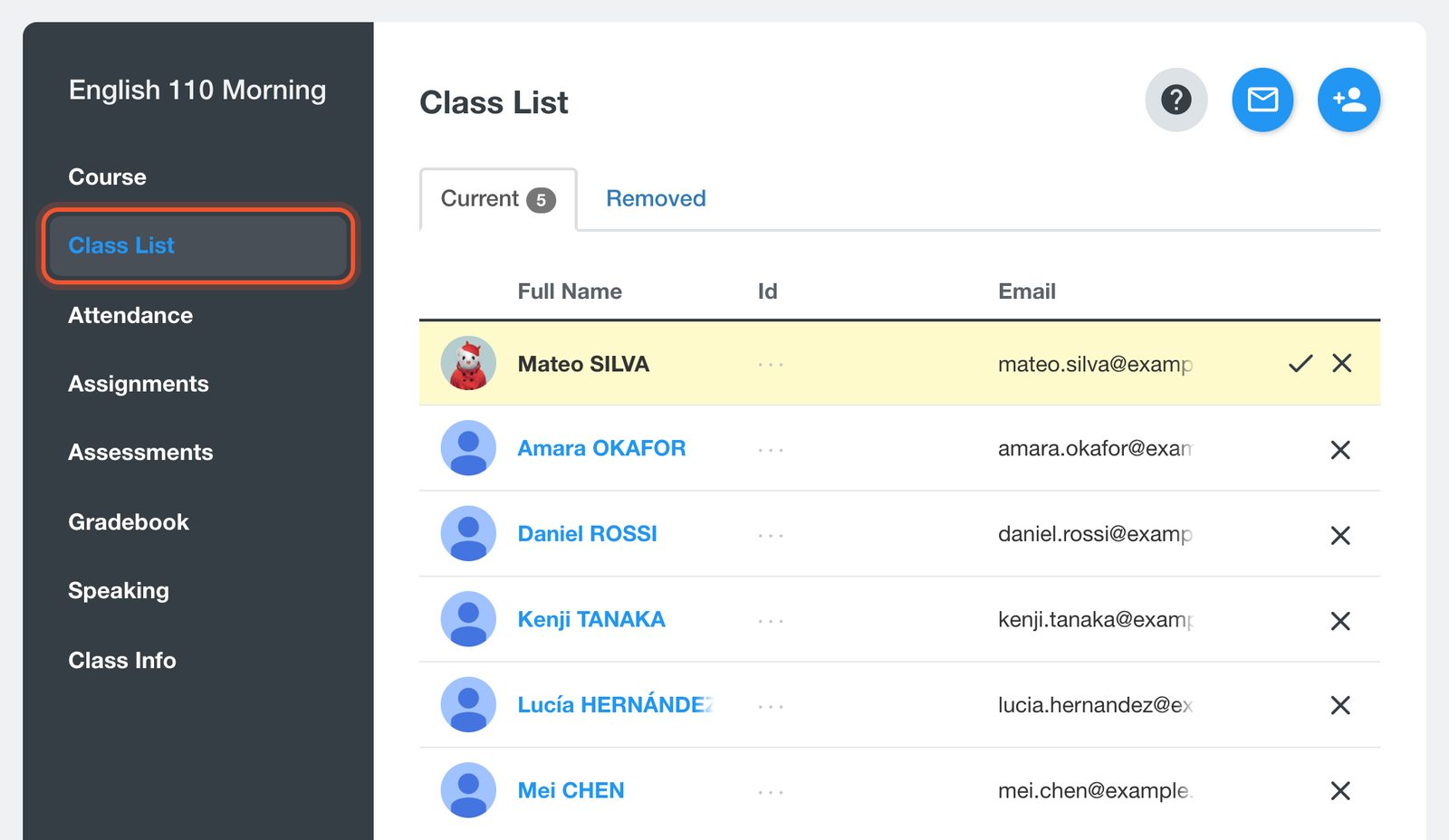
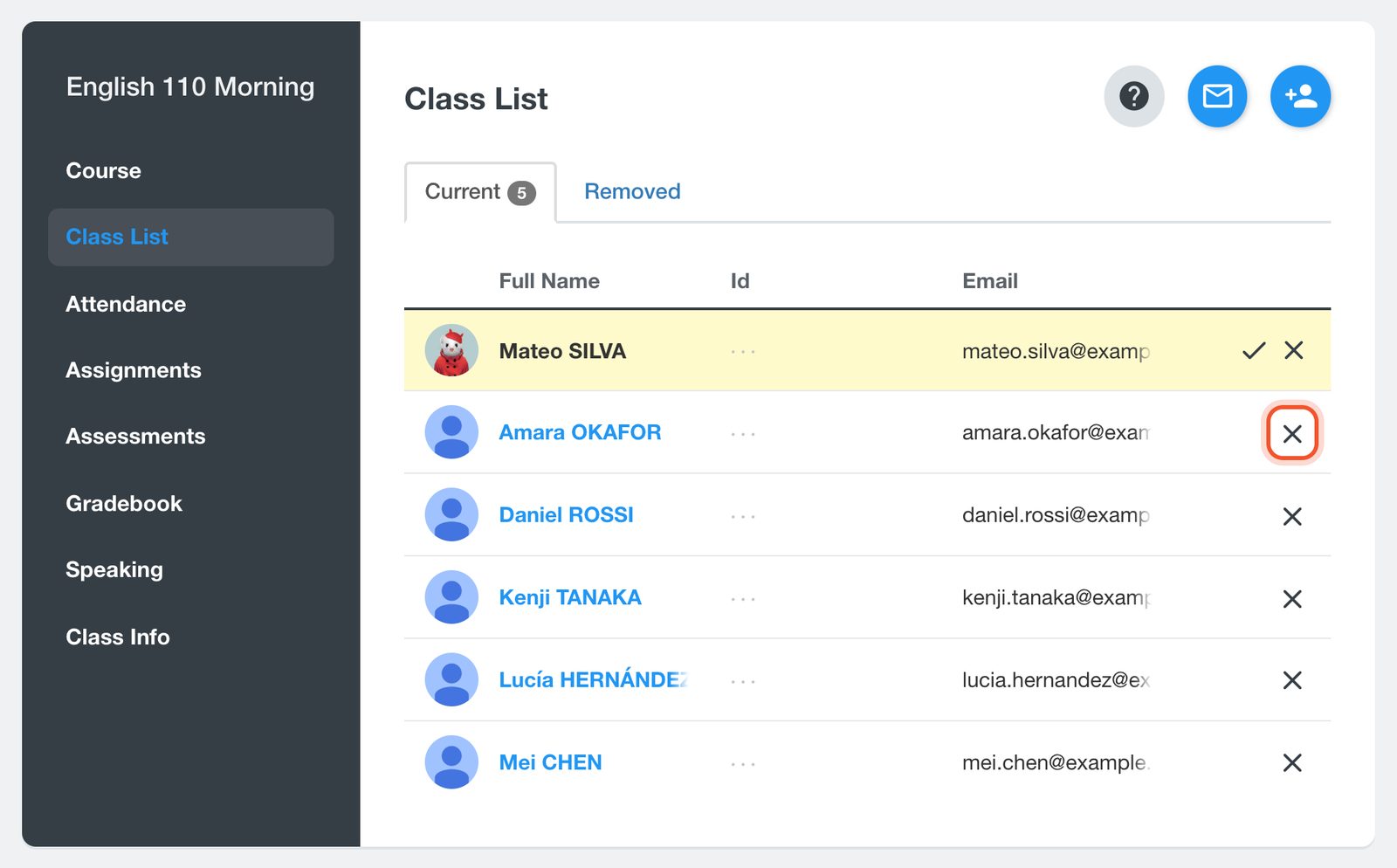
Open your class and click Class List.
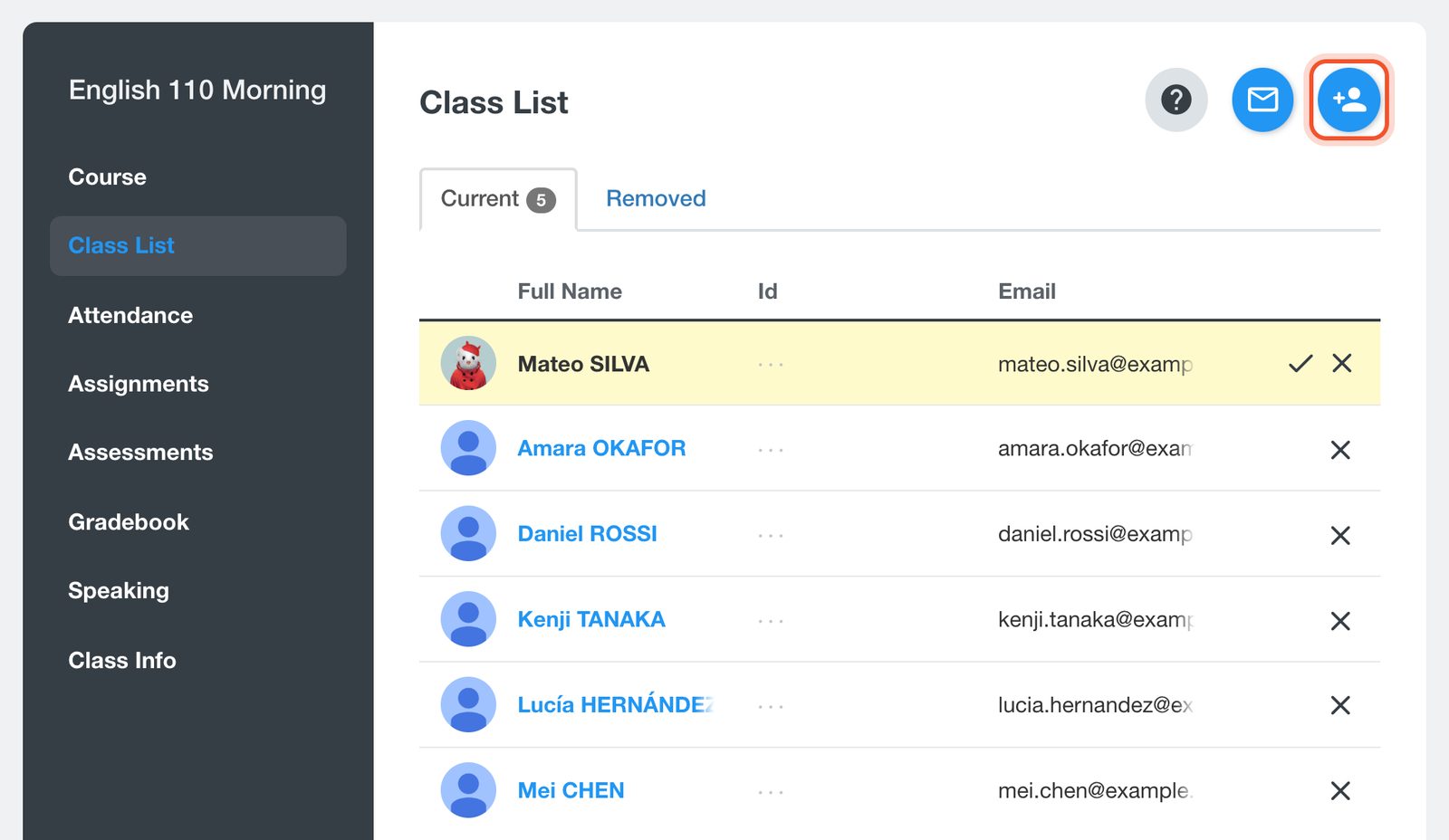
Click the Add Student(s) button at the top of the list.
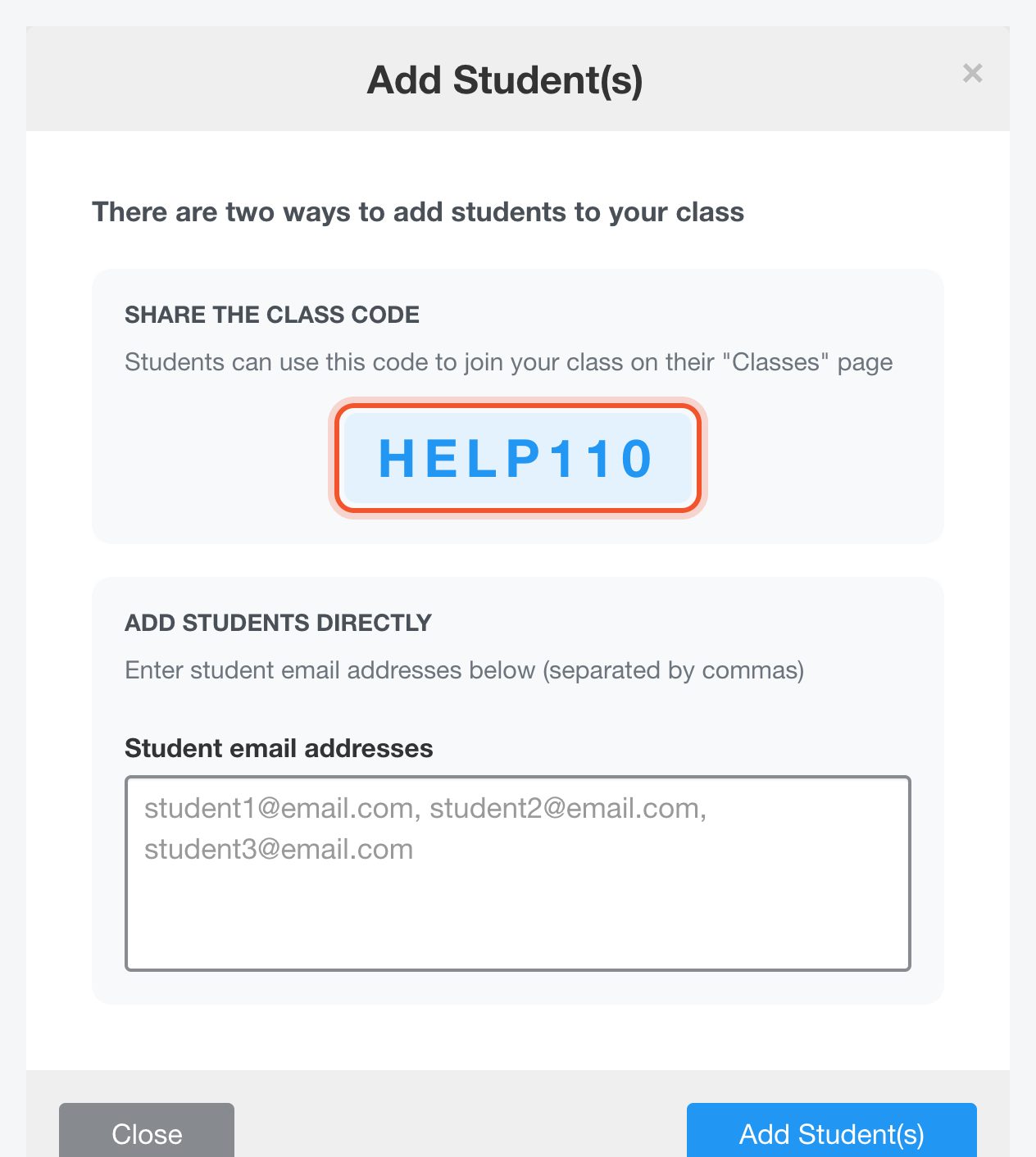
To let students join on their own, share the class code. Students enter it on their Classes page.
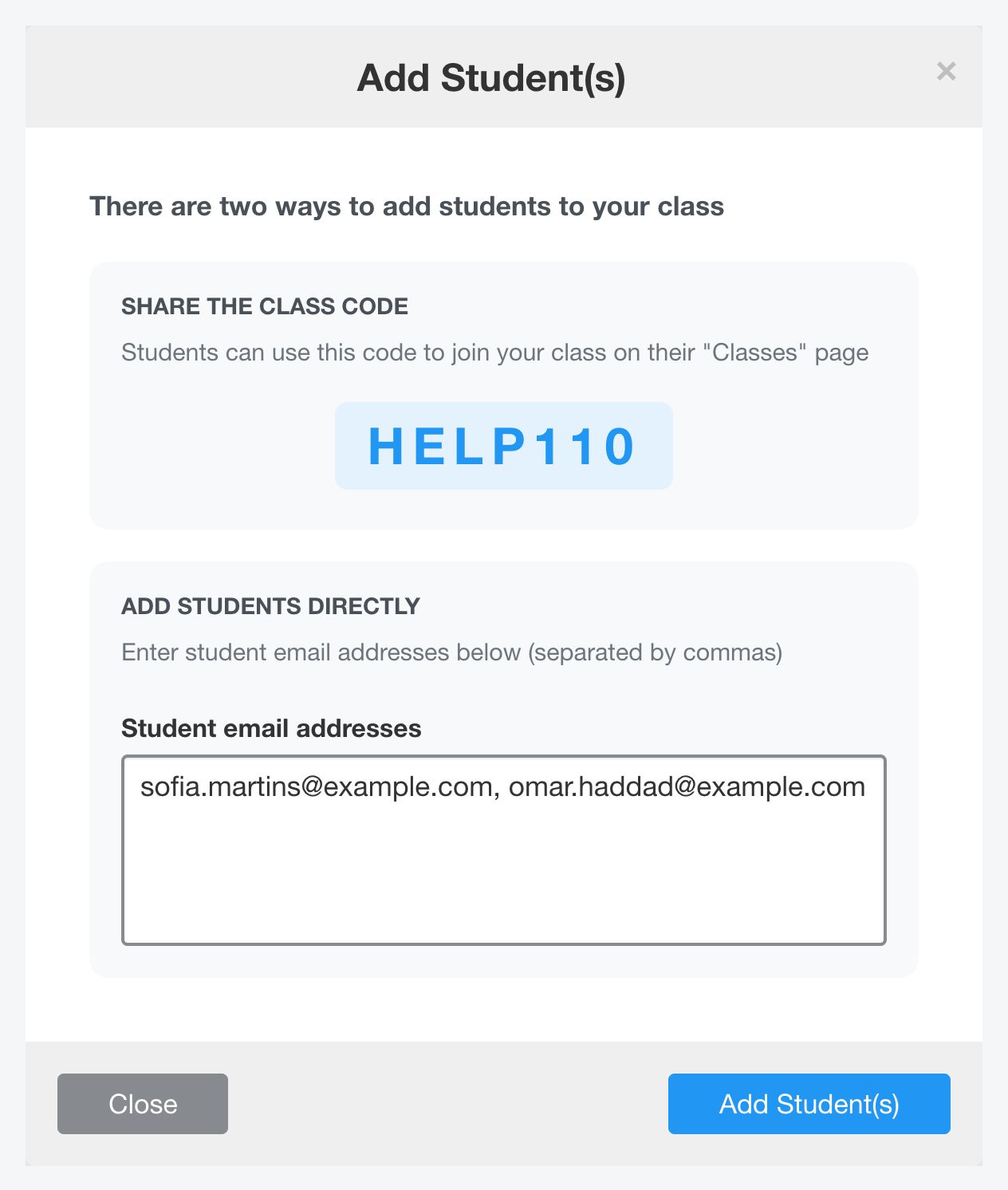
To add students yourself, type their email addresses separated by commas, then click Add Student(s).
To remove a student, click the X at the end of their row. Removed students move to the Removed tab.
Related
- Join your class with a class code, for students.


