
Getting started
Join your class with a class code
Use the code from your teacher to add a class to your Classes page.
Your teacher or school gives you a class code. You only need to enter it once.
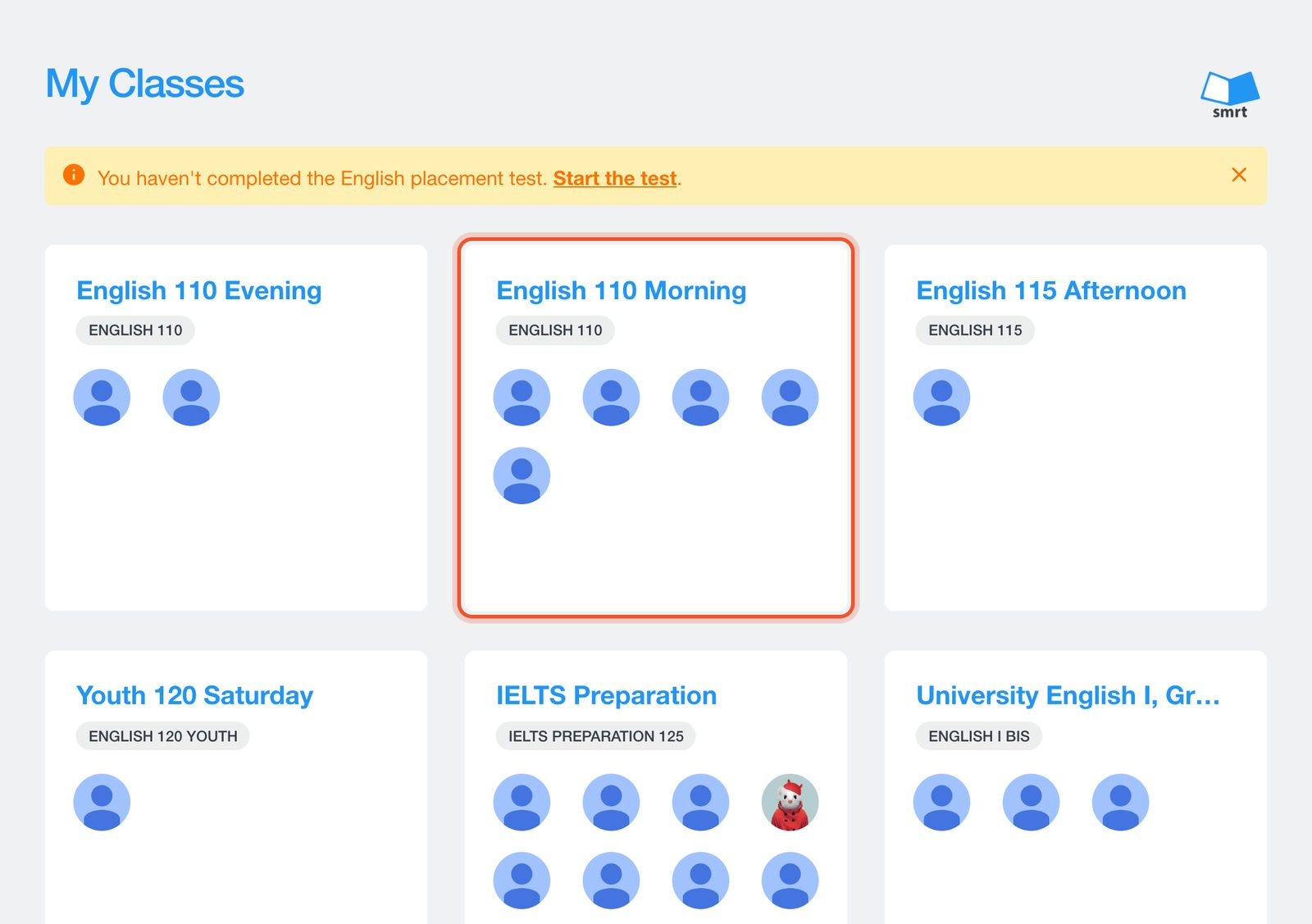
Sign in and open Classes. Your classes are listed here.
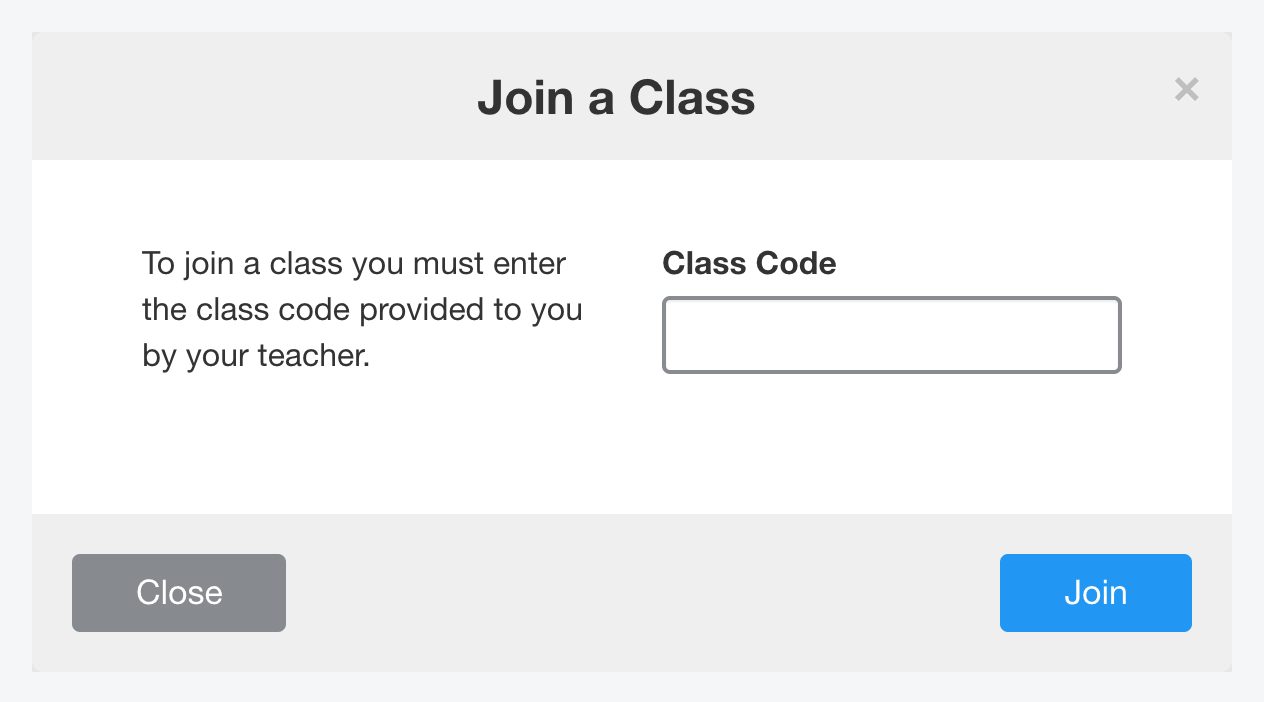
Click Join a Class, enter the class code and click Join.
Your teacher needs to accept your request before the class appears. See Approve students who join with your class code for what your teacher sees.
Don't have a code?
Ask your teacher or your school. Smrt English cannot give out class codes for your school.


