
Getting started
Create an account or sign in
Sign in at your school's own Smrt English website with the Google or Microsoft account your school uses, or with an email address and password.
Students and teachers sign in at their school's own Smrt English website. The address looks like smrtenglish.com/yourschool and is in the email your school sent you. There is no separate sign-up: your first sign-in creates your Smrt English account.
Open your school's website and click Sign in.
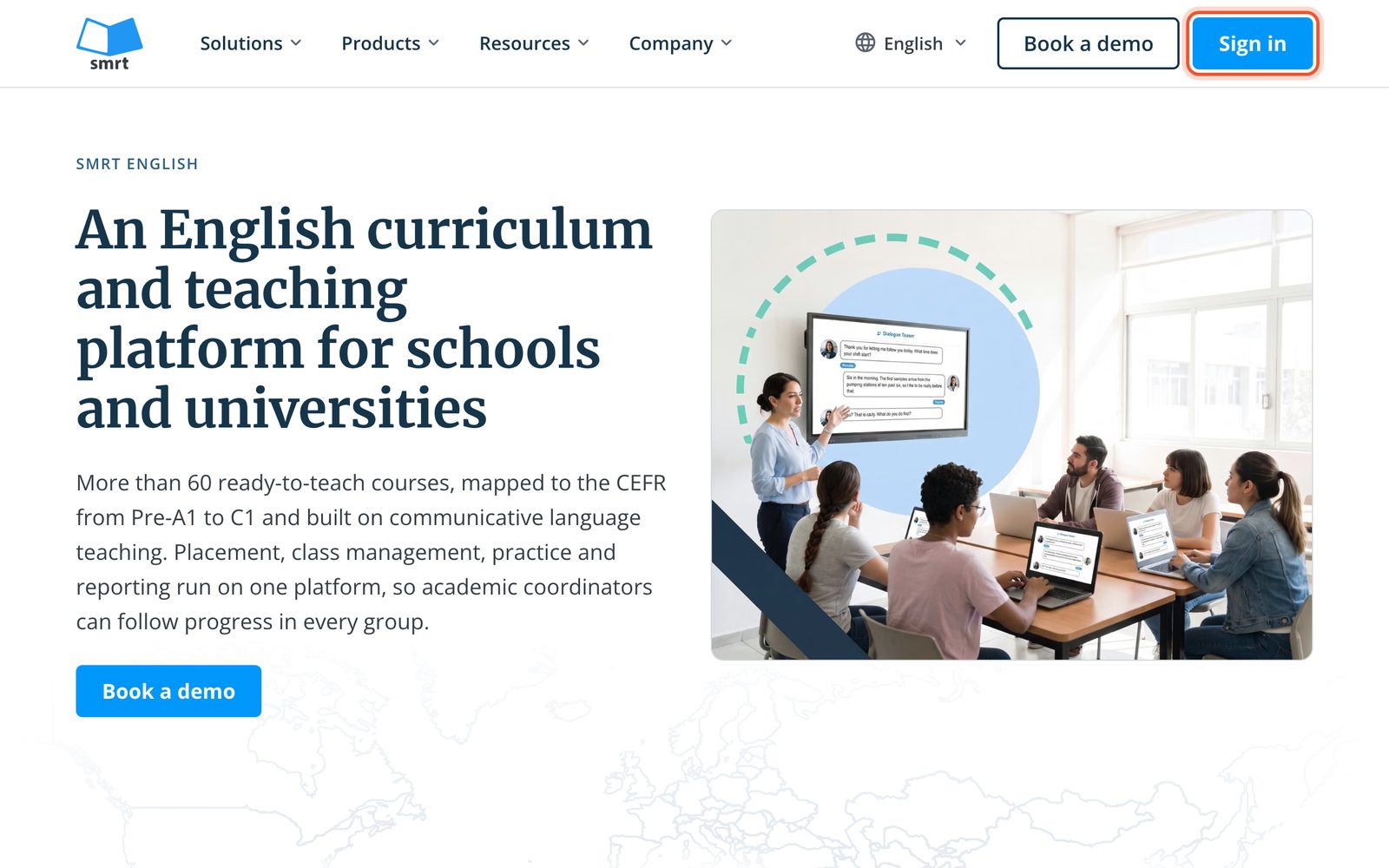
Sign in the way your school uses: Sign in with Google, Sign in with Microsoft, or your email address and password.
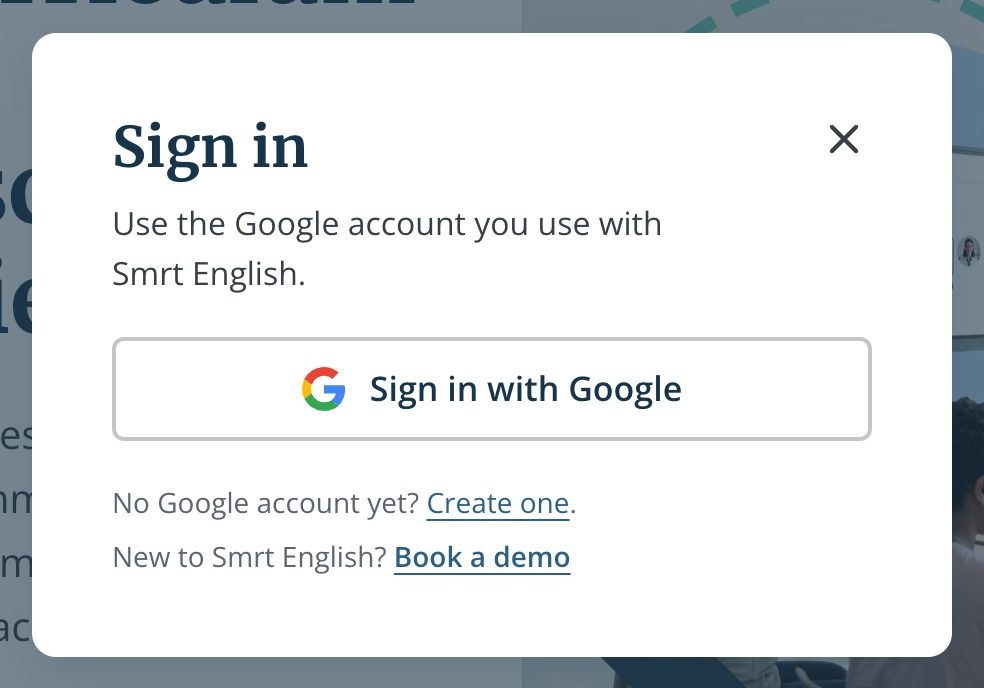
Use the email address your school added you with. Your school, your classes and, for teachers, your teacher role are there the first time you sign in.
For the details of each way to sign in, see Sign in with Google or Microsoft. Forgot your password? See Reset a forgotten password.
No Google account yet?
On smrtenglish.com, Create one (next to "No Google account yet?" in the Sign in window) opens Google's page for a new Google account. Sign up there with the email address your school added, then come back and click Sign in with Google. On smrtenglish.cn, register with the Smrt English registration form instead (smrtenglish.cn/yourschool/register).
What happens next
- Students: your teacher adds you to a class, or you join one yourself with a class code. See Join your class with a class code.
- Teachers: your school administrator adds you as a teacher, which gives you full access.
If you can sign in but only see a preview, your school has not added you to a class yet. Ask your teacher or school administration. Write your name in English on your profile, because it appears on class lists.


