
School administration
Edit or delete a student's assessment result
Find a quiz or exam result for one student, open it or remove it.
Open the Dashboard, click Students, open the student, then click Assessments.
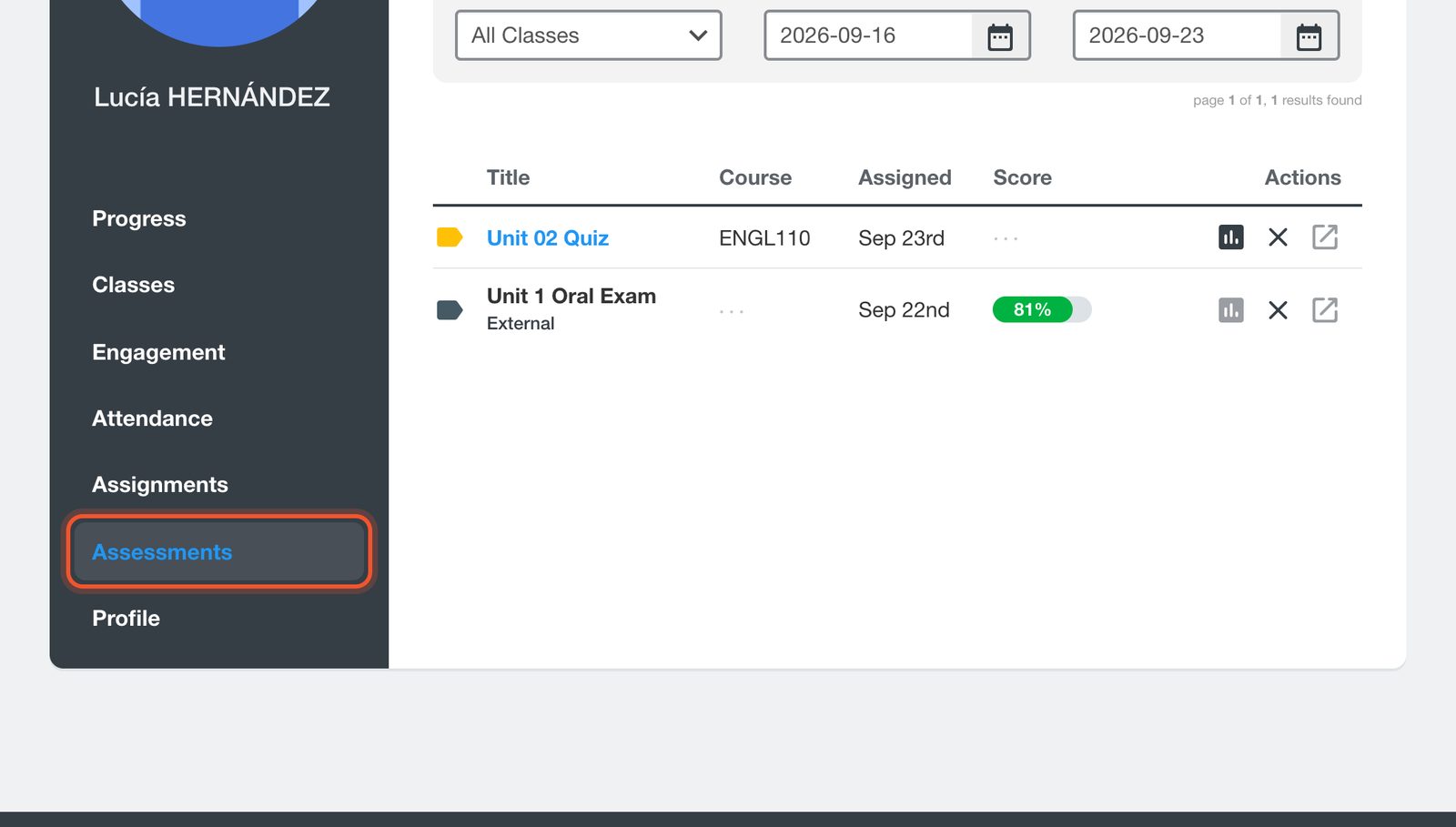
Filter by class and by date if you need to. Open a result to see the student's answers, or click the X to delete it.
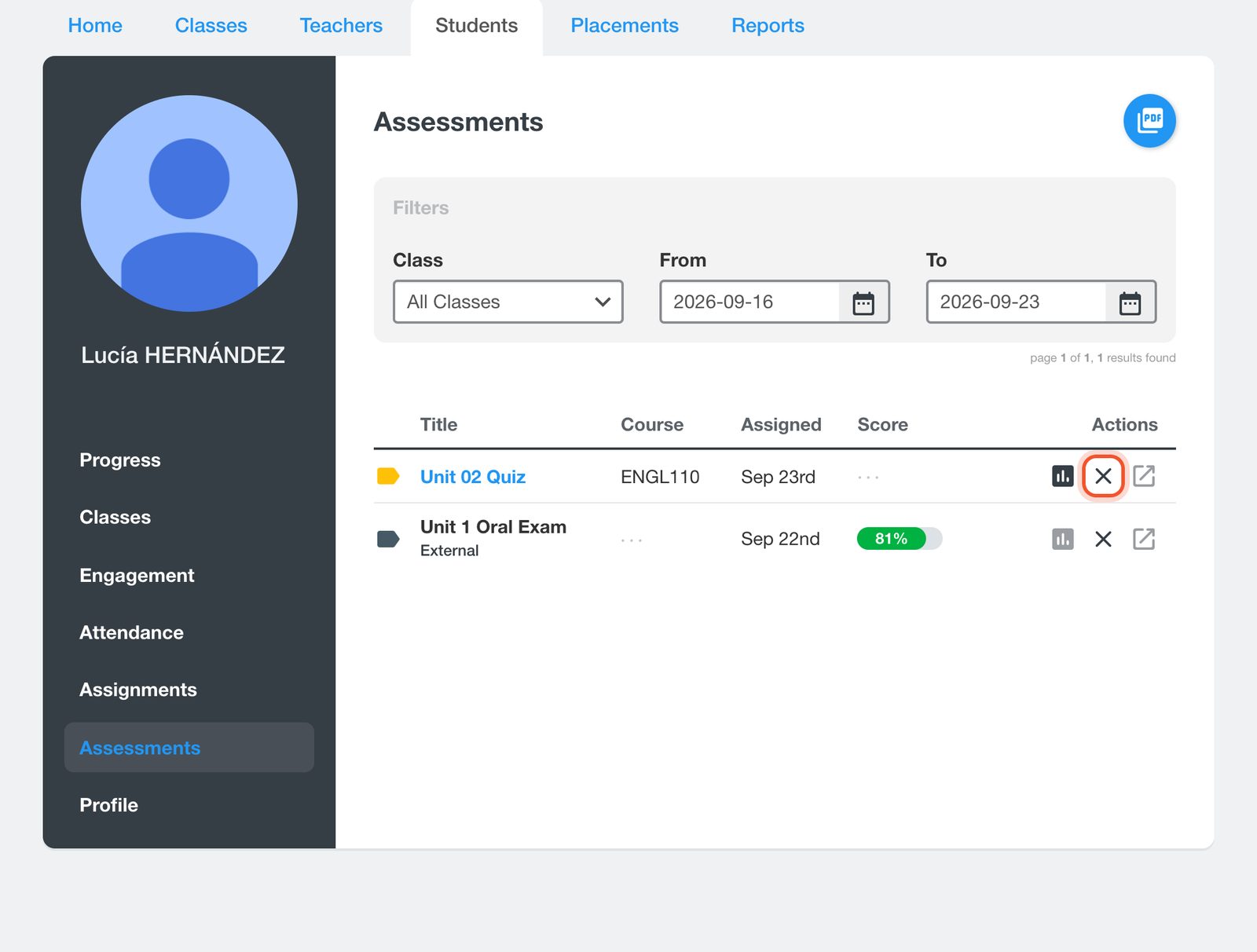
Deleting a result cannot be undone. The student can then take the assessment again.
The PDF button downloads an assessment report for the student.


