
Placement and testing
Take a placement test
Take the test your school sends you, so your school can put you in the class that matches your English level.
A placement test shows your school your English level, so they can put you in the right class. Your school decides which test you take and sends you to it in one of two ways.
With a link from your school
Your school may send you a test link by email or in a message. It looks like smrtenglish.com/yourschool/p/ followed by a code. You do not need to sign in.
Open the link. The first section asks for your first name, last name and email address.
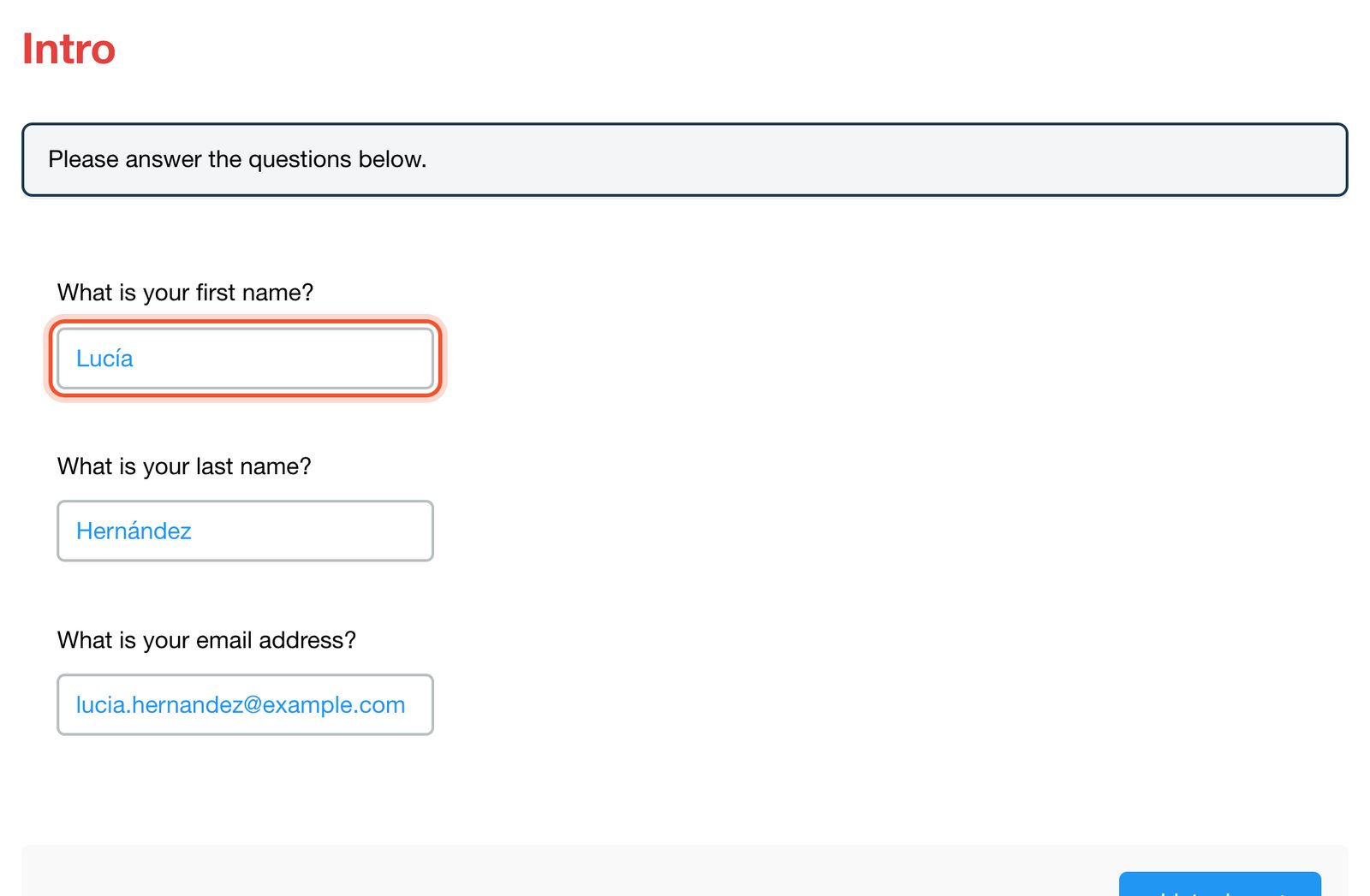
Use your real name and the email address you gave your school. Each email address can be used only once on the same test link.
Move through the sections with the buttons at the top of the test, or with the section buttons at the bottom of each page.

Answer every question. Listening sections have audio, so use headphones or turn your sound on.
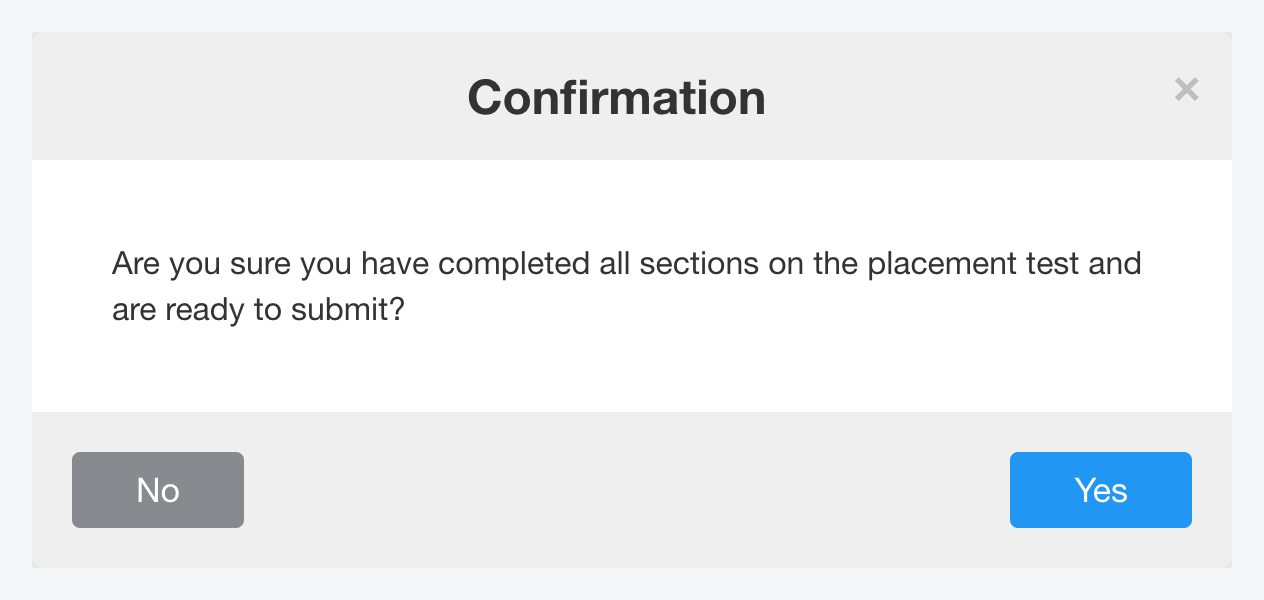
In the last section, click Submit.

Click Yes to send your test, or No to go back and check your answers.
You see Placement test received! Some schools also show your level here. If your school uses more than one test, the next one opens straight away.
From your Classes page
If you are signed in and have not taken a placement test yet, your Classes page may show a message about it. Click Start the test.

The test starts with a short description of how many questions it has and how long it takes.

Answer the questions, then click Submit Test at the bottom of the page. Your results go to your school.
If you closed the message, you can still open the test at smrtenglish.com/yourschool/placement.
After the test
Your school administration reviews your result and places you in a class. You don't need to do anything else. To change your class or level later, ask your school. See Can I change my class, teacher or level?


