
School administration
Connect your systems with the Smrt English API
Read your school's student and class records from your own systems with an API key from Smrt English.
The Smrt English API lets your school's systems, such as a student information system or a reporting dashboard, read your student and class records. It is read-only: it cannot add, change or delete anything in Smrt English.
Get an API key
Contact Smrt English to request an API key for your school. Smrt English issues and manages keys. A key only ever returns your own school's students and classes.
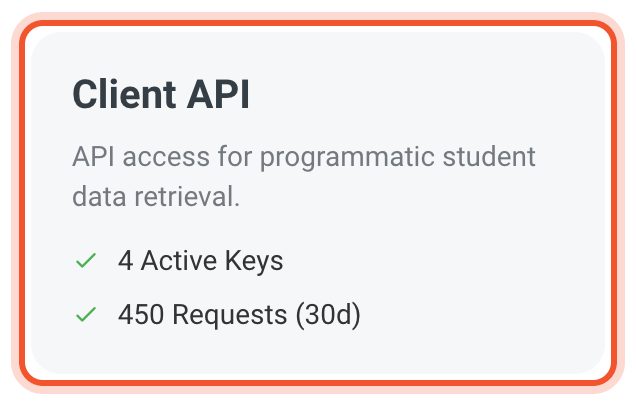
Once your school has a key, open the Dashboard, click Home, then Settings. The Client API box shows how many keys are active and how many requests they made in the last 30 days.
Give the key to the person building your integration. They send it in the X-API-Key header of every request.
What you can read
- Students: a list of your students with filters and search, or one student by user ID or email address, including their classes, completed assignments, assessments and time spent learning.
- Classes: a list of your classes, or one class with its teacher and student roster.
- Auth: a test that checks your key works.
The full reference, with examples in PHP, Python and JavaScript, is in the API documentation. Your developer can try every endpoint in the browser from the testing hub linked there.
Treat the key like a password. Keep it on your server, never in a web page or app. If you think it has been exposed, contact Smrt English straight away.


