
Placement and testing
Create a Smrt English Test session and share its activation code
Schedule a test session, then give students the 4-character code they need on test day.
A Smrt English Test (SET) session is one sitting of the test on one date. You run sessions with a SET proctor account. Contact Smrt English to set up proctor accounts for your staff.
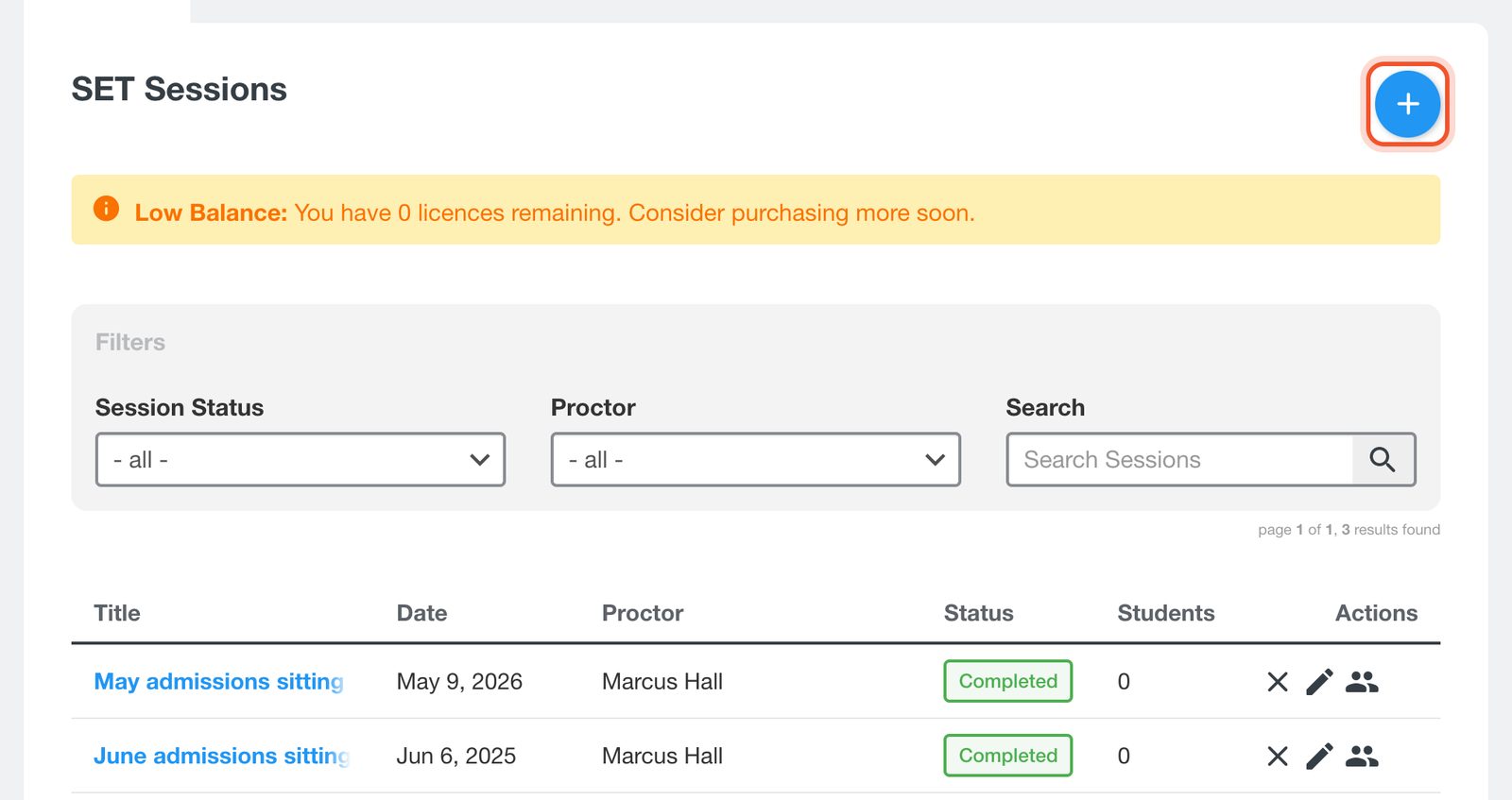
Sign in with your proctor account and open your school's SET page: add /admin/schools?view=sessions to your school's address, for example smrtenglish.com/yourschool/admin/schools?view=sessions. On SET Sessions, click the + button.
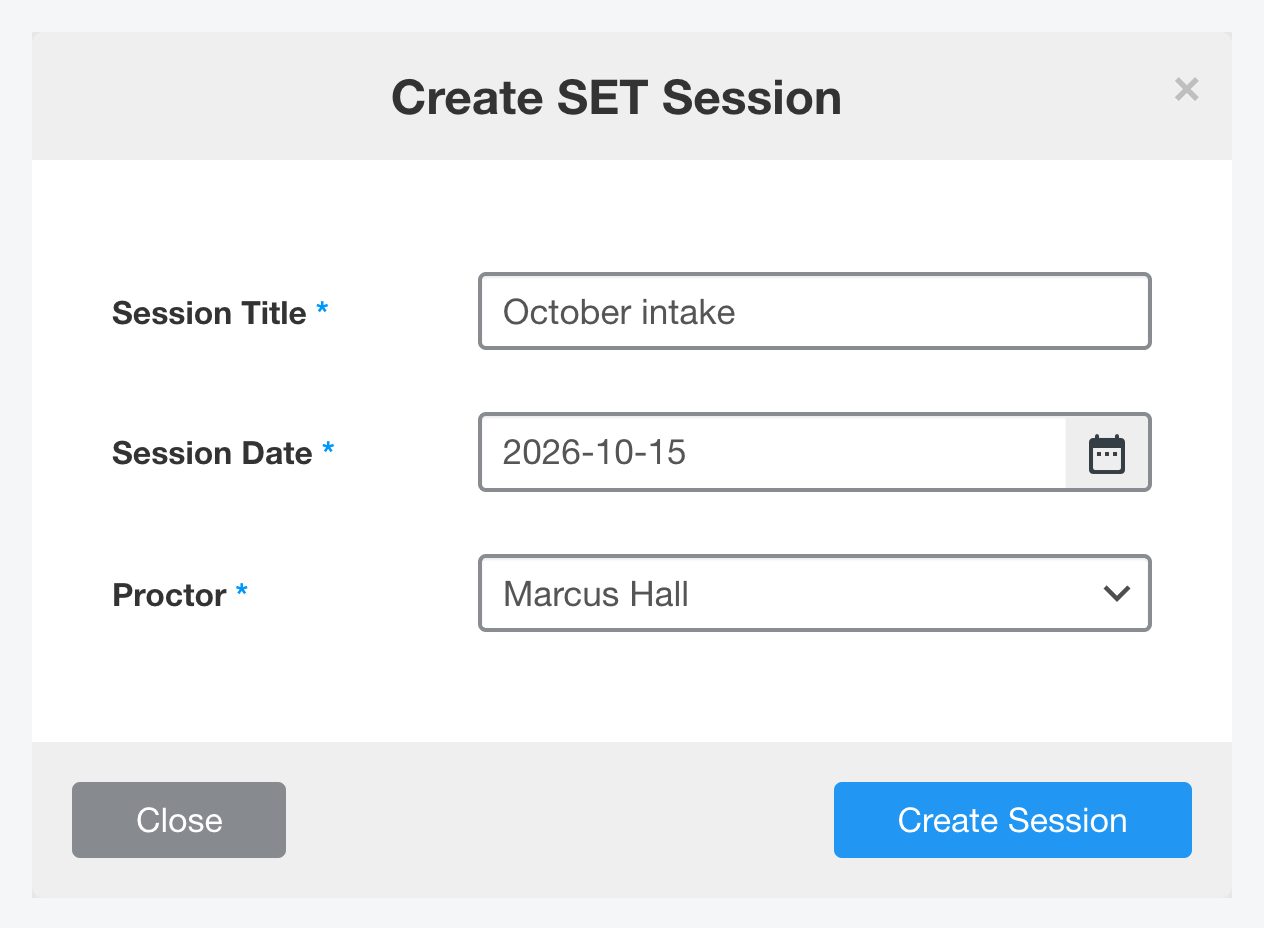
Enter a Session Title, choose the Session Date and the Proctor, then click Create Session. The activation code is created for you.
Click the session's title to open it. Activation shows the 4-character code. Click the code to copy it.
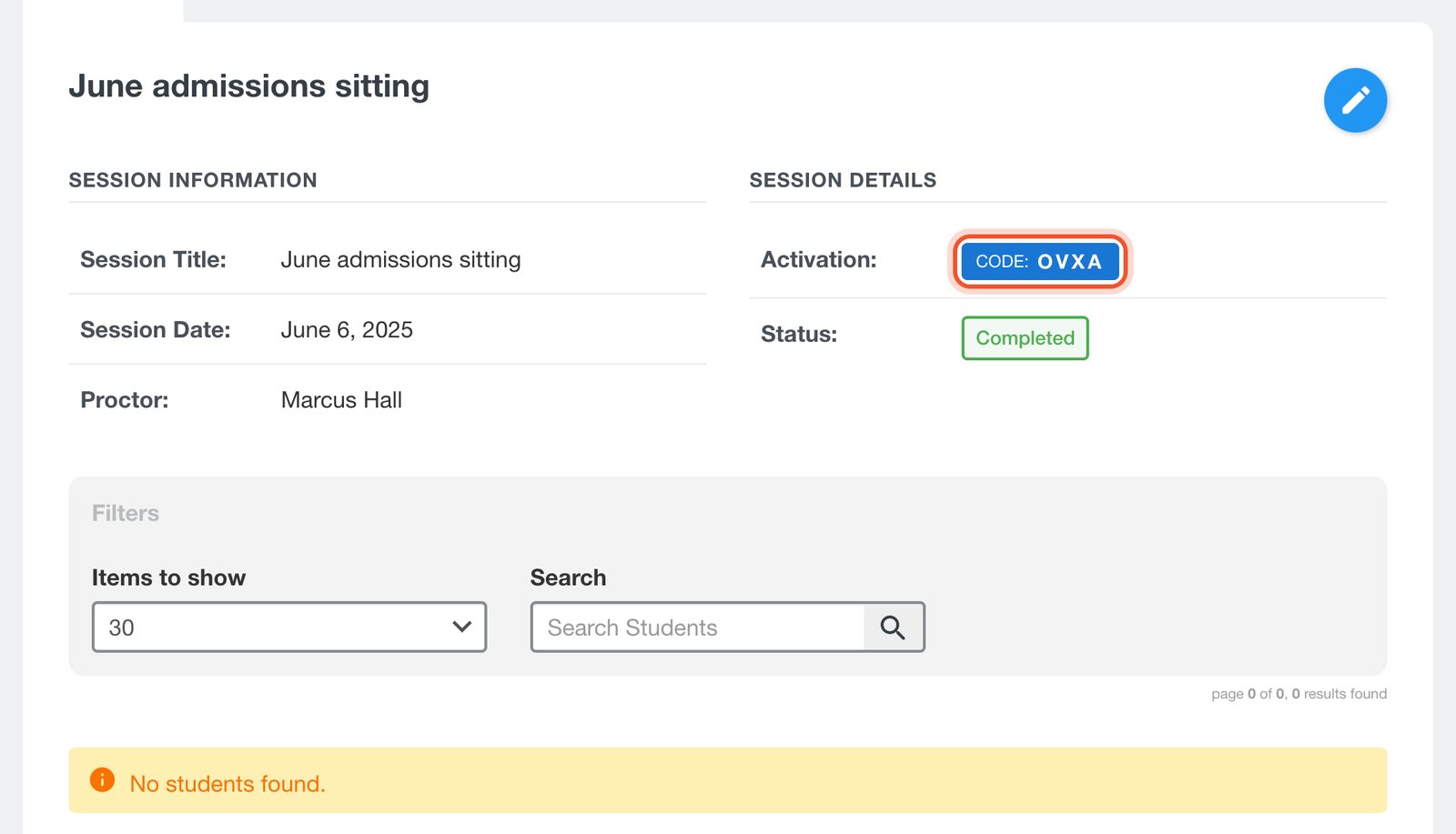
On test day, send students to set.smrtenglish.com/en/activate_test and give them the code. It only works on the session date.
Session status
The status changes on its own: Scheduled before the session date, Active on the day and Completed after it. Use the pencil to change a session's title, date or proctor, or the X to delete it.
Licences
Each submitted test uses one licence. The Licences tab shows your Current Balance. When your balance drops below zero you cannot create new sessions until you add licences.


