
Assignments, quizzes and grades
See the class gradebook
Every assignment and assessment score for the class in one table, ready to download.
Open your class and click Gradebook. Each student has a row, each assignment and assessment has a column, and the last column is their overall score.
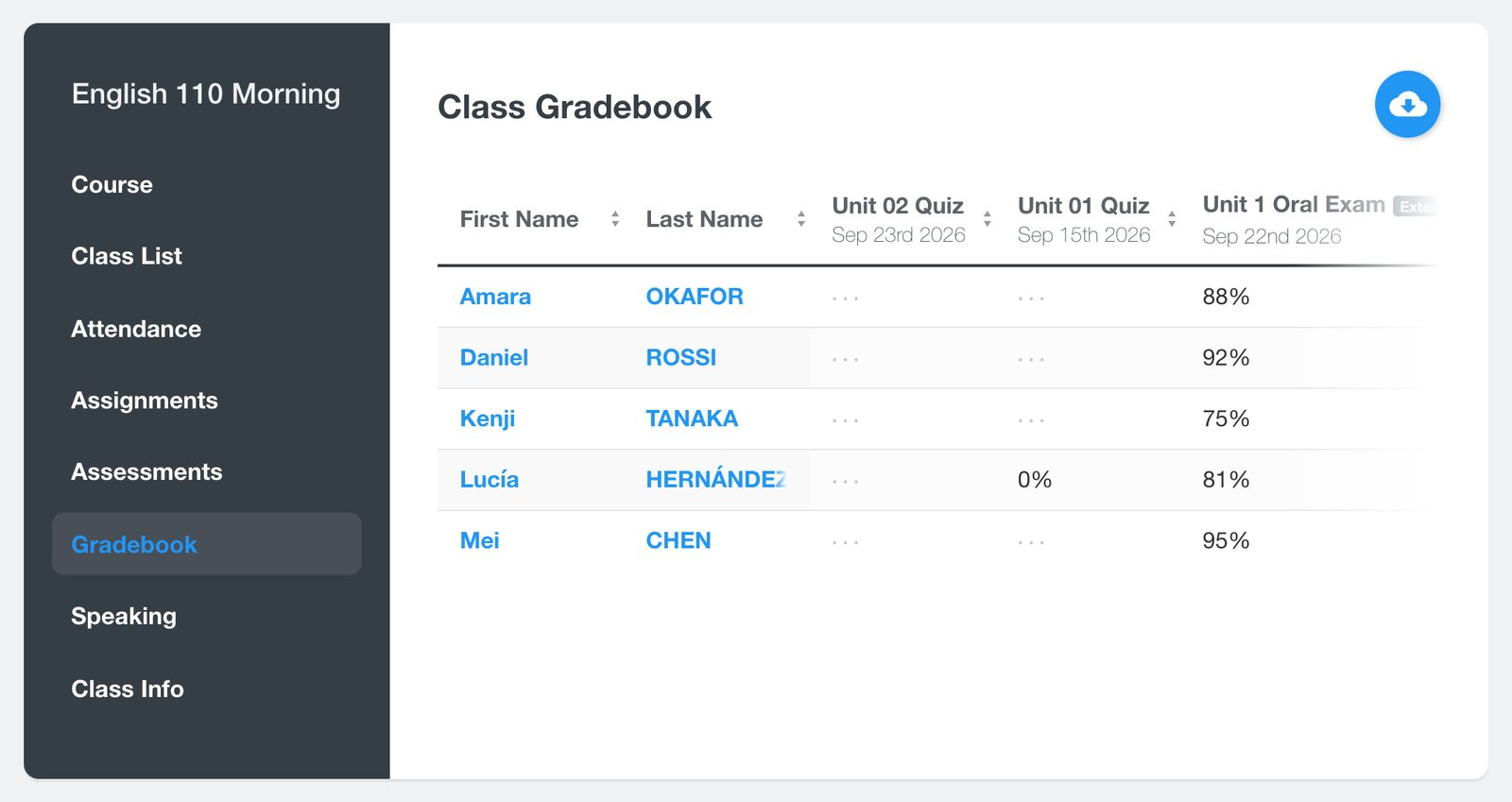
Use the download button at the top to save the gradebook as a spreadsheet.
Scores appear here as students submit their work. Paper tests and oral exams you record as an External Assessment are included too. See Record a paper test, oral exam or presentation.


