
Assignments, quizzes and grades
View assignment results
See who has finished, open a student's answers, mark writing and release the answers.
Open your class and click Assignments.
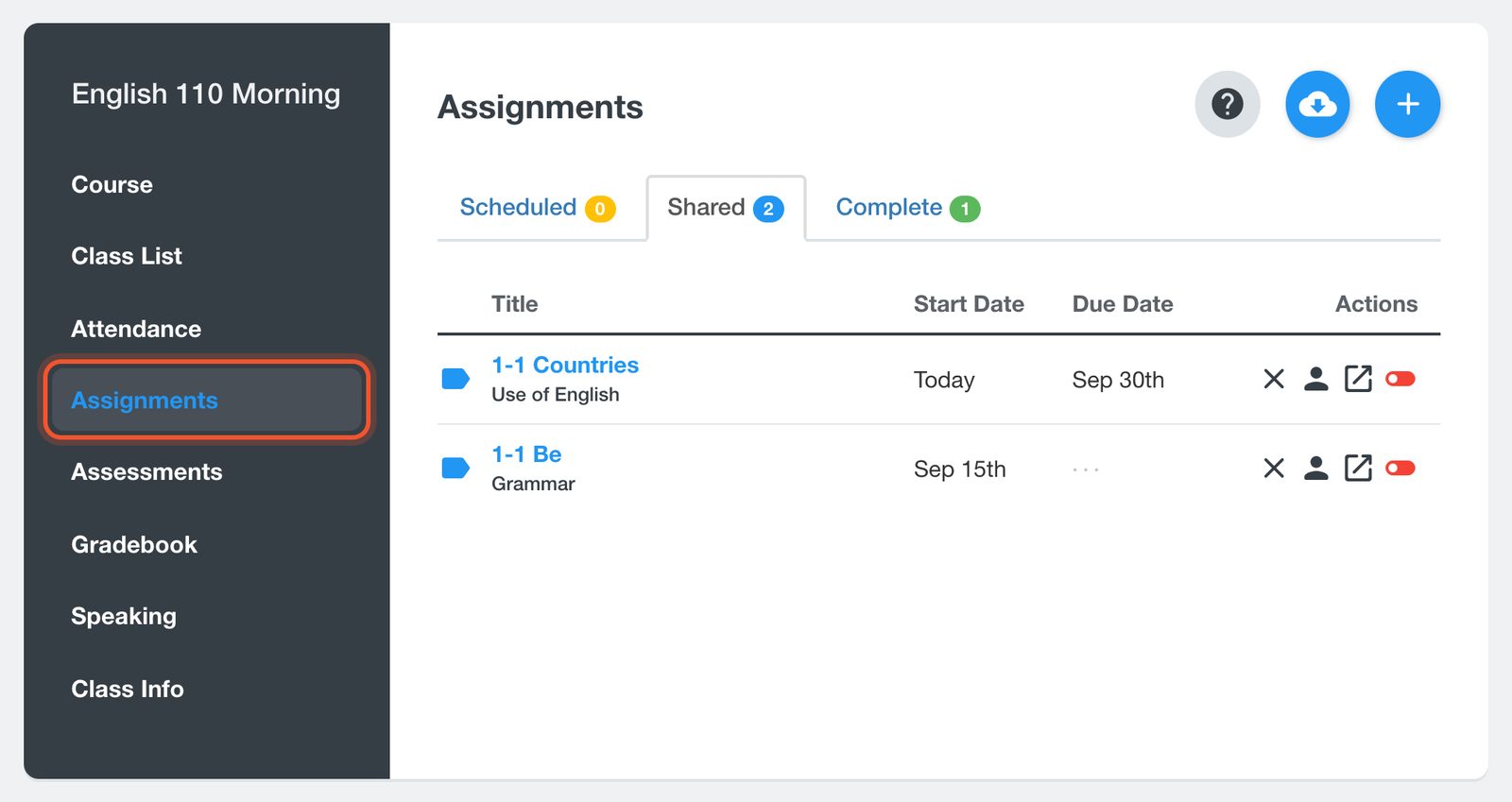
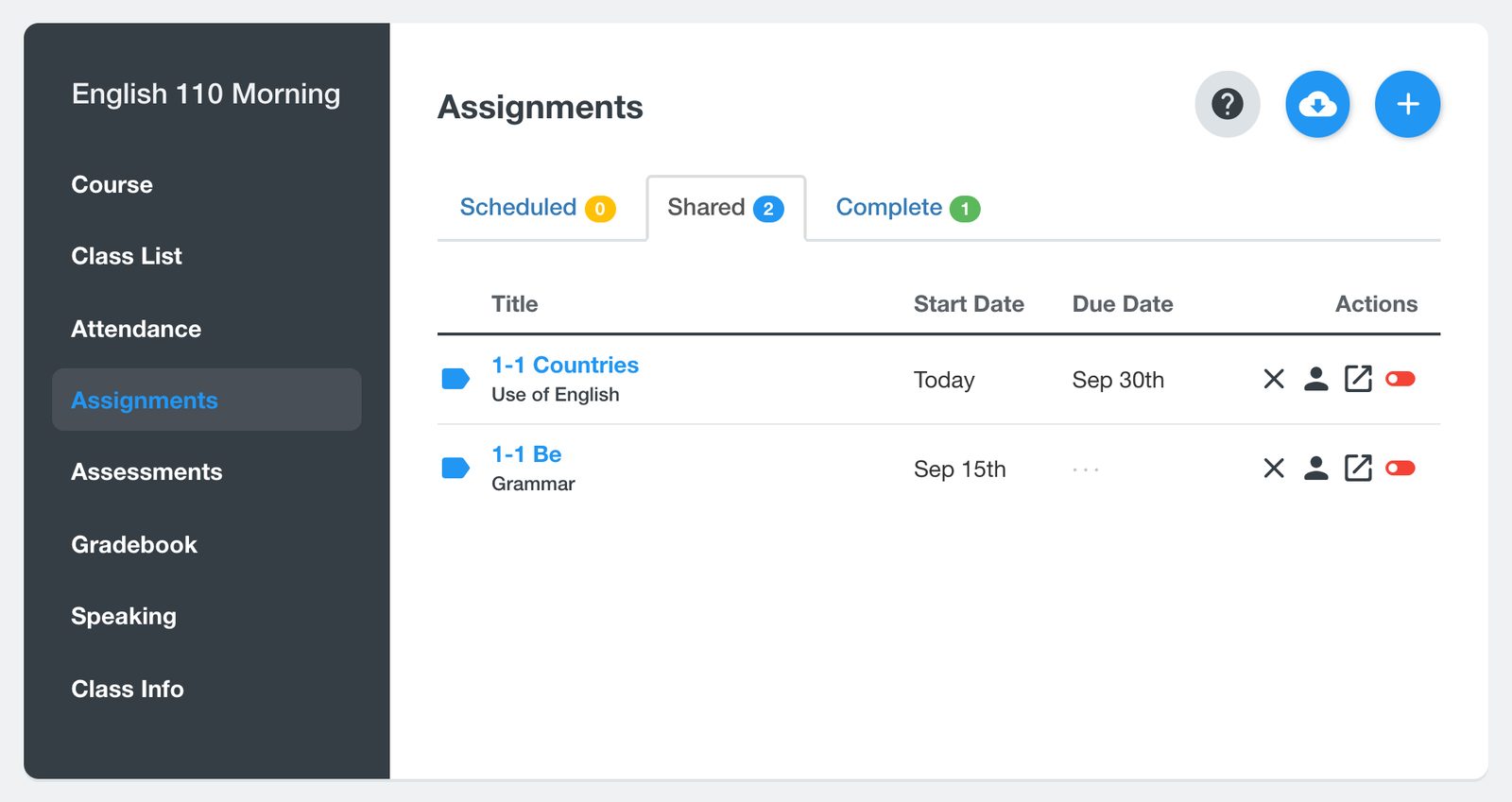
Shared work is listed with its dates. The buttons at the end of each row delete the assignment, open Student Results or Class Results, and show or hide the answers.
Open the results to see every student's status. Open a student's work to read their answers, mark open-ended questions such as writing, and change a mark if you need to.
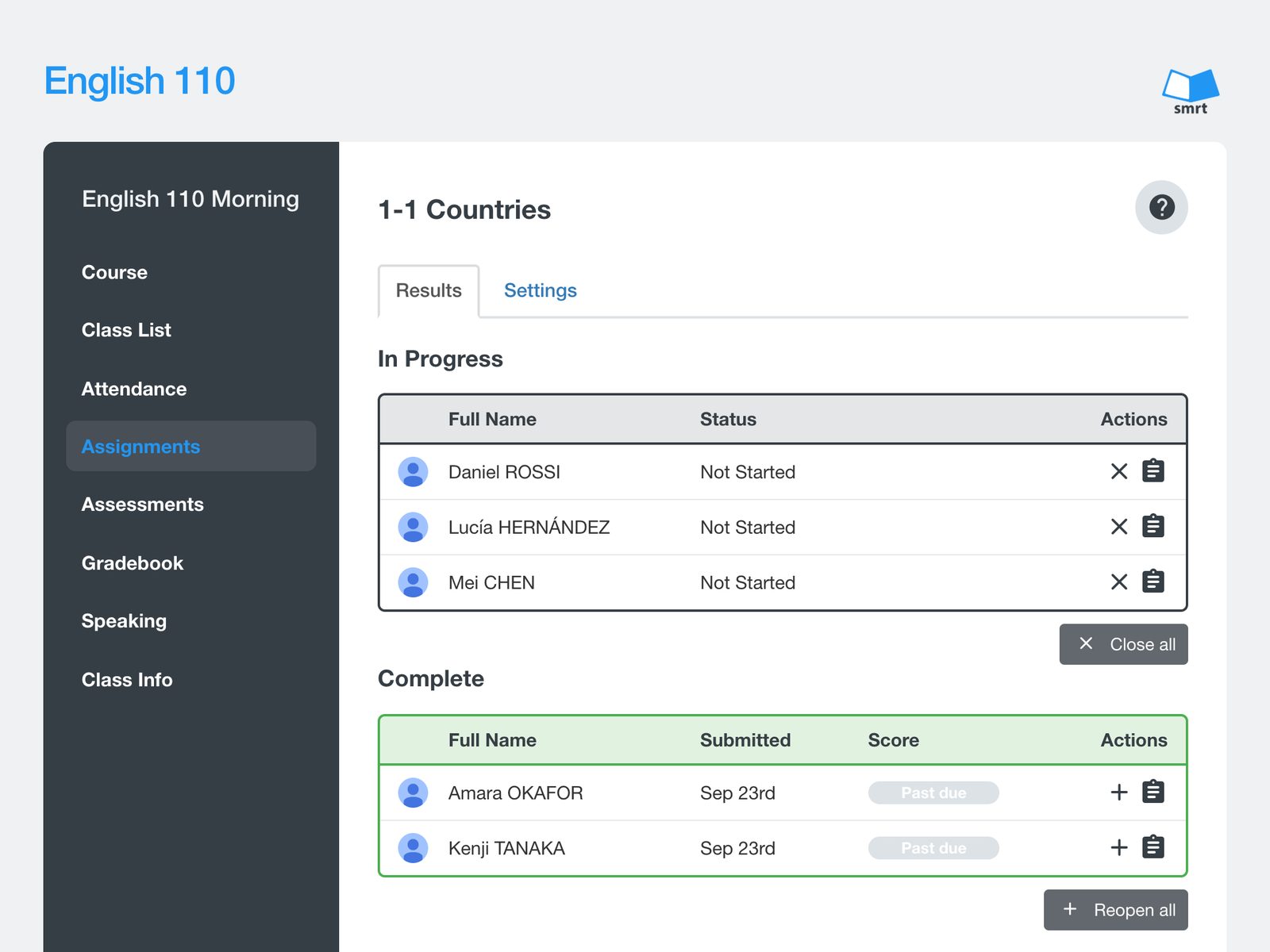
On the results page you can also add students who joined the class later, close the work for a student, or reopen it. See Reopen an assignment or quiz for a student and Show students the correct answers.


