
Assignments, quizzes and grades
Exercise question types and how they are marked
What each kind of exercise question asks students to do, and which ones mark themselves.
Exercises mix several kinds of questions. Most mark themselves as soon as the student clicks Submit. Open answers, such as writing and recordings, are marked by the teacher.
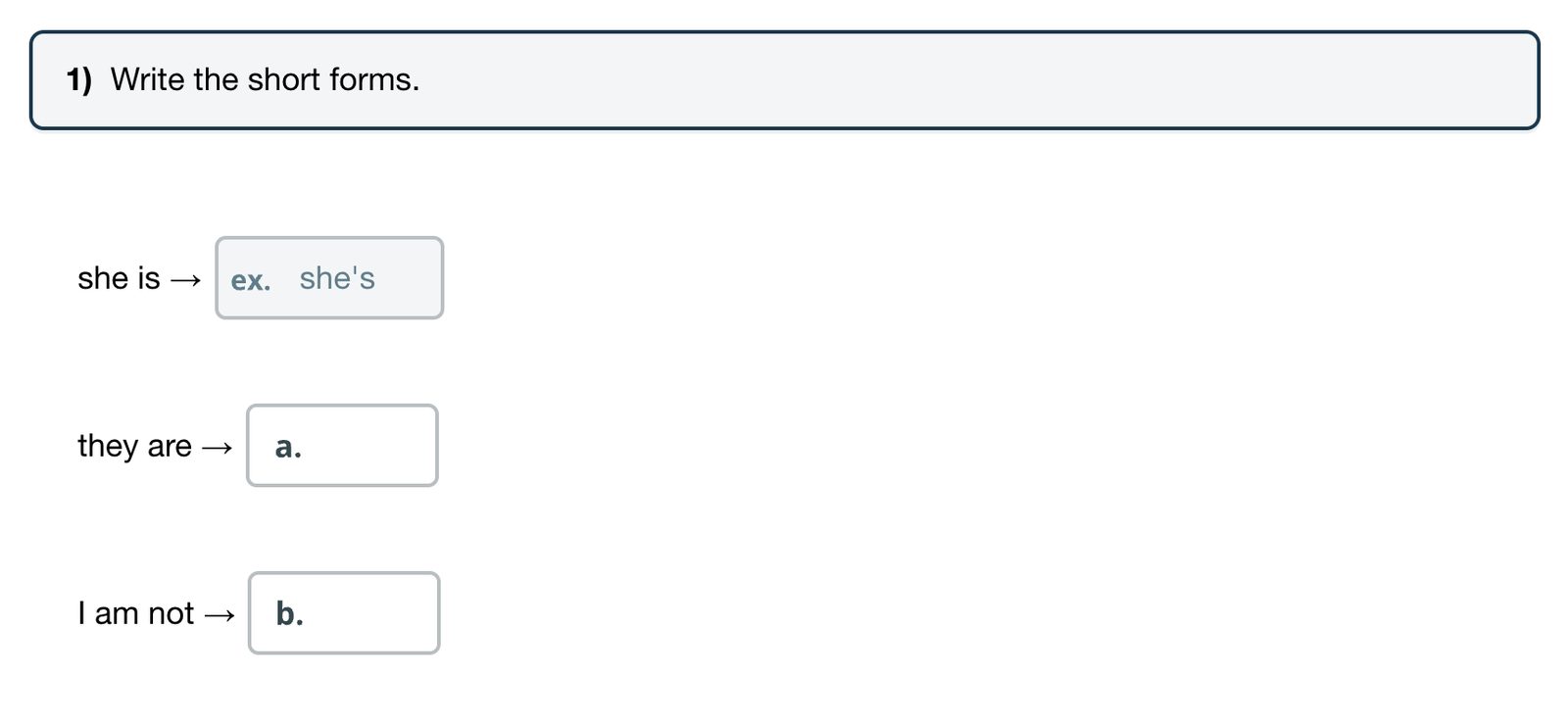
Some questions sit inside a reading or a conversation, with the answer boxes in the text. Some are already answered and labelled ex. These are examples to show what to do, and they are not marked.
Questions that mark themselves
- Short answer: type a word or phrase in the box. The answer must match an accepted answer. For some questions capital letters do not matter, for others they do.
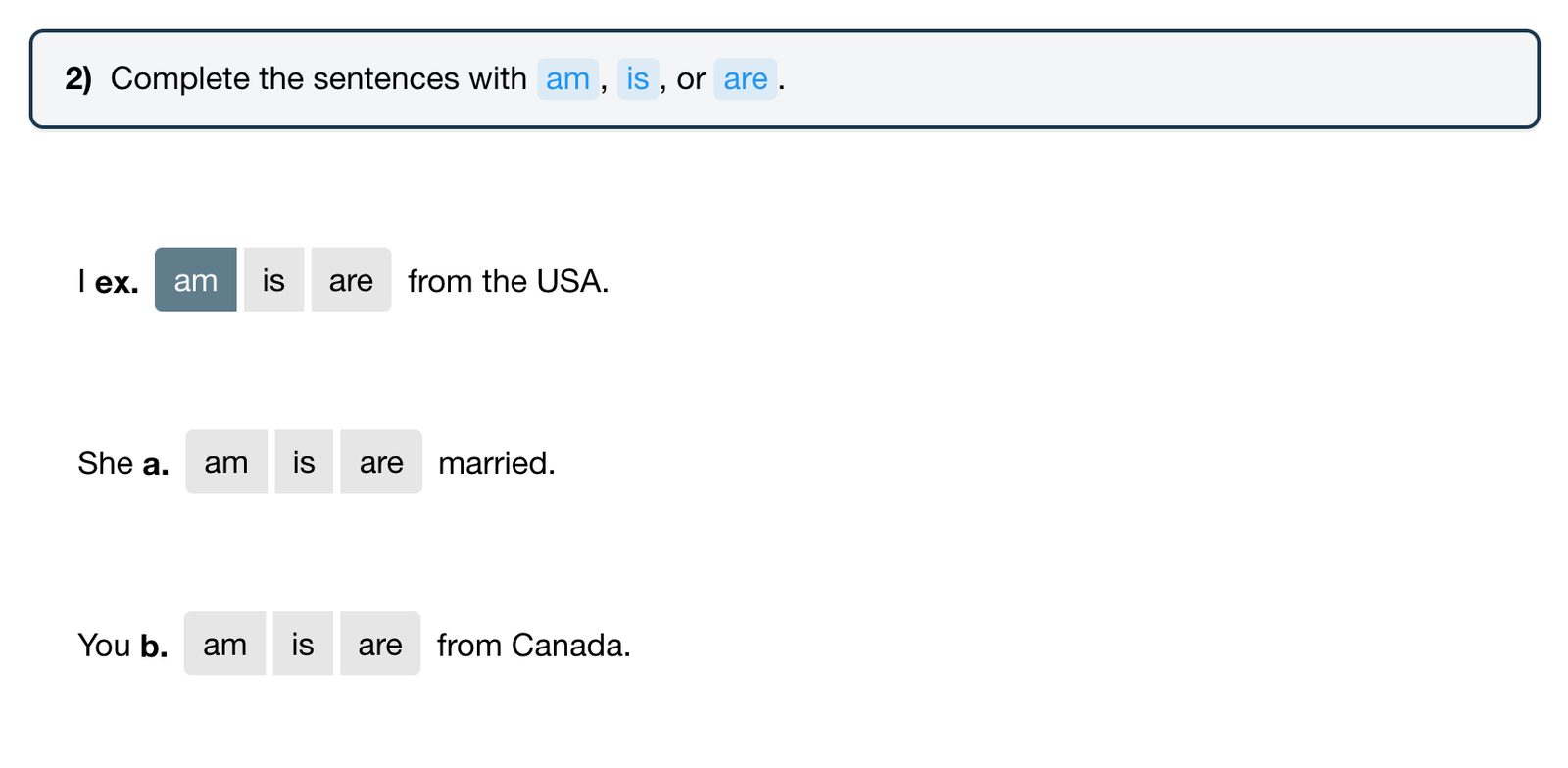
- Buttons: click the button with the right answer.
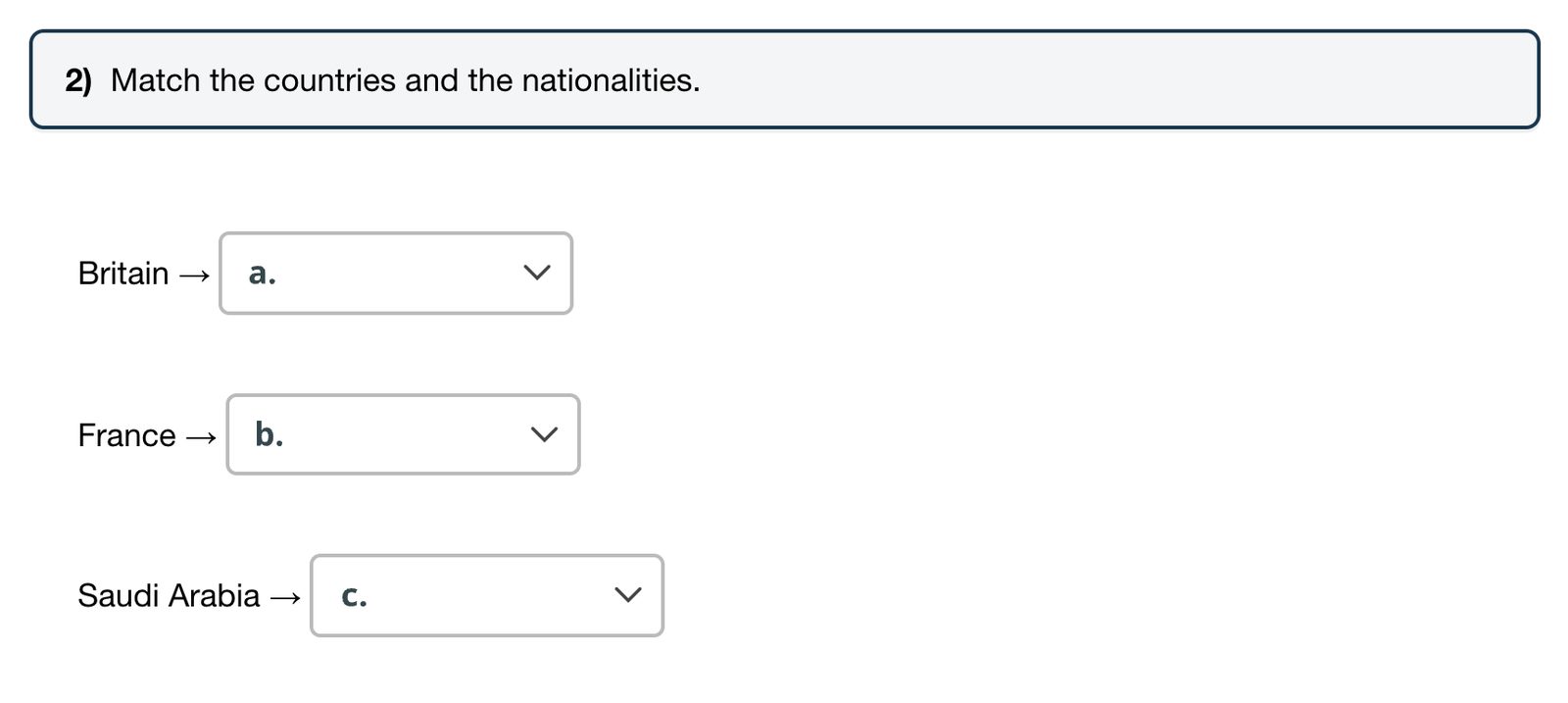
- Drop-down: open the menu and choose the answer.
- Multiple choice: choose one answer from the list.
- Check boxes: tick every answer that is correct. Each option counts: a point for ticking a correct one and a point for leaving a wrong one unticked.
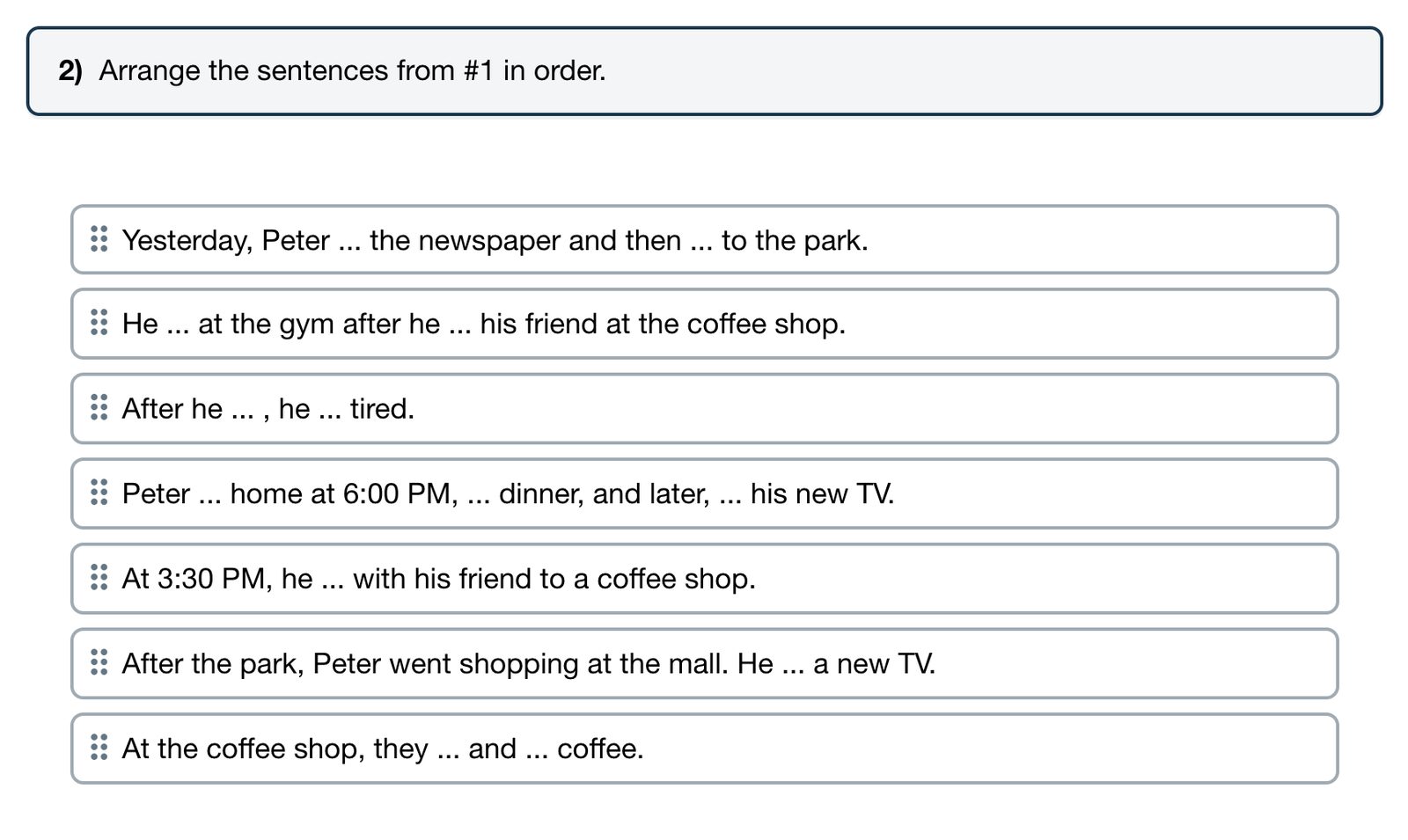
- Put in order: drag the sentences or words into the right order. Each one in the right place earns a point.
Questions the teacher marks
- Long answer: write a longer answer in a text box.
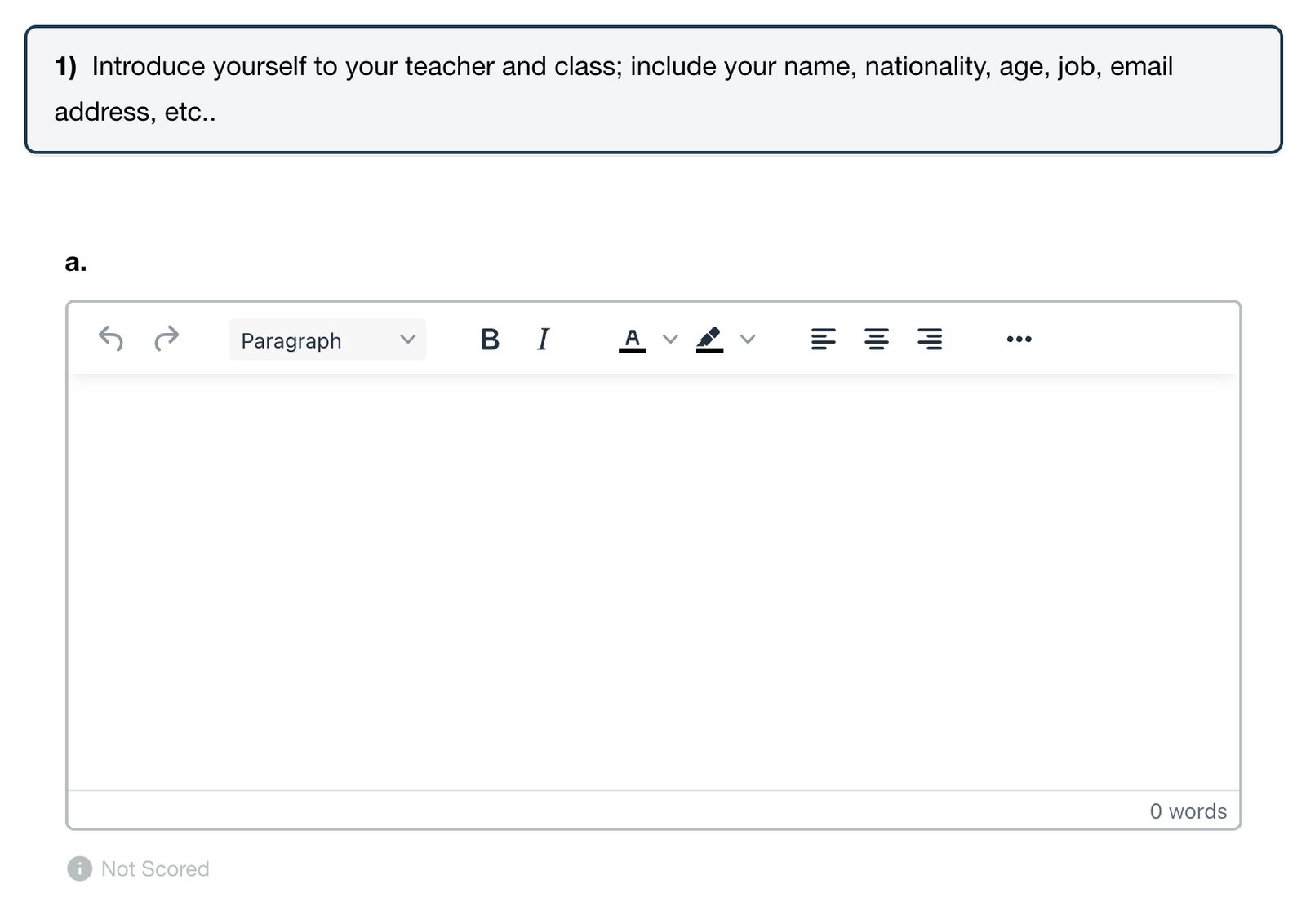
- Written answer: write a paragraph or more in a writing box that counts the words. The teacher gives a score out of a total.
- Record audio: click Record to record the answer, Play to listen to it, and Save to keep it.
Questions labelled Not Scored do not count toward the score unless the teacher marks them.
The score
The score is the percentage of points earned. Teachers can open a student's work to mark writing and recordings, and to change a mark if an answer should count as right. See View assignment results.
After submitting, students see which of their answers were right and wrong. The correct answers appear when the teacher turns on Show Answers. See Show students the correct answers.


