
Assignments, quizzes and grades
Give a quiz or exam
Start a unit quiz or course exam for your class and set when it closes.
Quizzes and exams mark themselves when students submit them. Exams are added to the student's official transcript.
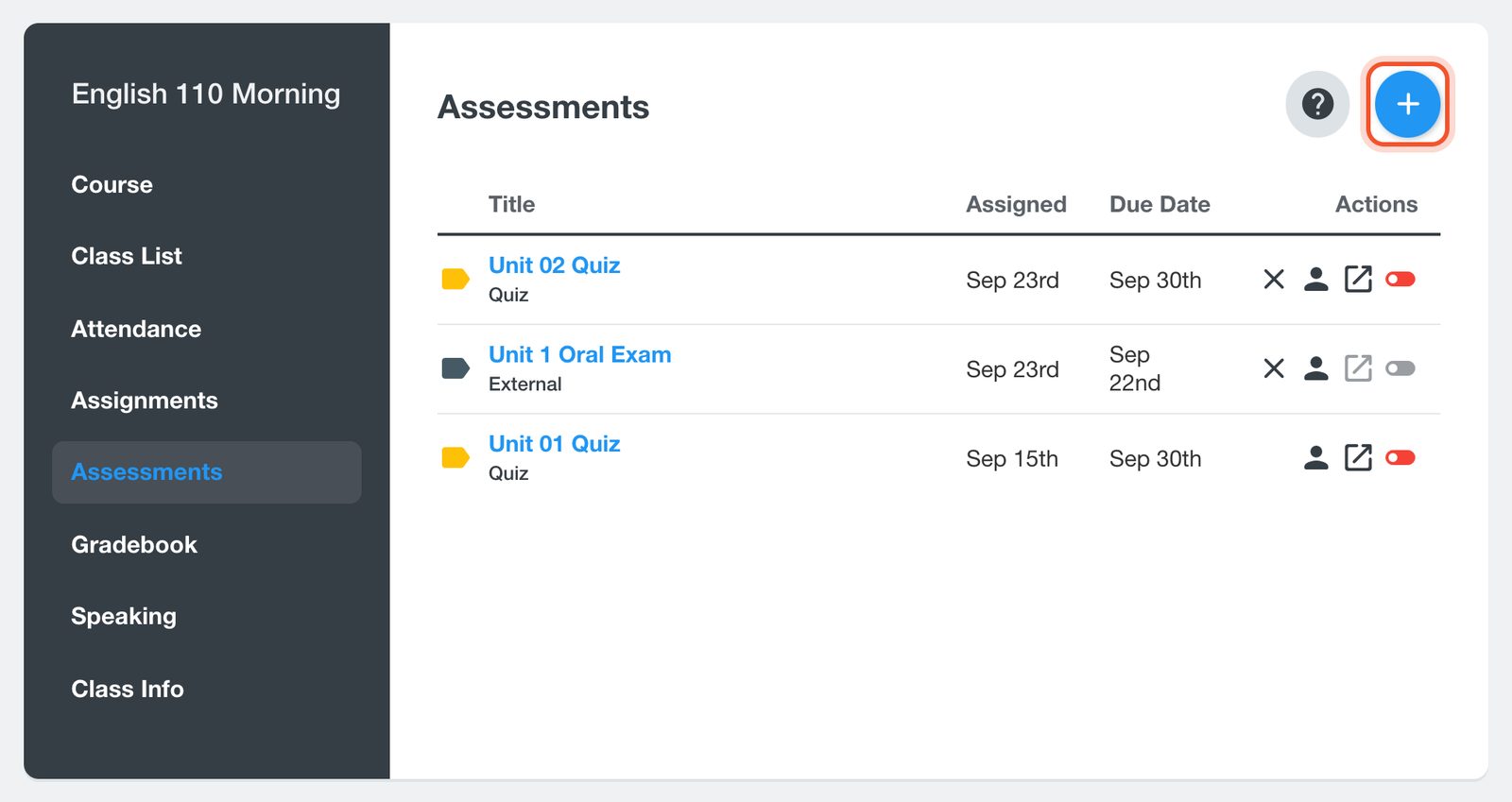
Open your class, click Assessments, then click the + button.
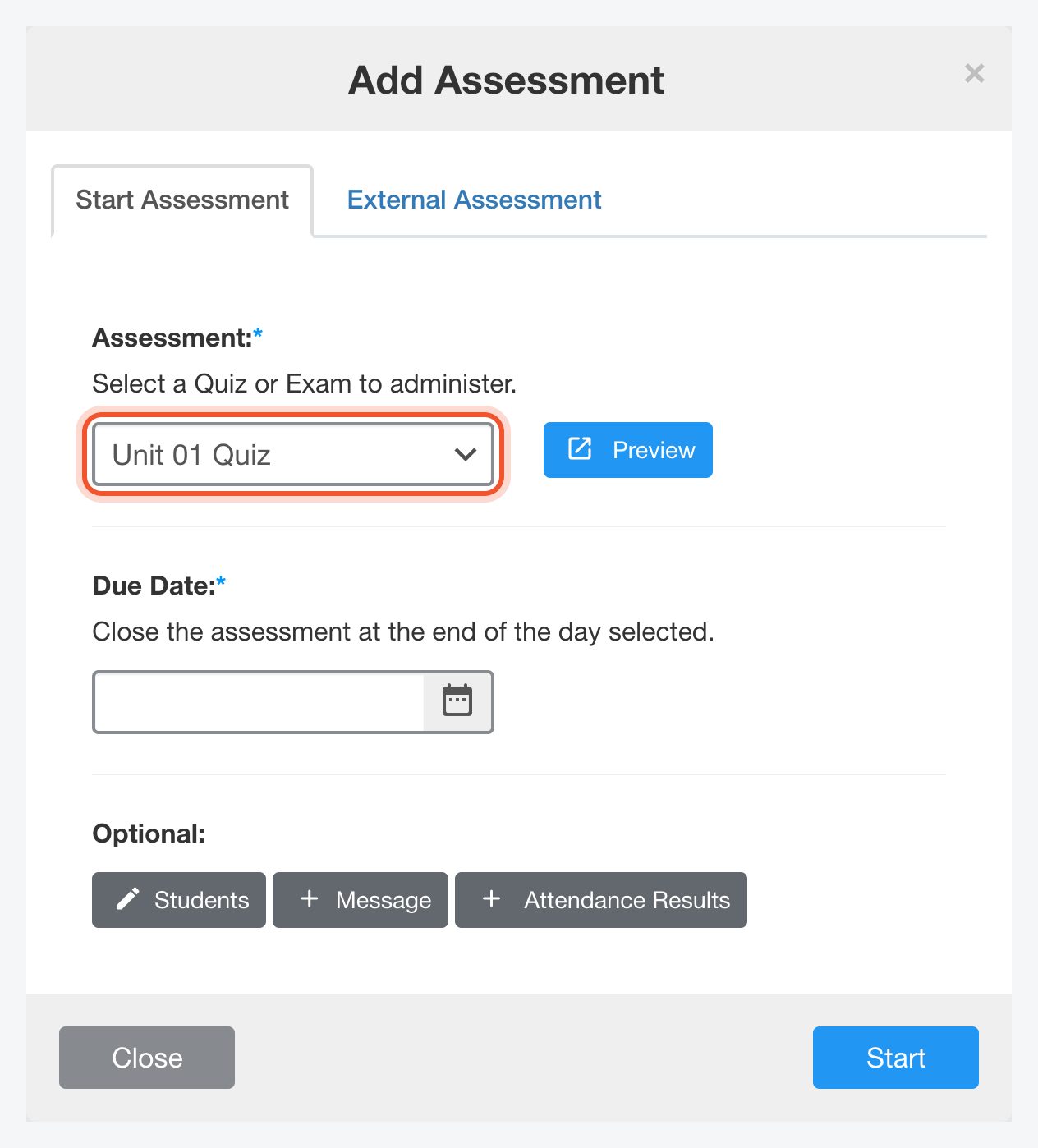
On the Start Assessment tab, choose the quiz or exam. Click Preview to see it first.
Choose a Due Date. The assessment closes at the end of that day.
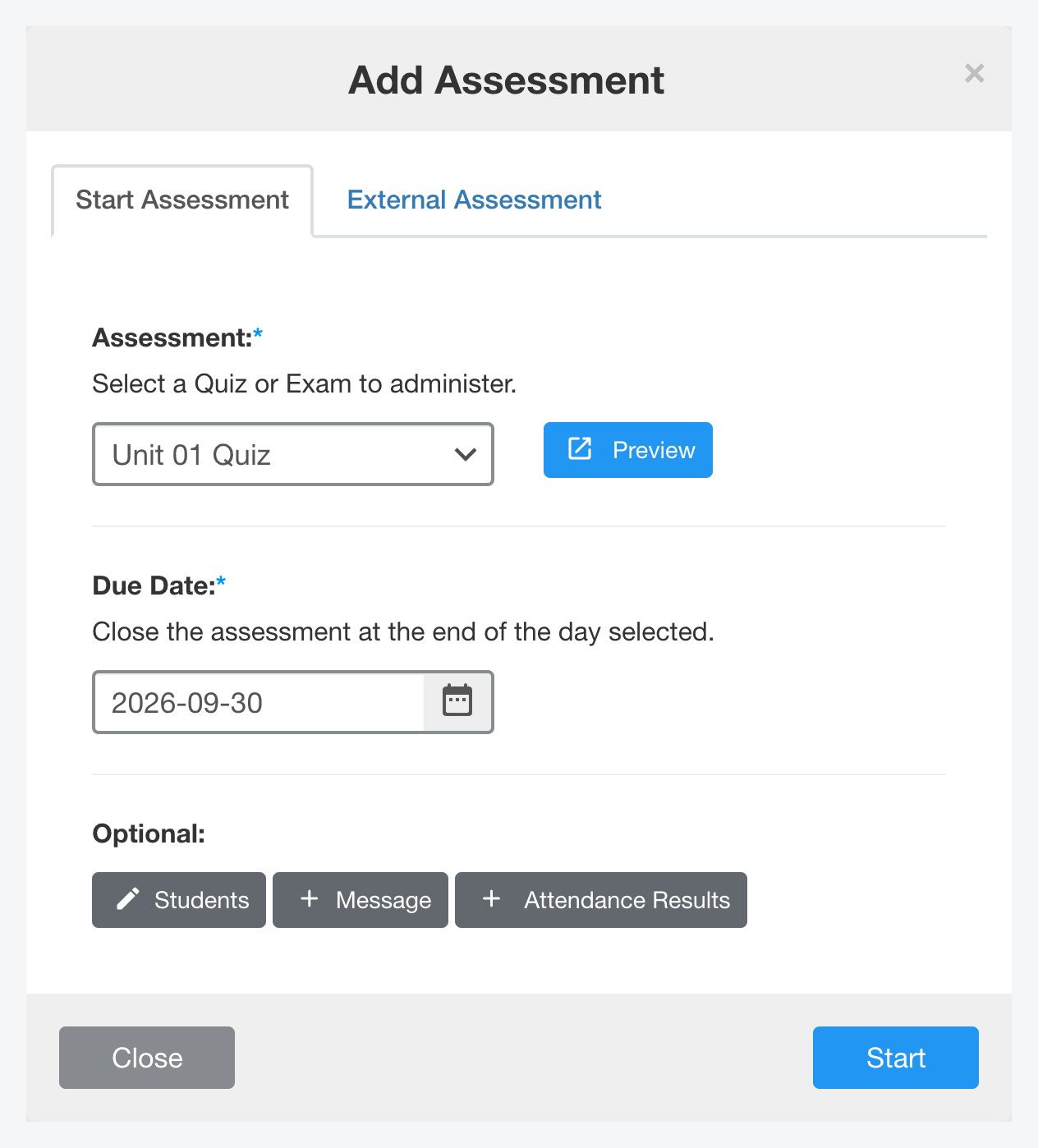
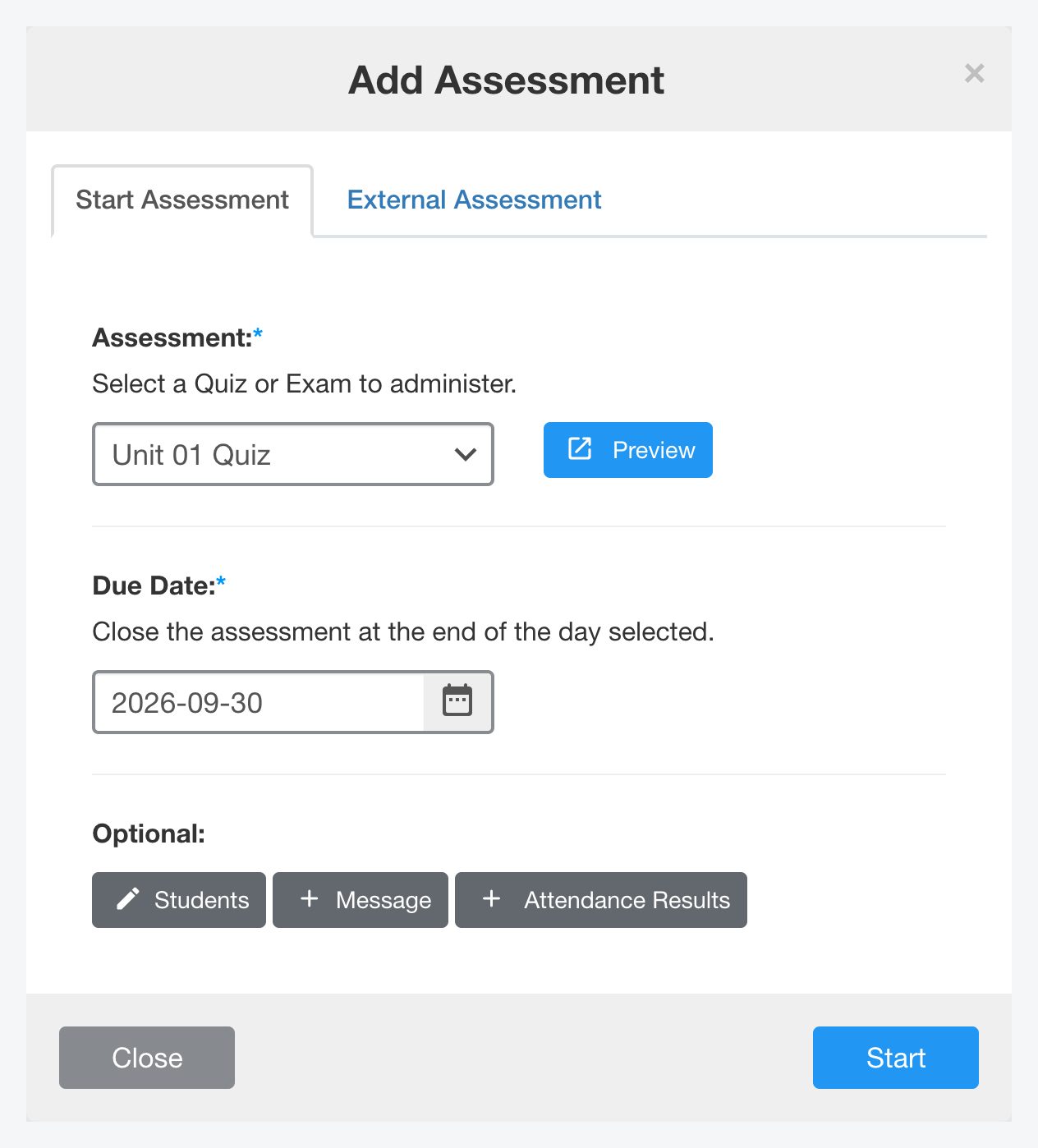
Under Optional, you can choose which Students take it, add a Message, or include Attendance Results for a date range. Click Start.
The assessment appears on the Assessments page with the date it was assigned and its due date.
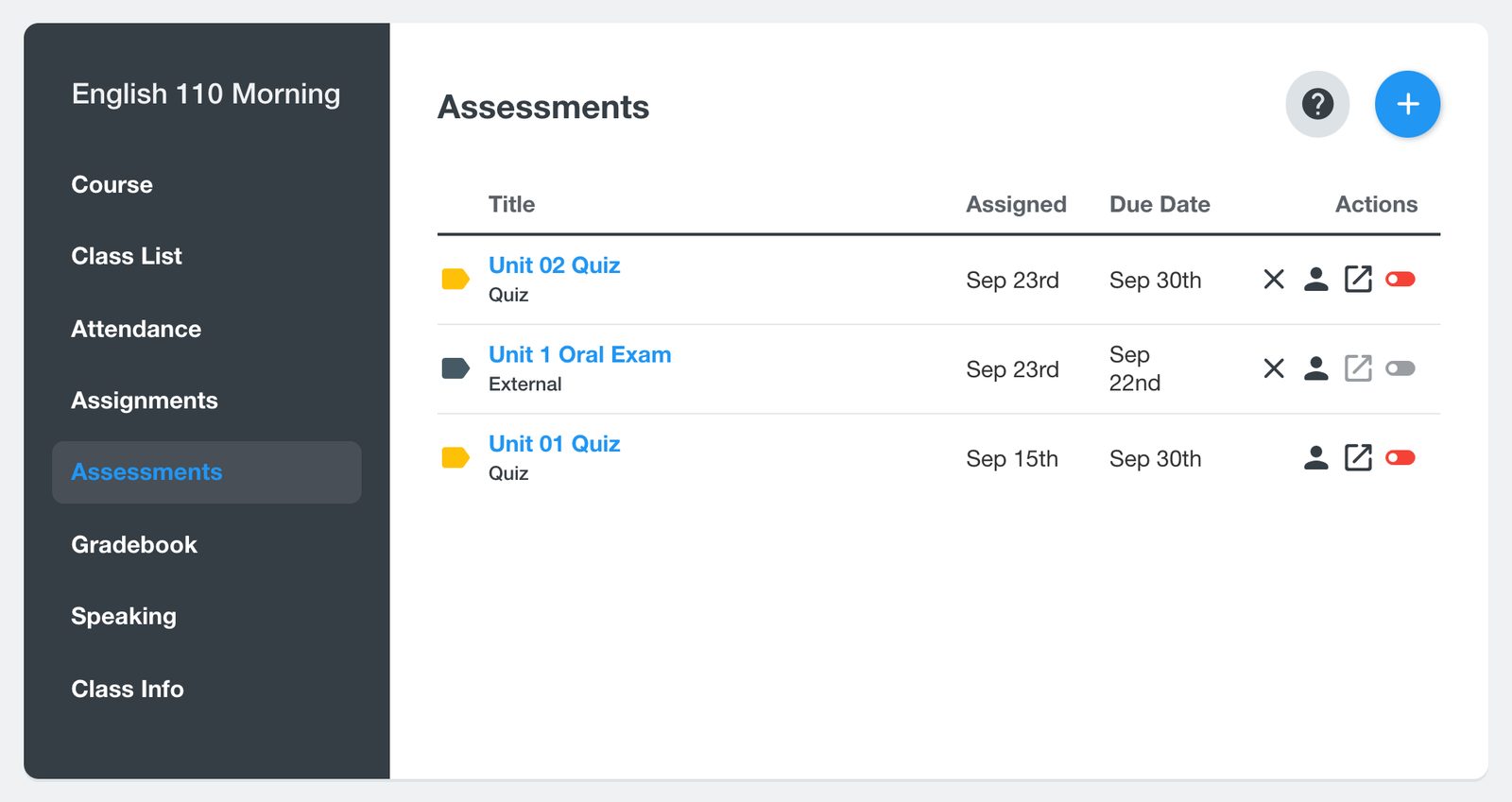
To record a test done on paper, use the External Assessment tab and choose whether it counts as a quiz or an exam.


